VFR Control:Coarse / Fine
- Coarse:See 9. Appendix 1
- Fine:VFR fine control, 1 frame per step.
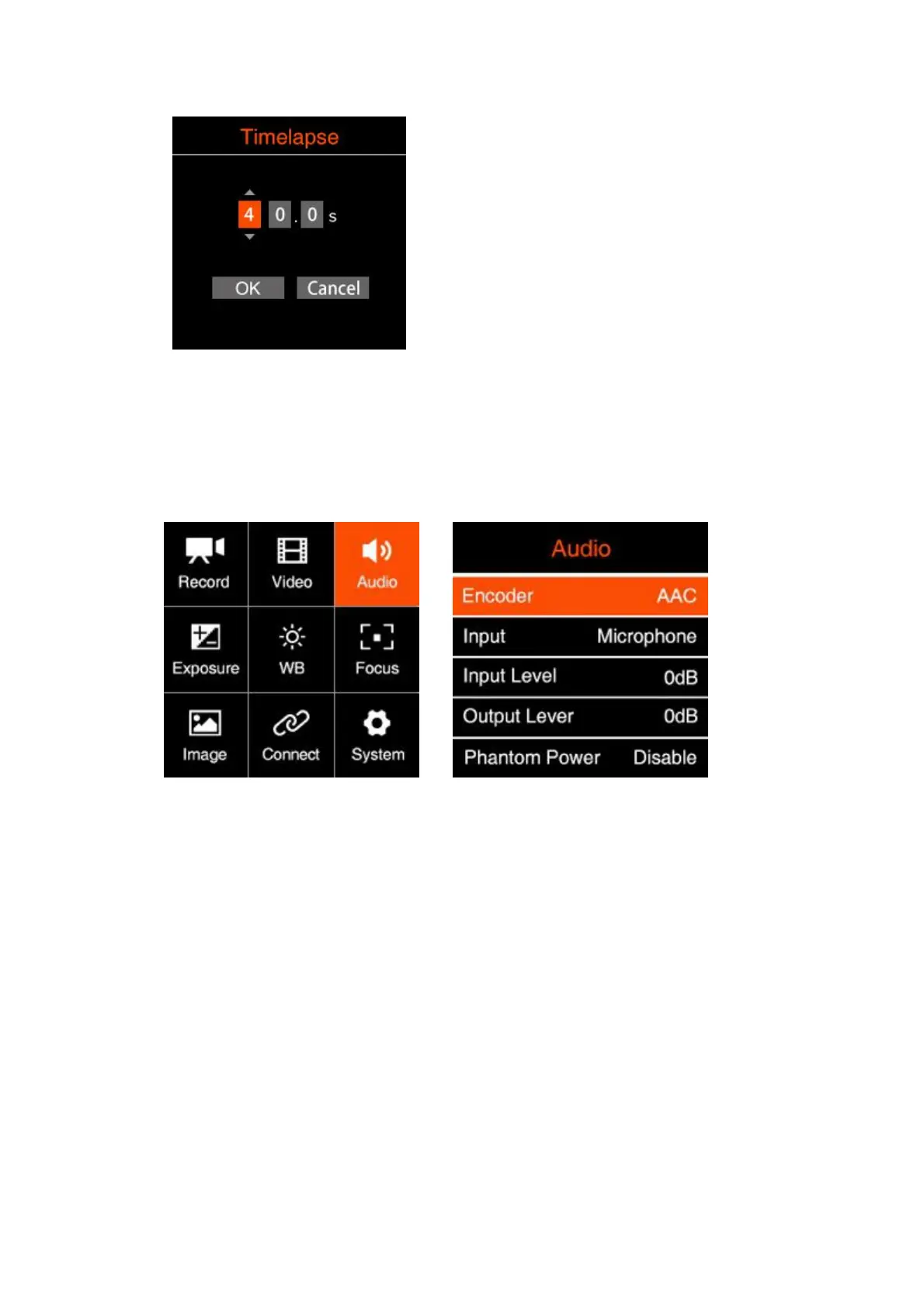
2.4. Audio
Encoder: None / AAC / PCM
Input: Off / Microphone / XLR / Mic Left + XLR Right / Mic Right + XLR Left
Off:Turn off all audio input.
Microphone:The camera will use built-in microphone as audio input if there is
no external microphone plugged into the 3.5mm audio-in port, and will use the
external microphone if there is one plugged into the 3.5mm audio-in port.
XLR:Take XLR port as audio-in
Mic Left + XLR Right: Take 3.5mm audio-in(microphone) left channel, and
XLR port right channel to merge for audio-in
Mic Right + XLR Left: Take 3.5mm audio-in(microphone) right channel, and
XLR port left channel to merge for audio-in
Input Gain: Control / Manual Gain



 To Next Page