Connection through a Router
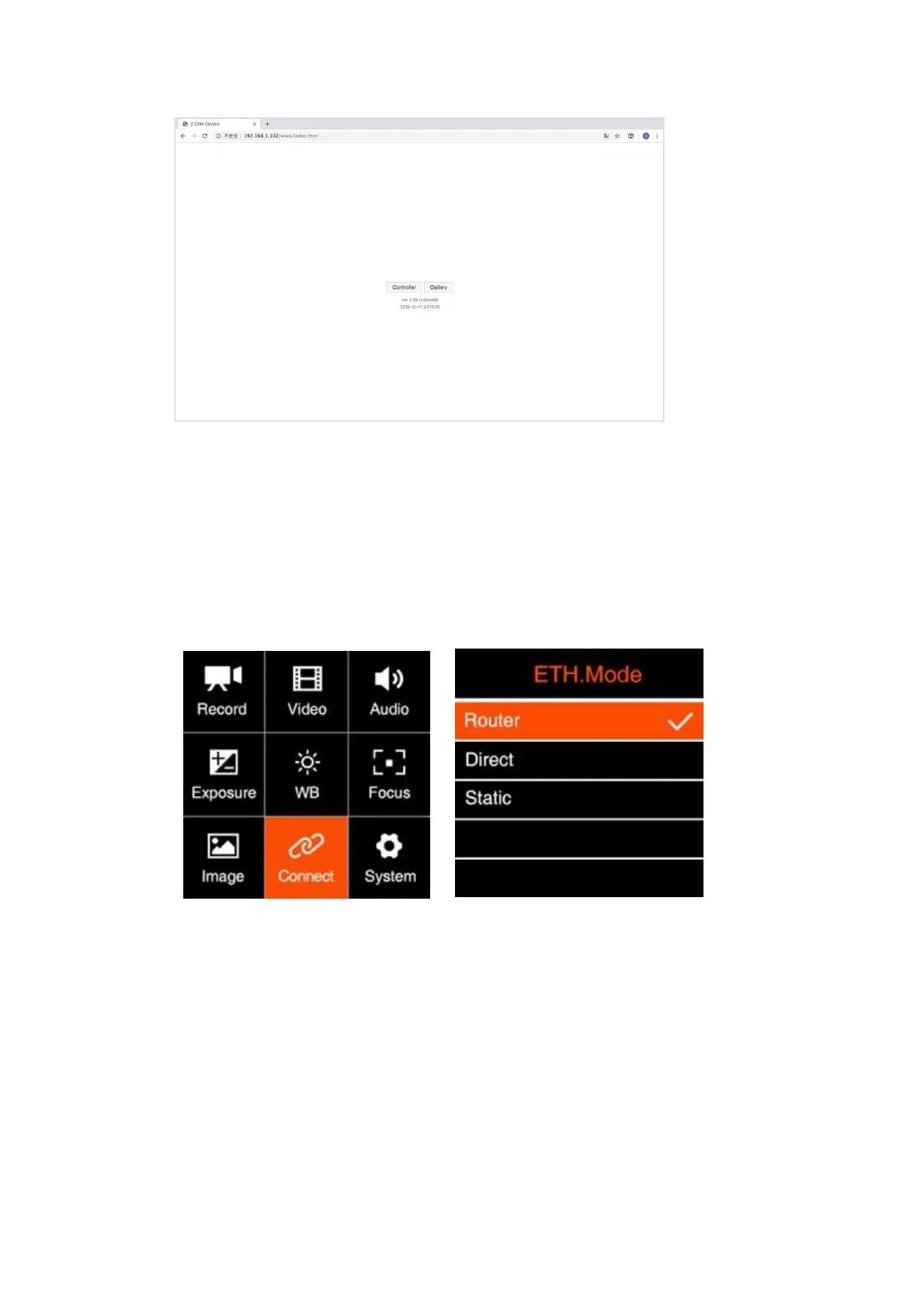
You can set up an Ethernet connection between the camera and a computer through a
router with following steps:
1. Set the Network-ETH. Mode to “Router” in Connect-Network setting (2.10
Connect – Network-ETH. mode)
2. Connect the camera to a router with an Ethernet cable, then connect the router to
the computer with Ethernet cable or Wi-Fi. (Note: Camera and PC should connect
to the LAN port of router, not WAN port)



 To Next Page