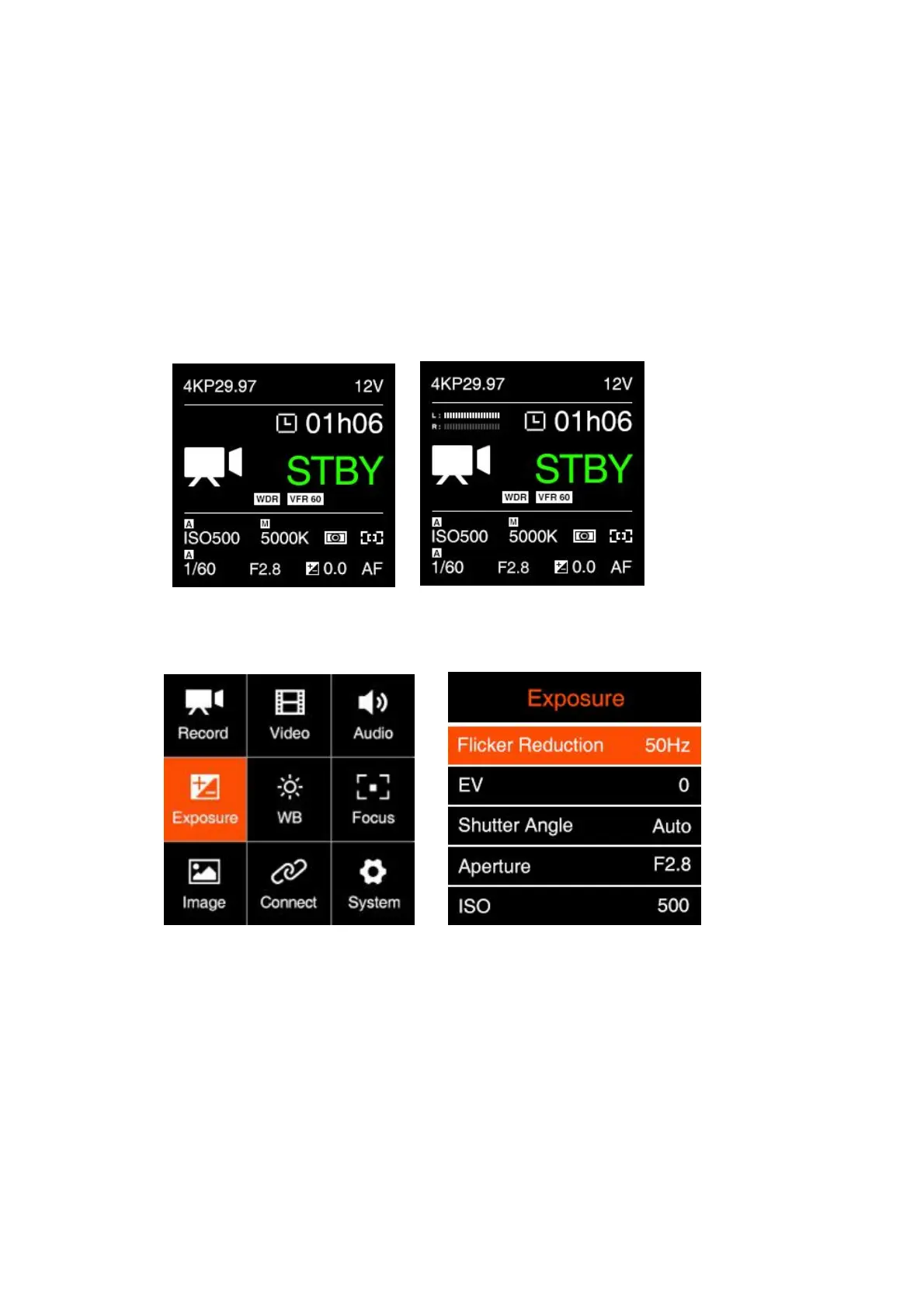
- Control: Auto / Manual
- Manual Gain: -18 ~ 6 dB, can be set manually.
Output Gain: -6 ~ 6 dB, can be set manually.
Phantom Power: Enable / Disable. Available when “Input” is set to “XLR”,” Mic Left +
XLR Right” and “Mic Right + XLR Left” to enable or disable the phantom power of the
XLR port.
Audio Level Display: Disable / Enable
2.5. Exposure
Flicker Reduction : 60Hz / 50Hz. It’s set to eliminate light flicking caused by the
frequency of the electricity, which is 60Hz in North America and some parts of Asia.
(South Korea,Philippines,Taiwan of China), And 50Hz for China mainland, other
countries and regions.
EV: -3.0 ~ 3.0
Shutter Speed / Shutter Angle: This setting depends on whether “Shutter Speed” or
“Shutter Angle” is selected in 2.5 Exposure - Shutter Operation
Shutter Speed: Auto / Manual



 To Next Page