Dual Native ISO: Auto / Low / High. Setting of the Native ISO here will determine the
range of ISO and Max ISO, as listed above.
Max Shutter Speed / Max Shutter Angle: This setting will be activated if Shutter
Speed / Shutter Angle is in Auto mode.
Max Shutter Speed: Auto / Manual (1” ~ 1/1600” )*
Max Shutter Angle: Auto / Manual (1°~ 360°)
Metering Mode: Center / Average / Spot, it sets the metering mode of exposure.
Shutter Operation: Speed / Angle
ISO Control: Fine / Native ISO
Fine: User can select from the ISO range in details;
Native ISO: User can only use native ISO 500 / 2500 (250 / 1250 in when WDR
is enabled)
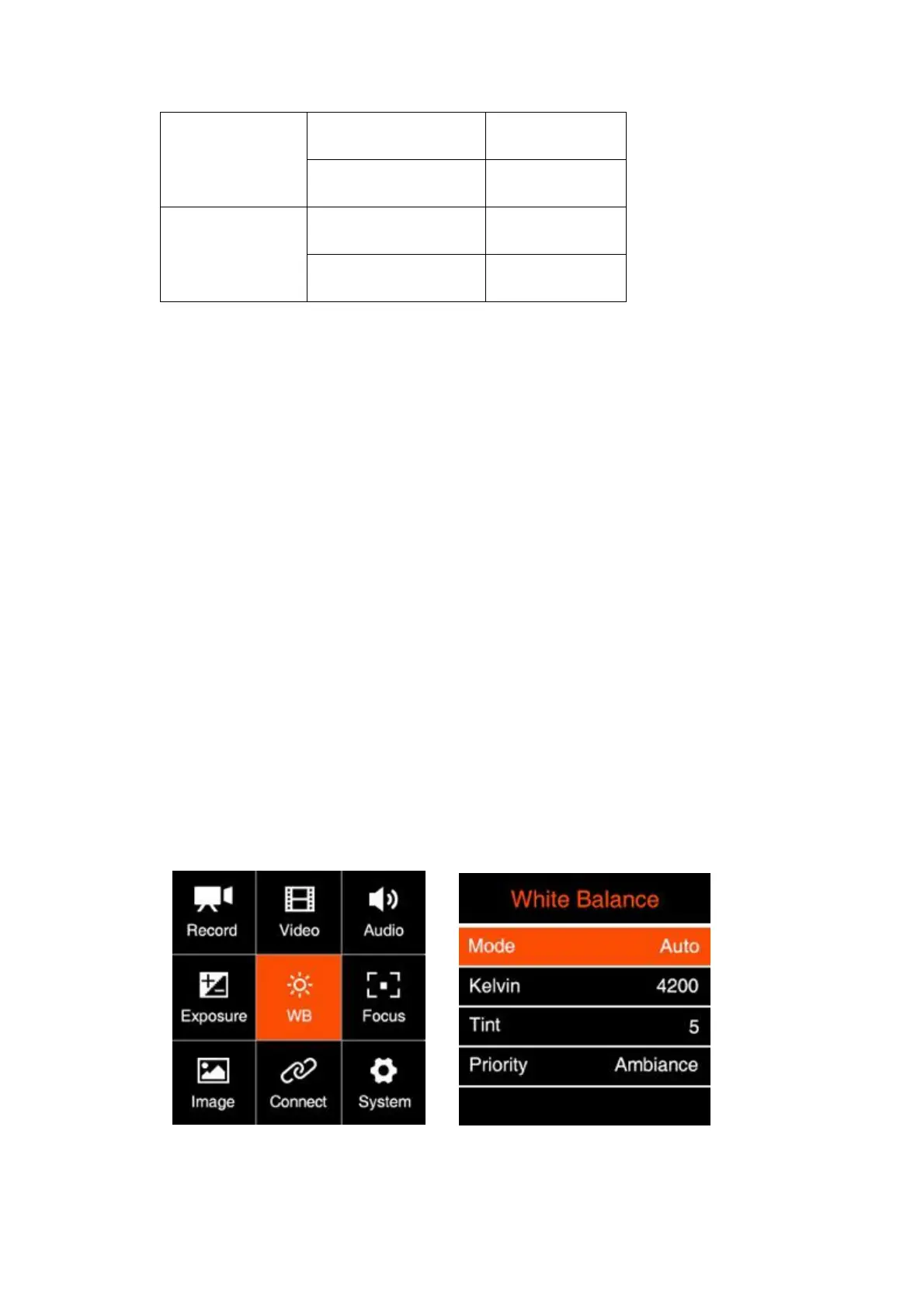
2.6. White Balance
Mode: Auto / Incandescent / Cloudy / D10000 / Fluorescent / Daylight / Shade /
Manual



 To Next Page