Kelvin: When White Balance is set to “Auto” or “Preset Value”, it shows the current
color temperature, when White Balance is set to “Manual”, it can be adjusted
manually (2300 K ~ 7500 K)
Tint: -100 ~ 100, default is 0.
Priority: Ambiance / White *
- Ambiance: To increase the intensity of the image’s warm color cast when
shooting a tungsten-light scene.
- White: To reduce the intensity of the image’s warm color cast when shooting a
tungsten-light scene.
* It’s fixed to White priority when the Image Profile is Z-Log2 and White Balance is set
to Auto.
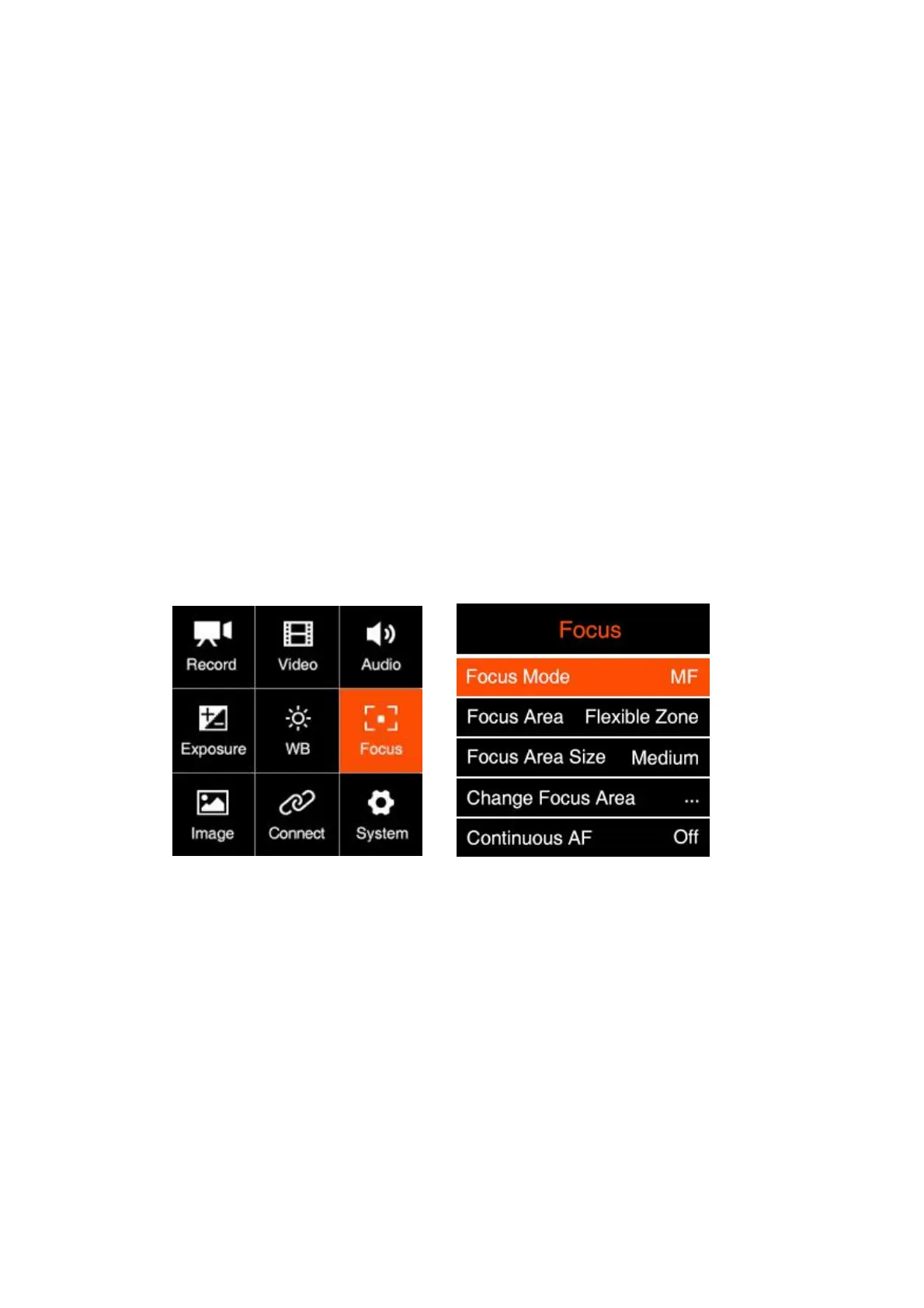
2.7. Focus
Focus Mode: MF (Manual Focus) / AF (Auto Focus)
Focus Area: Flexible Zone / Human Track. This will only be enabled when Focus
Mode is set to “Auto Focus”.
- Flexible Zone: Can move focus area via Up / Down button
- Human Track: The camera can detect whether there is a human body in the
picture. If yes, the focus area will keep tracking the human body automatically.
Focus Area size: Small / Medium / Large. This will only be enabled when Focus
Mode is set to “AF” and Focus Area is set to “Flexible Zone”.
Change Focus Area: Move the focus area via Up / Down button. This will only be
enabled when Focus Mode is set to “AF” and Focus Area is set to “Flexible Zone”.



 To Next Page