2. Camera Settings
2.1. Quick Setting
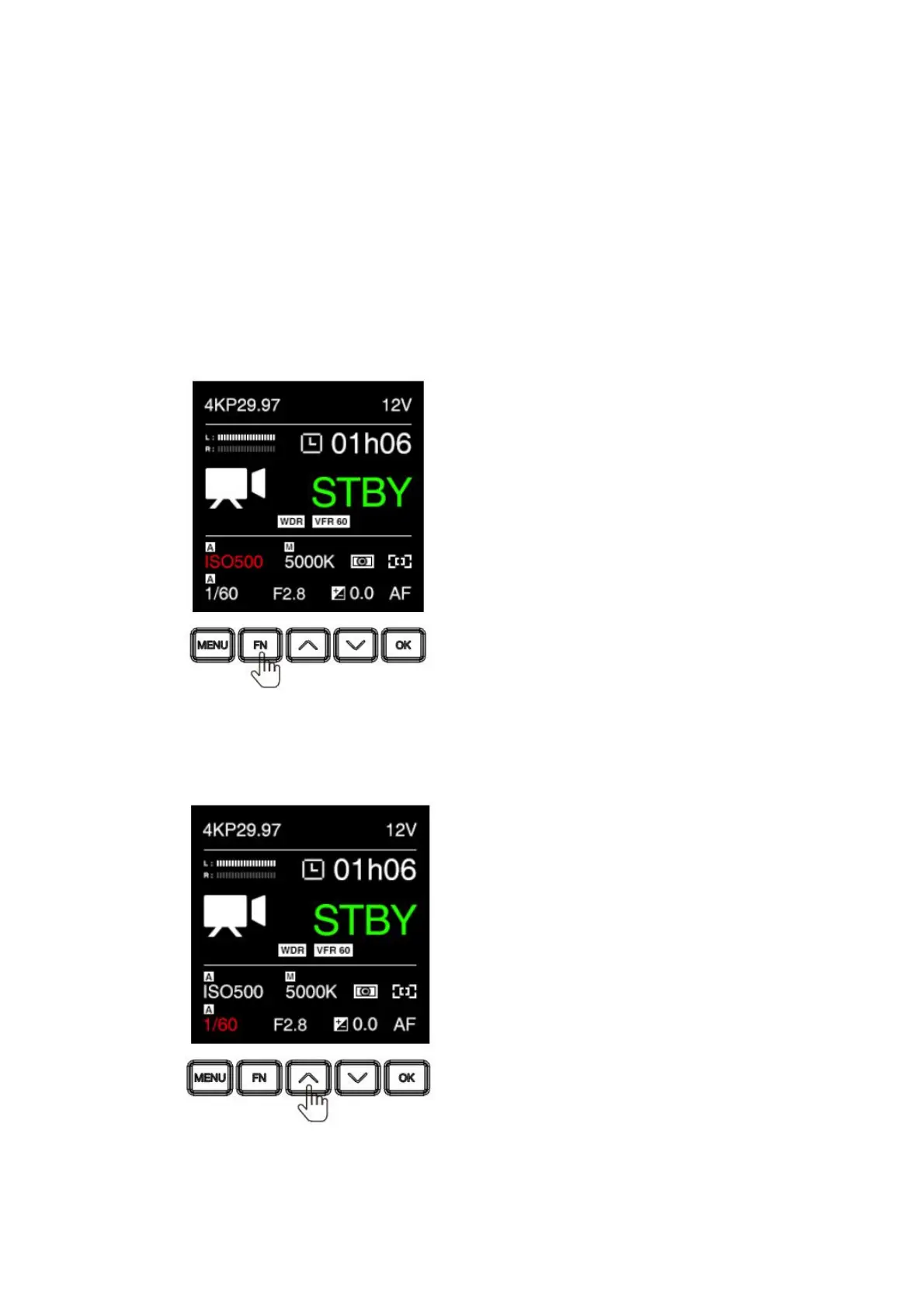
When the camera is in Standby or Recording mode, some key settings can be quickly
accessed by pressing the buttons on the camera.
ISO: Press FN to set ISO, then press Up / Down to adjust the value, and OK to
confirm.
Shutter: Press UP to set shutter speed / angle (refer to 2.5 Exposure – Shutter
Operation about shutter speed / shutter angle), then press Up / Down to adjust
the value, and OK to confirm.
Aperture:Press F3 to set the aperture, then press Up / Down to adjust the value,
and OK to confirm.



 To Next Page