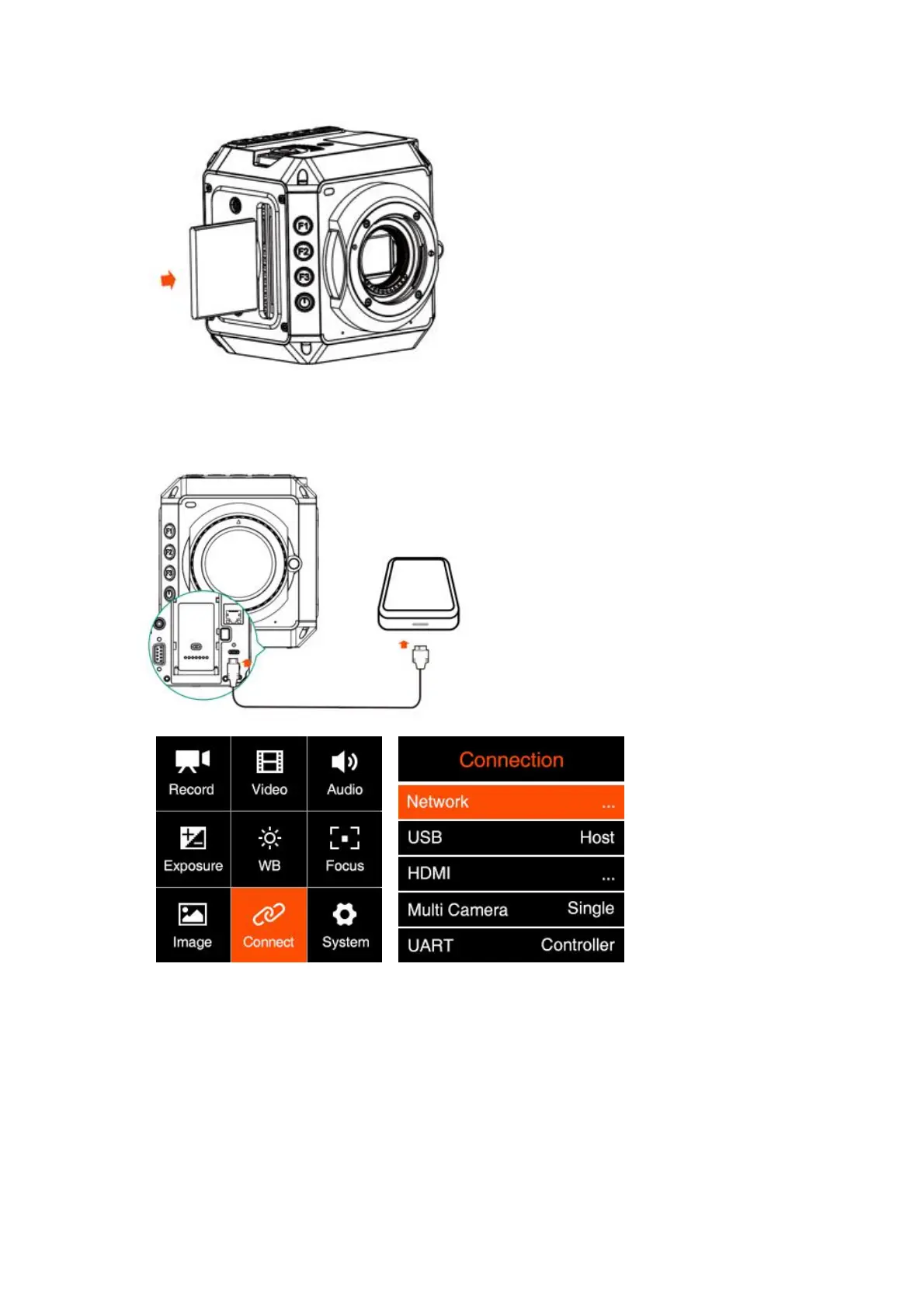
SSD: Connect the SSD through USB-C port on back of camera as storage. (Note:
USB-C port must be in “Host” mode, see 2.9 Connect - USB)
Please not that the SSD will NOT be recognized if there is CFast card in the camera.
Attention: When using a CFast or SSD on Z CAM E2 for the first time, please format it
(2.10 System – Format Card).



 To Next Page