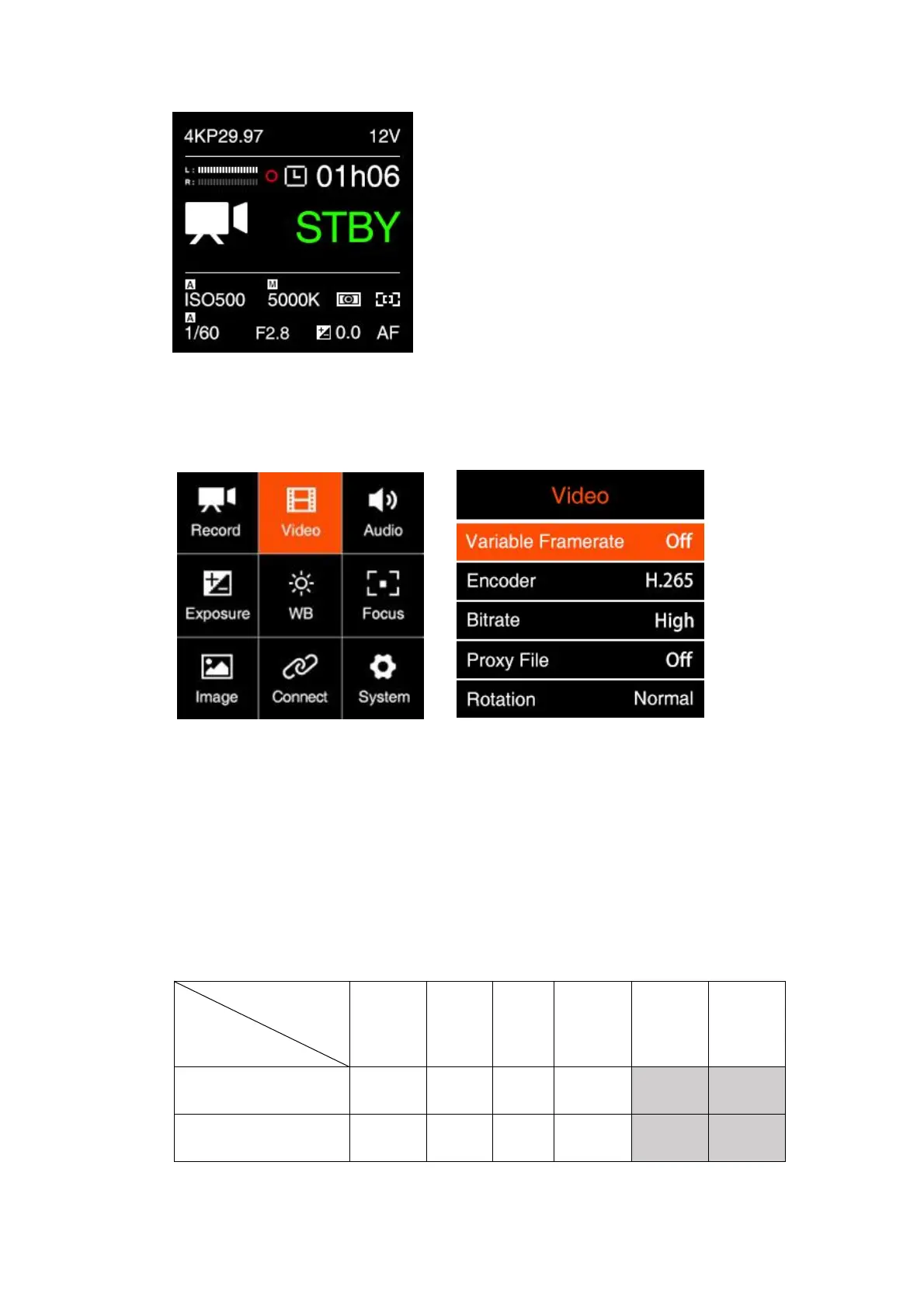
2.3. Video
Variable Frame Rate (VFR): With VFR you can set a different frame rate for
capturing based on the Project FPS for recording, in this way you can get a
slow-motion or fast-motion footage.
VFR options are related to the Resolution and Project FPS in Record setting, and
whether to enable Wide Dynamic Range (WDR).
Here list the maximum VFR under each setting combination as below:
WDR Off



 To Next Page