Engish •
Find more information at www.zacorobot.eu 11
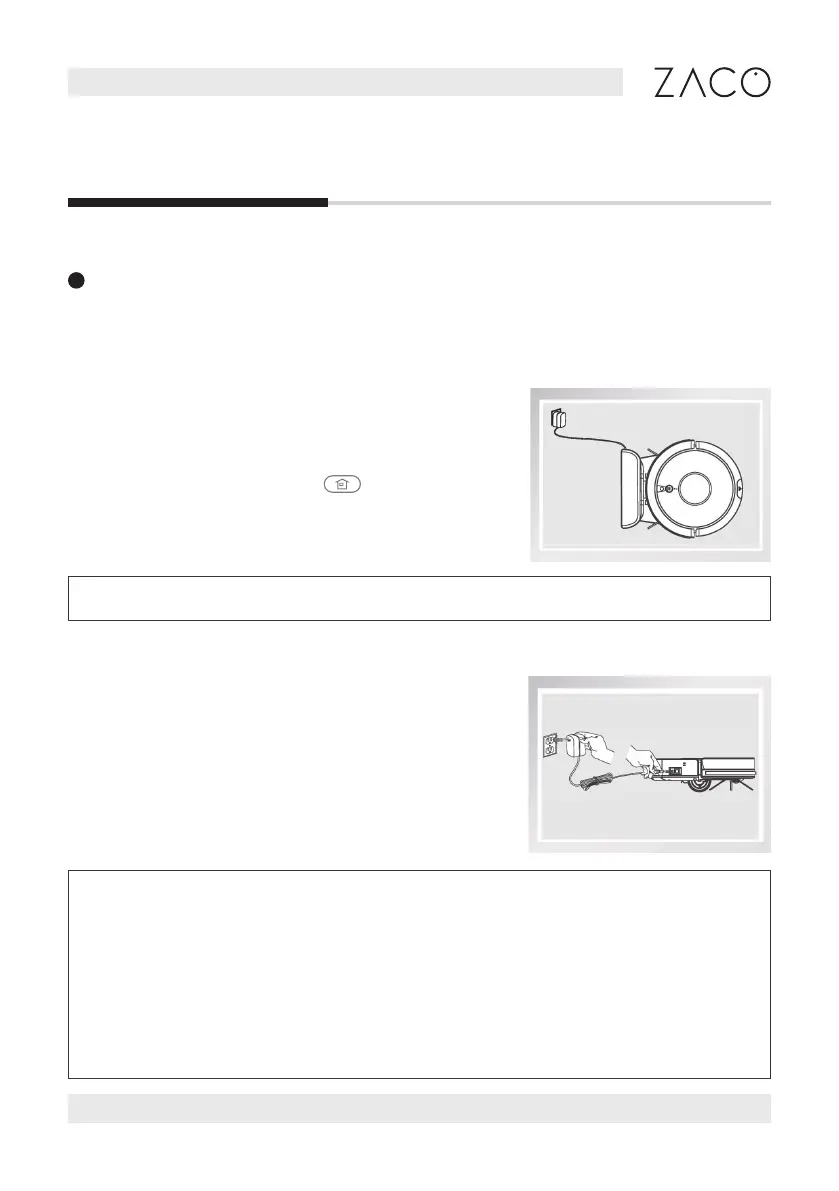
a) Auto charging
1. In Auto mode, the robot will search for the charging
station to charge when the battery is low.
2. In standby mode, press the
button on the
remote control to instruct the robot to search for
the charging station.
b) Manual charging
Turn on the power switch on the side of the robot.
Plug the power adapter jack directly into the robot
and connect the other side of the adapter to the
electrical socket to charge.
Product operation
1. For daily use, please place the robot on the charging station. Make sure
that the power adapter is plugged in and that the robot is turned on.
2. If the robot will not be used for a long time, please charge it completely
before turning o the power switch. Store the robot in a dry and ventilated
place.
3. In schedule mode, please do not use the manual charging method. Other-
wise, the robot cannot perform the cleaning task at the scheduled time.
Note: Please pay attention to the charging pins. Dirty pins will negatively aect charging.
3
Start charging
Put the robot on the charging station so that the charging pins on the bottom of the
robot align with the ones on the charging station.



 To Next Page