English •
22 Find more information at www.zacorobot.eu
App download and user instruction
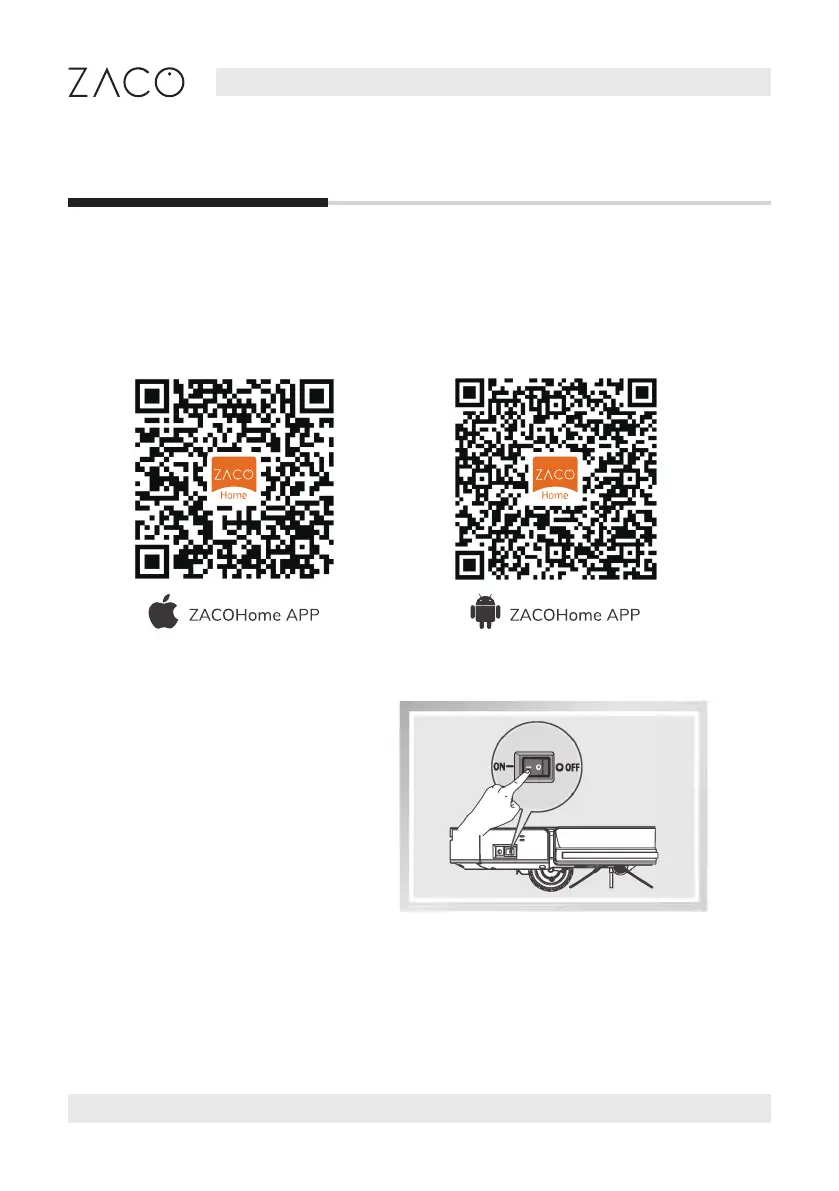
Your robot can be controlled remotely with the “ZACOHome” smartphone app.
Please download the app from the Google Play Store or the iOS App Store.
To connect your robot to the app, please follow the instructions given by the app.
1. Make sure the smartphone is
connected to the home Wi-Fi
network and has good signal.
2. Create an account in the
ZACOHome app and log in.
3. Turn o the robot and turn it back
on before pairing to the Wi-Fi.
Dowloading the app
Connecting the robot



 To Next Page