Engish •
Find more information at www.zacorobot.eu 21
Product operation
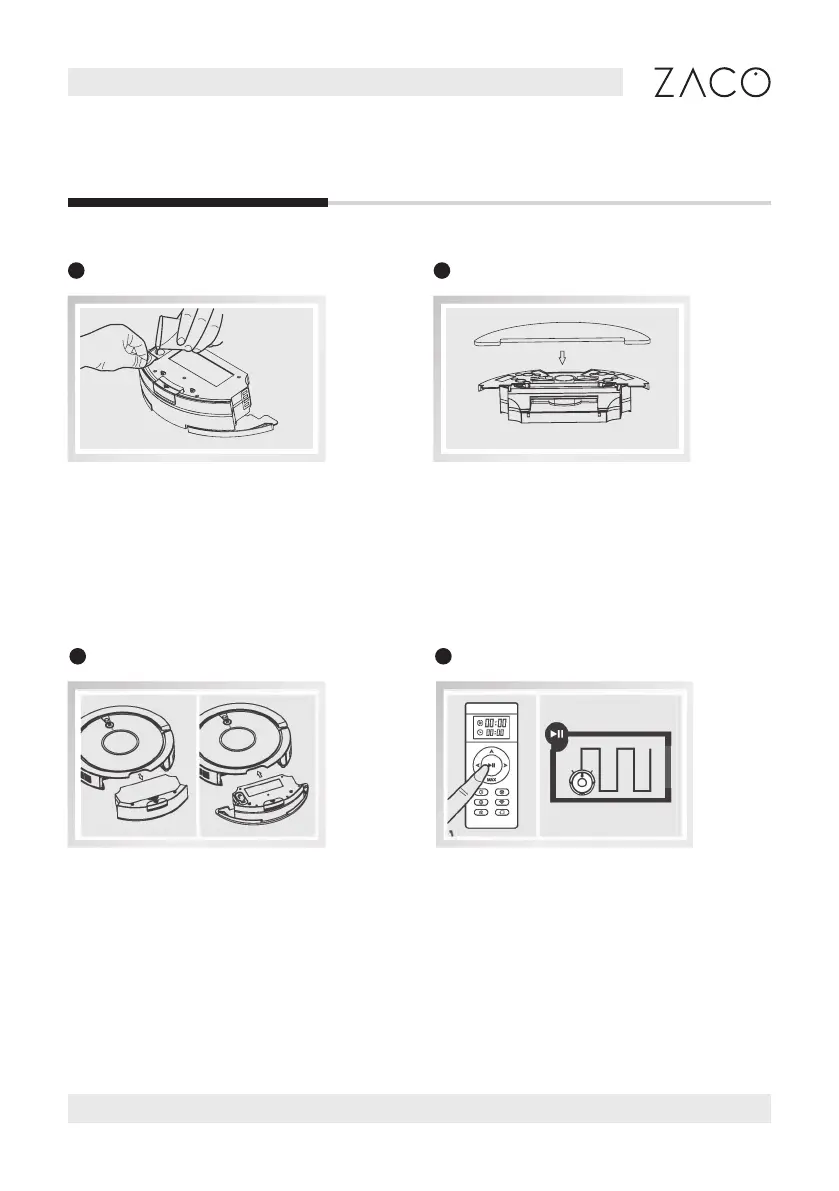
Open the rubber plug at the top of the
water tank and slowly pour in clean
water through the nozzle. Make sure
to close the tank securely afterwards.
Turn the water tank around and install
the mopping cloth by attaching the
edges rst and then letting the cloth
stick to the velcro.
1
Add water
2
Install mop cloth
Take out the dust bin and install
the water tank.
Press the Auto button to start the
mopping function.
3
Install water tank
4
Mop function



 To Next Page