English •
18 Find more information at www.zacorobot.eu
Product operation
2
Set up the schedule time
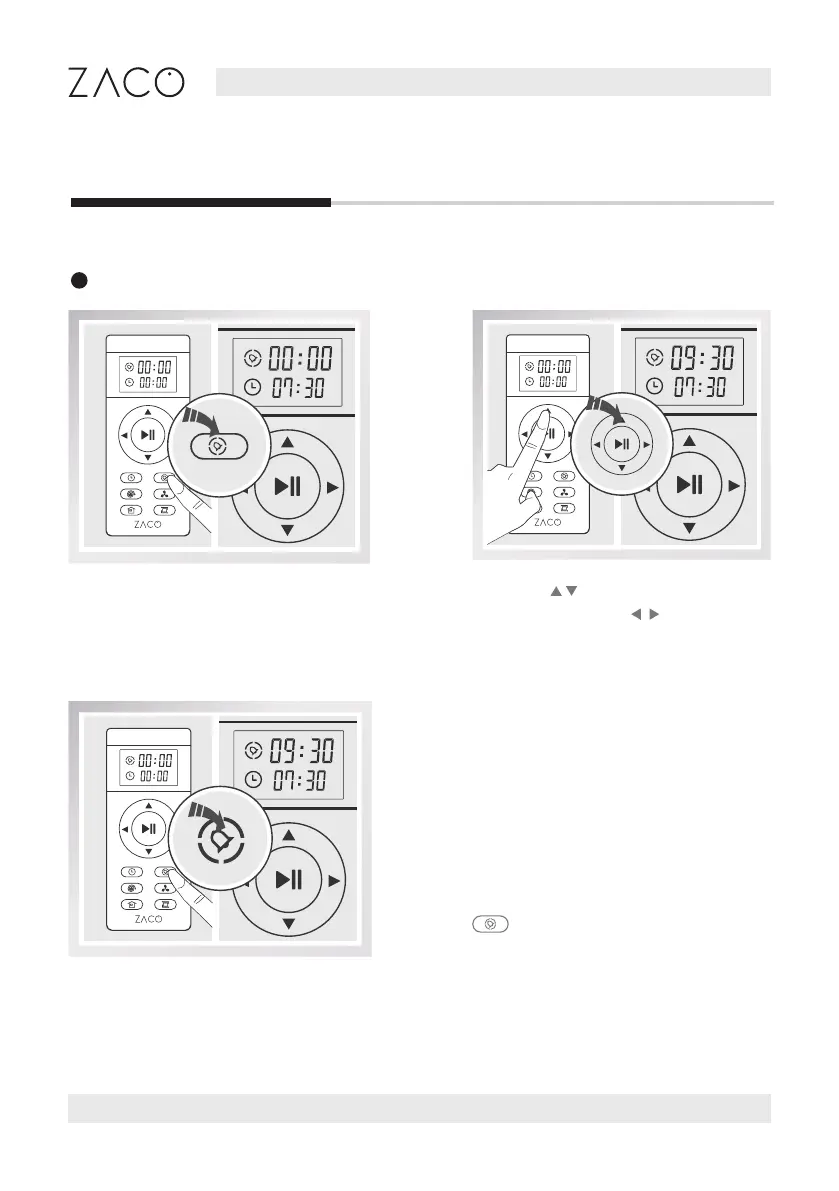
Press the button. The Schedule icon
and the rst two numbers will then
be ashing.
After setting the time, press the
button to save. The robot will
begin to work at the scheduled time.
Press the
buttons to adjust the
numbers. Press the buttons to
change hour and minutes.



 To Next Page