EasyManua.ls Logo

ZACO M1S - User Manual

ZACO M1S
162 pages
Print Icon
To Next Page IconTo Next Page
Loading...
Find more information at
www.zaco.eu
M1S
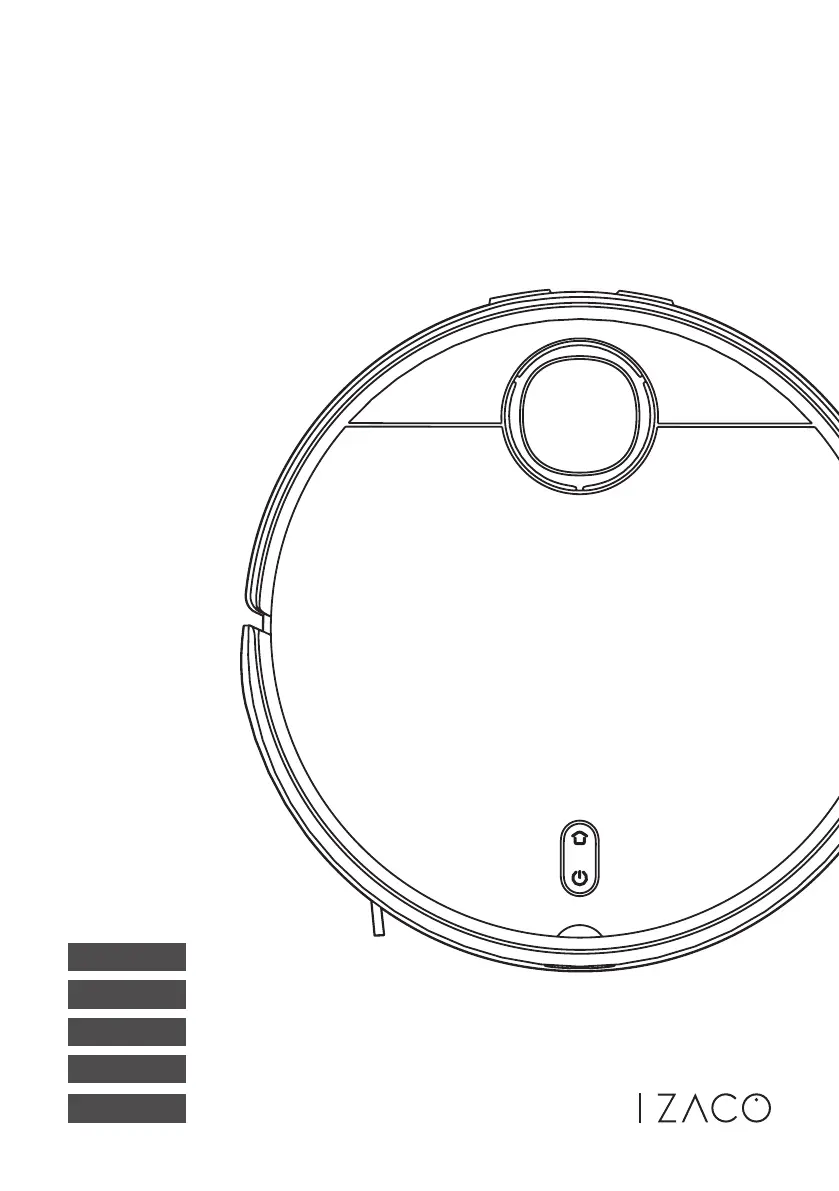
Robot Vacuum Cleaner
User Manual
Italiano
Français
Español
Deutsch
English

Table of Contents

Questions and Answers

  • M
    Melissa TurnerAug 21, 2025
    How to fix ZACO M1S Vacuum Cleaner when robot is offline?
    • M
      Mary GregoryAug 22, 2025
      If your ZACO Vacuum Cleaner robot is offline, the issue might be a weak Wi-Fi signal. Ensure the robot is within range of the Wi-Fi signal and verify your network settings. You may also need to reset the Wi-Fi connection and download the latest version of the app.
  • G
    Gwendolyn Lewis DVMSep 4, 2025
    Why ZACO M1S Vacuum Cleaner robot cannot return for charging?
    • R
      Randy LeeSep 4, 2025
      If your ZACO Vacuum Cleaner robot cannot return for charging, there may be too many barriers around the cleaning station, or the robot is too far away from it. Place the cleaning station as described earlier, or place the robot near the cleaning station and try again.
  • G
    Gregory OneillSep 3, 2025
    Why my ZACO M1S Vacuum Cleaner robot fails to charge?
    • M
      Mary MillerSep 3, 2025
      To ensure your ZACO Vacuum Cleaner robot charges properly, make sure there is sufficient space around the cleaning station and that there is no dust or blockage on the surface of the electrodes of the cleaning station.
  • J
    John BakerSep 1, 2025
    What to do if my ZACO M1S robot fails to start cleaning?
    • C
      Chad RosarioSep 1, 2025
      If your ZACO Vacuum Cleaner robot fails to start cleaning, it may be due to a low battery. Please charge it before using.
  • C
    Christine RogersAug 30, 2025
    Why my ZACO M1S is unable to power on?
    • C
      Connie MarksAug 31, 2025
      If your ZACO Vacuum Cleaner is unable to power on, the battery may be low. Please charge it before using.
  • J
    Jo DiazAug 29, 2025
    Why is the cleaning performance of my ZACO M1S deteriorating?
    • D
      Donald FullerAug 29, 2025
      If the cleaning performance of your ZACO Vacuum Cleaner deteriorates, or if dust escapes, it may be due to a full dustbin, a blocked filter screen, or a blocked main brush. Please empty the dustbin and clean the filter screen and main brush.
  • J
    jefferyfryeAug 27, 2025
    What to do if the dirty water tank is full in ZACO M1S Vacuum Cleaner?
    • S
      Stephanie LewisAug 28, 2025
      Please empty out the water in the dirty water tank of your ZACO Vacuum Cleaner and clean it up regularly.
  • S
    solisnicholasAug 27, 2025
    What to do if clean water tank is empty in ZACO M1S?
    • A
      Amanda Murphy MDAug 27, 2025
      Please check and refill the clean water tank of your ZACO Vacuum Cleaner.
  • K
    Keith RamosAug 25, 2025
    What to do if dirty water tank is full in ZACO Vacuum Cleaner?
    • J
      joseph94Aug 25, 2025
      If the dirty water tank of your ZACO Vacuum Cleaner is full, please check and clean the tank.
  • P
    Peter SanchezAug 23, 2025
    How to fix ZACO Vacuum Cleaner robot when it is always offline?
    • J
      Jordan TrevinoAug 23, 2025
      To resolve the issue of your ZACO Vacuum Cleaner robot being always offline, please ensure that the robot network configuration is successful and that the robot is always within the range of Wi-Fi signal.

Summary

ZACO Customer Support

Customer Service Contact Information

Provides phone numbers, email, and website for customer support.

ZACO Social Media Channels

Links to ZACO's social media profiles for community engagement and updates.

Safety Instructions

Safe Usage Guidelines

Guidelines for safe and proper operation of the robot vacuum cleaner.

Environmental and Battery Handling

Information on environmental impact and battery removal procedures.

Product Overview

Package Contents

Lists all items included in the robot vacuum cleaner box.

Robot Component Identification

Diagram identifying the parts and sensors of the robot vacuum cleaner.

Cleaning Station Component Identification

Diagram identifying the parts of the cleaning station and its tanks.

Operational Status Indicators

Explanation of light signals indicating the operational status of the robot and cleaning station.

How to Use Your Robot

Cleaning Station Setup and Installation

Instructions for setting up the charging and cleaning station with required clearances.

Dustbin Installation

Steps to correctly insert and secure the dustbin into the robot.

Water Tank and Mop Setup

Procedure for installing the mop cloth and filling the clean water tank.

Robot Operation and Control

Guide to starting, pausing, resuming, and managing cleaning modes via buttons and APP.

App Integration and Setup

Download the ZACO Home App

Instructions to scan QR codes for downloading the mobile application.

Wi-Fi Network Connection

Steps to connect the robot to your Wi-Fi network for app control.

Product Maintenance

Dustbin and Filter Cleaning

Detailed steps for removing and cleaning the robot's dustbin and filter screen.

Dirty Water Tank and Sieve Cleaning

Procedure for emptying and cleaning the dirty water tank and sieve.

Main and Side Brush Maintenance

Instructions for removing, cleaning, and reinstalling the main and side brushes.

Front Wheel and Sensor Cleaning

Guide on cleaning the front wheel and boundary/IR sensors.

Clean Water Tank Filter Pipe Maintenance

Steps to remove, clean, and reinstall the filter pipe in the clean water tank.

Troubleshooting Guide

Common Fault Prompts and Solutions

Lists common error messages and their corresponding solutions for quick reference.

Connectivity and Scheduling Issues

Resolves problems with Wi-Fi connection, app pairing, and scheduled cleaning.

Operational and Charging Problems

Addresses issues like robot not starting, being offline, or failing to charge/return.

Technical Specifications

M1 S Robot Vacuum Specifications

Detailed technical specifications including size, weight, power, and cleaning modes.

Cleaning Station Specifications

Technical details for the cleaning station, including dimensions and electrical inputs.

Wireless Information and Compliance

Wireless Frequency and Output Power

Details on the TX/RX frequencies, antenna gain, and RF output power.

EU Declaration of Conformity

Statement confirming the product's compliance with EU regulations for radio equipment.

ZACO M1S Specifications

General IconGeneral
TypeRobot Vacuum Cleaner
Suction Power2000 Pa
Battery Capacity2600 mAh
Run Time120 minutes
App ControlYes
Voice ControlYes
Filter TypeHEPA Filter
Charging Time4 hours
Dustbin Capacity600 ml
Dust Capacity600 ml
Navigation TypeLaser navigation
Water Tank Capacity300 ml
FeaturesScheduling
Cord LengthNot Applicable
Dimensions350 x 350 x 98 mm

Related product manuals