Accessories
104
3.
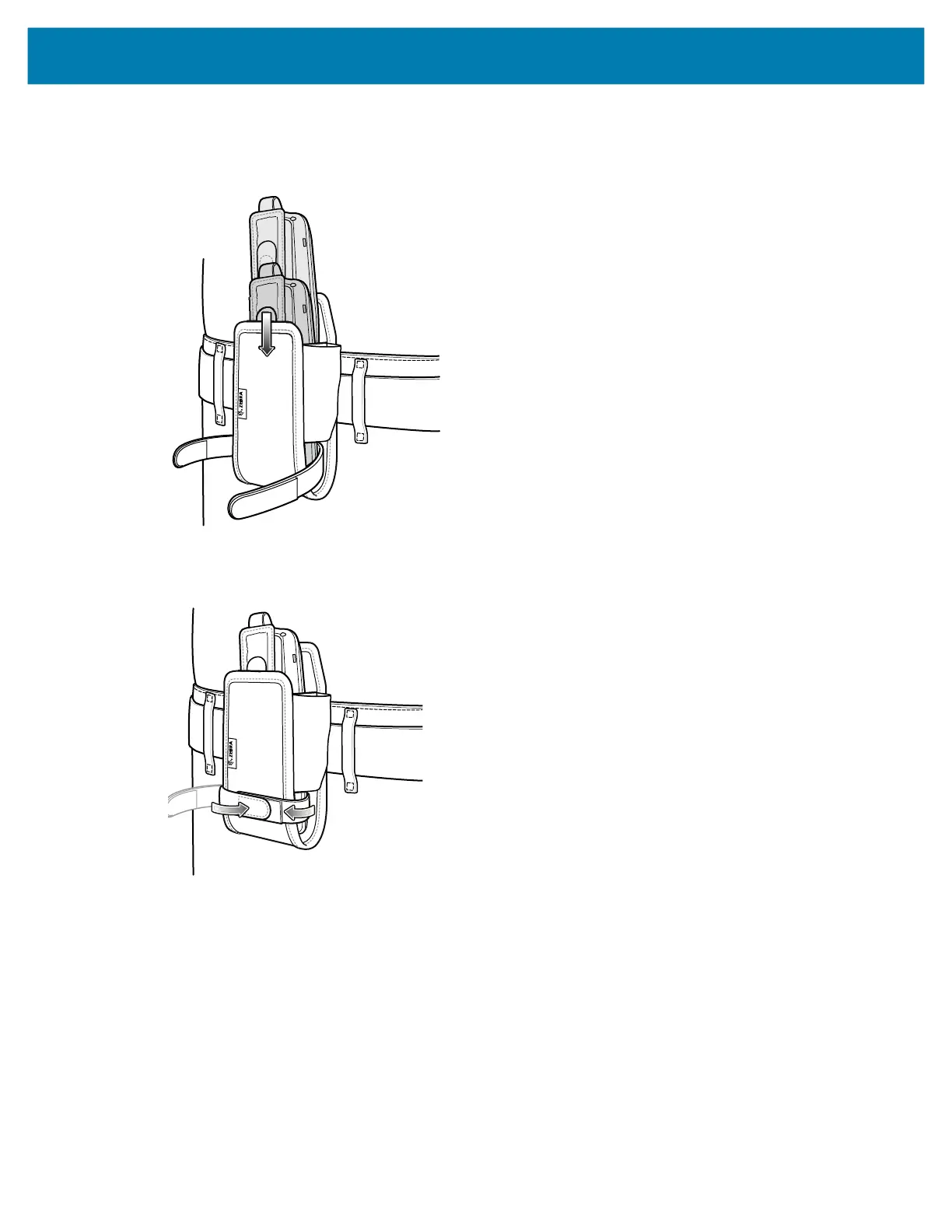
To insert the device, slide the device into the fabric holster with the screen display first and the screen
display facing the user.
4. Secure the device with the restraining strap and tighten the velcro to secure in place.
5. To remove the device, lift the restraining strap to release. Lift the device out of the fabric holster.
mc2200-mc2700-a10-prg-en.book Page 104 Friday, September 25, 2020 10:24 AM



 To Next Page
 Loading...