Data Capture
71
3.
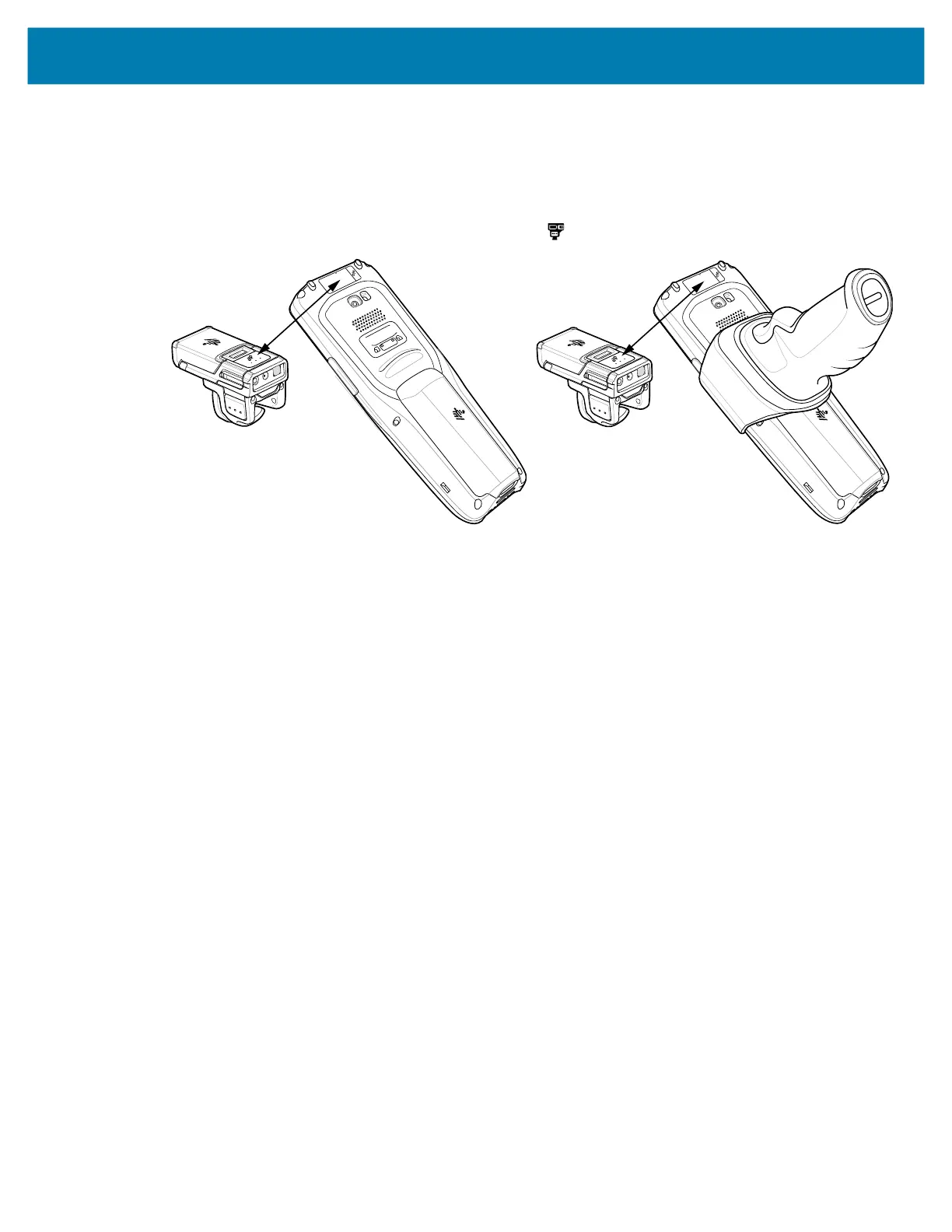
Align the NFC icon on the RS6000 with the NFC antenna on the device.
The RS6000 Status LED blinks blue indicating that the RS5100 or RS6000 is attempting to establish
connection with the device. When connection is established, the Status LED turns off and the RS5100
or RS6000 emits a single string of low/high beeps.
A notification appears on the device screen and the icon appears in the Status bar.
mc2200-mc2700-a10-prg-en.book Page 71 Friday, September 25, 2020 10:24 AM



 To Next Page