Cancer Institute Microscopy Core Facility
V1.0
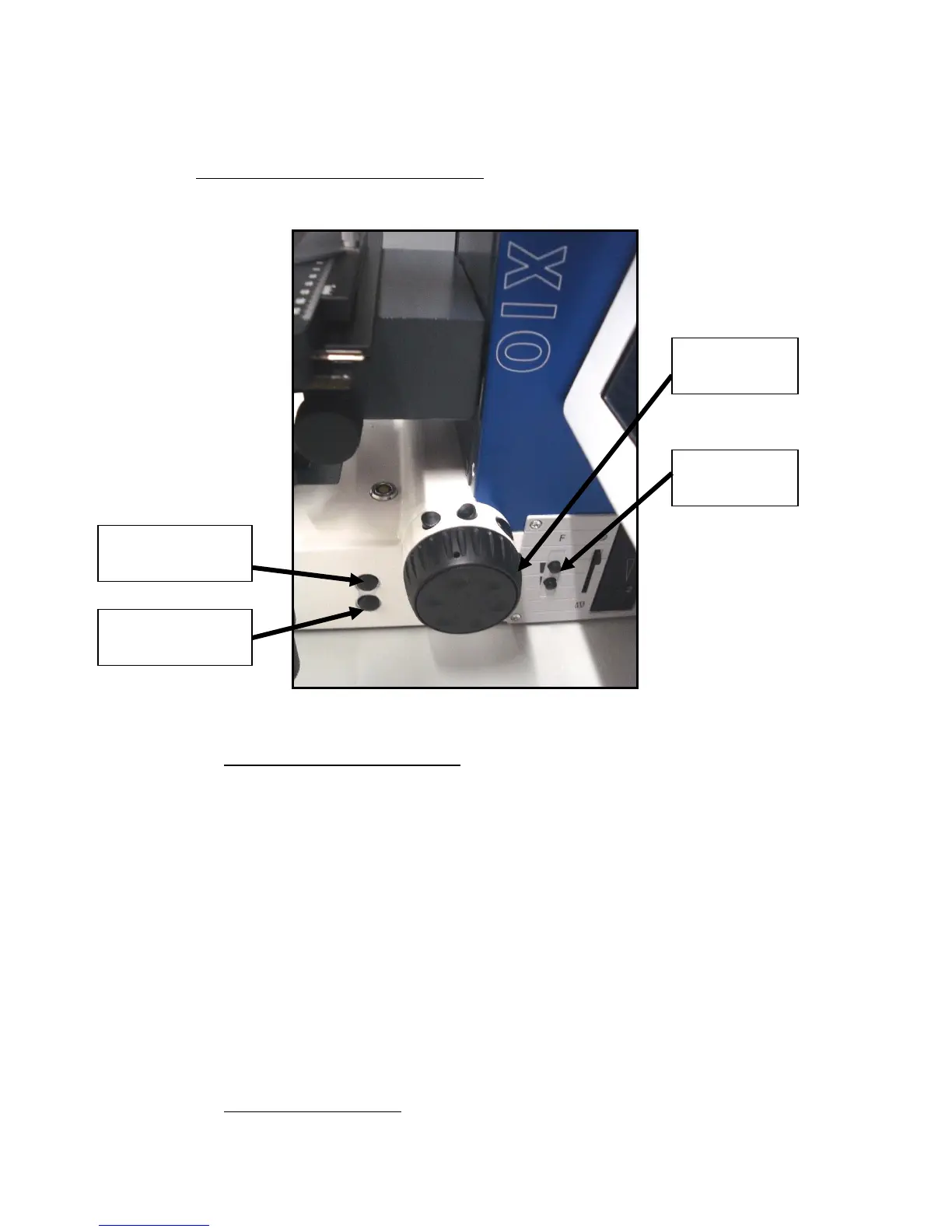
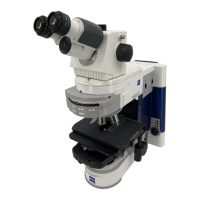
Fig 3 – Side View of Lower Microscope
2) LOCATE FOCAL PLANE OF SAMPLE
a) Using the microscope touch-screen open TL (Transmitted light) filter
b) Reduce light level using TL adjustment wheel
c) Place sample slide in slide holder.
d) Select magnification
if using x40 or x60 addition of droplet of oil is necessary. This is
achieved by pressing stage dropping button and adding a tear sized
drop on top of slide (so cover slips are necessary) and returning
stage by pressing stage returning button. Make sure at this point to
press ‘set working position’ on the touch screen control.
e) Using Ocular Viewer (viewing slide must be fully inserted) focus the sample
using Focusing Wheel. (For finer focus use focussing 1
st
focusing wheel)
f) Switch TL filter to closed on touch-screen controls
3) ACQUISITION OF IMAGES


 To Next Page