18 Feb 2011,<qsg-wf1> p. 8/8
Auto Exposure
• sets max pixels to 80% (not 100%) (can also be applied to a selected area)
Auto Contrast
• unlike Gain only affects appearance of the image on the screen(!!!)
Keypad controls:
• top level button 1 = transmitted light on/off (#2-4 = empty)
• FW button switches between control of:
• FW1 = excitation filter wheel (orbit excitation filters, only used for FRET or CFP+YFP)
• FW2 = emission filter wheel in front of camera, underneath microscope
Æ
the orbit excitation filters must be in HOME position for use of the emission filters; if
they aren’t, press the HOME button on the external keyboard
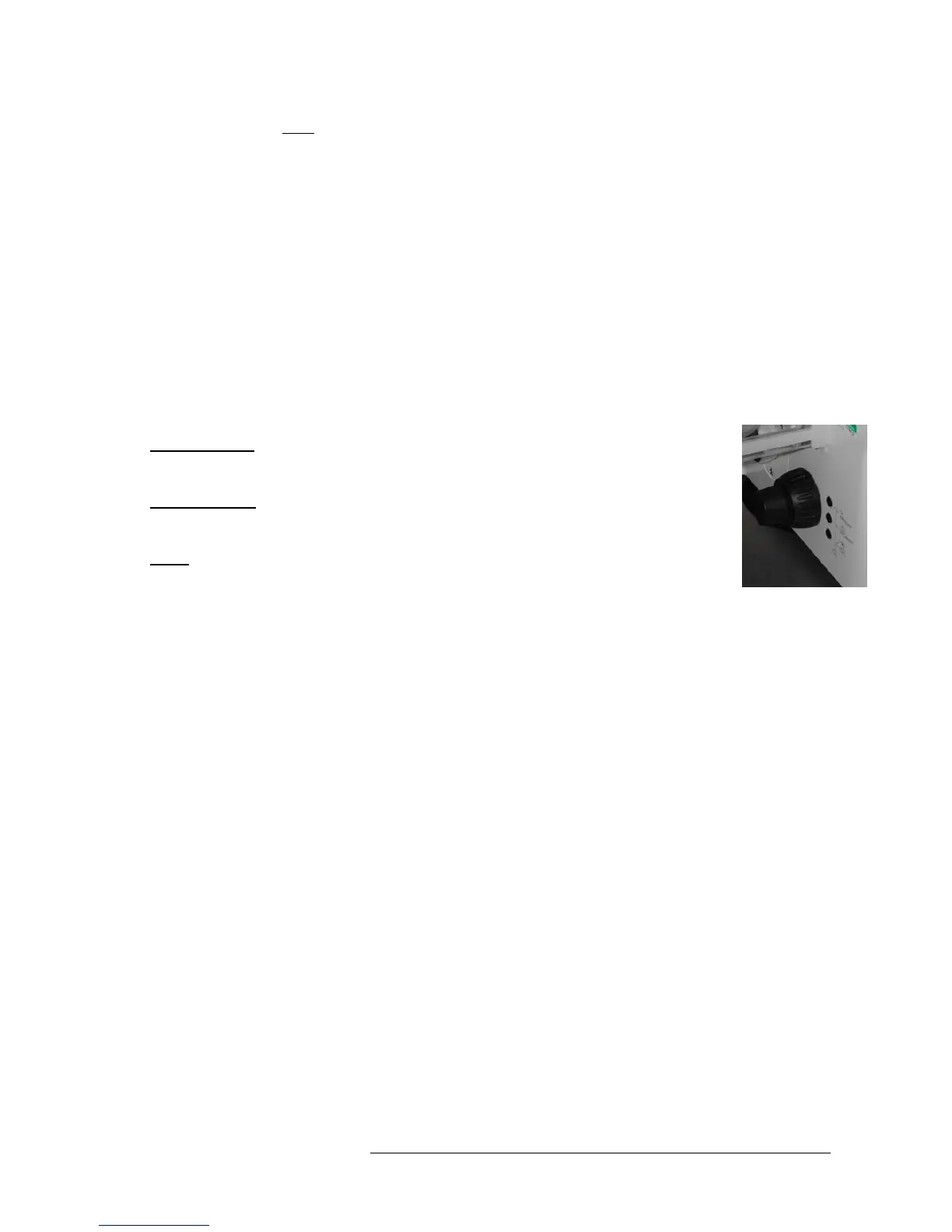
Control buttons on the lefthand side of the microscope:
• lowest button:
• switches between frontport (empty) <> eyepiece <> baseport (camera)
• middle button
:
• switches between sideport 100% (empty) <> 50/50 <> eye/ front/ base 100%
• top:
Optovar in / out
File formats
• The original Volocity libraries are stored as "mvd2" files together with a folder containing the
image data in "aisf" files
• TIFF: looses all enhancements but keeps original ("raw") data
• all stacks/ channels are stored in 1 multipage TIFF with the original bit-depth (8 or 12 bit)
• TIFF for publication
• screen version of image, including colours, merge, enhancements, on-screen image
resolution, it is always 8-bit
Æ
loss of original ("raw") data!!!
merge colours:
• CREATE NEW IMAGE SEQUENCE > MULTIPLE CHANNELS
• drag single channel (or z / timepoint) images onto new image sequence window










 To Previous Page