41
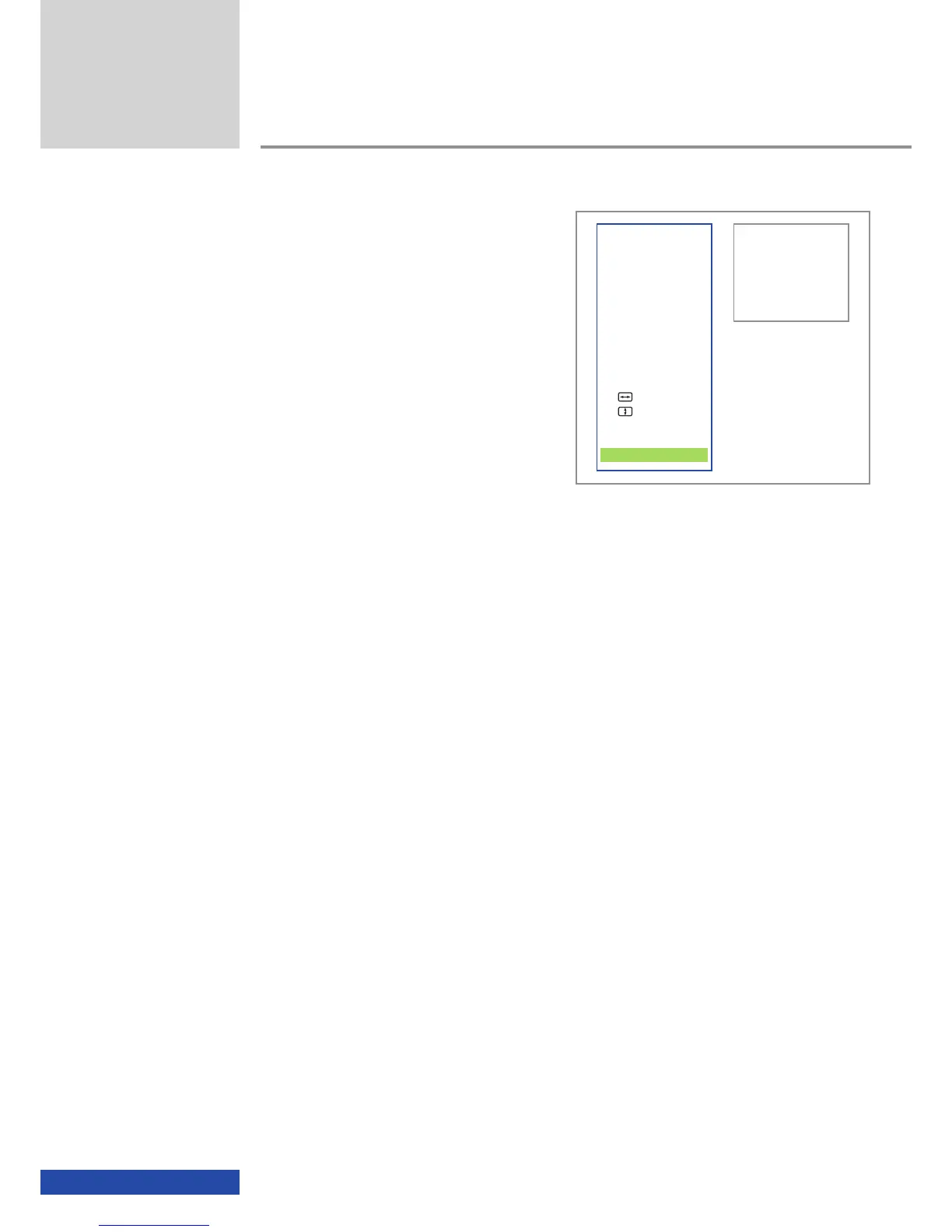
Exit
If you want to leave the on-screen display,
please navigate to and click the "Exit" field.
If you do not undertake any further actions for
more than 7 seconds with the on-screen display
activated, the on-screen display disappears
automatically.
Additional functions
VIDEO
3D-Mode
Aspect
Contrast
INFO
Connection
Status
ADVANCED
Auto Adjust
Man. Adjust
Man. Adjust
Brightness Bal
EXIT


 To Next Page