113CM1001-001_v01
8
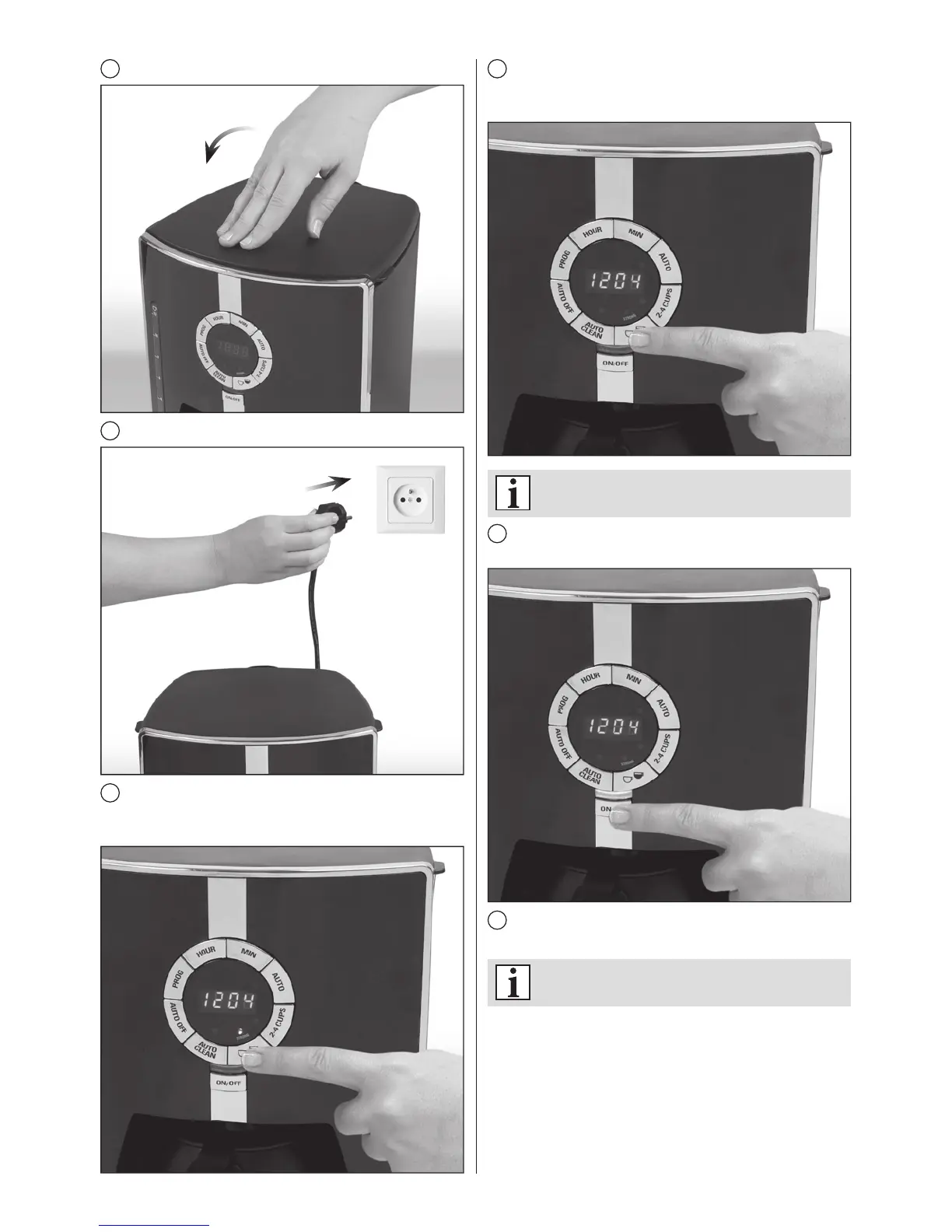
Close the lid.
9
Insert the plug into the wall socket.
10
Press the strength adjustment button once to select
strong coffee. The STRONG indicator light will come on,
indicating that this option has been selected.
11
Press the strength adjustment button again to select
normal coffee strength. The STRONG indicator light will
turn off.
ThedefaultsettingisNORMAL.
12
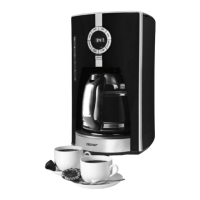
Press the ON/OFF button. The indicator light will come
on and brewing will start.
13
The brewing process ends when the coffee stops
dripping into the jug.
Youwillhearashortbeepindicatingtheendof
thebrewingprocess.


 To Next Page