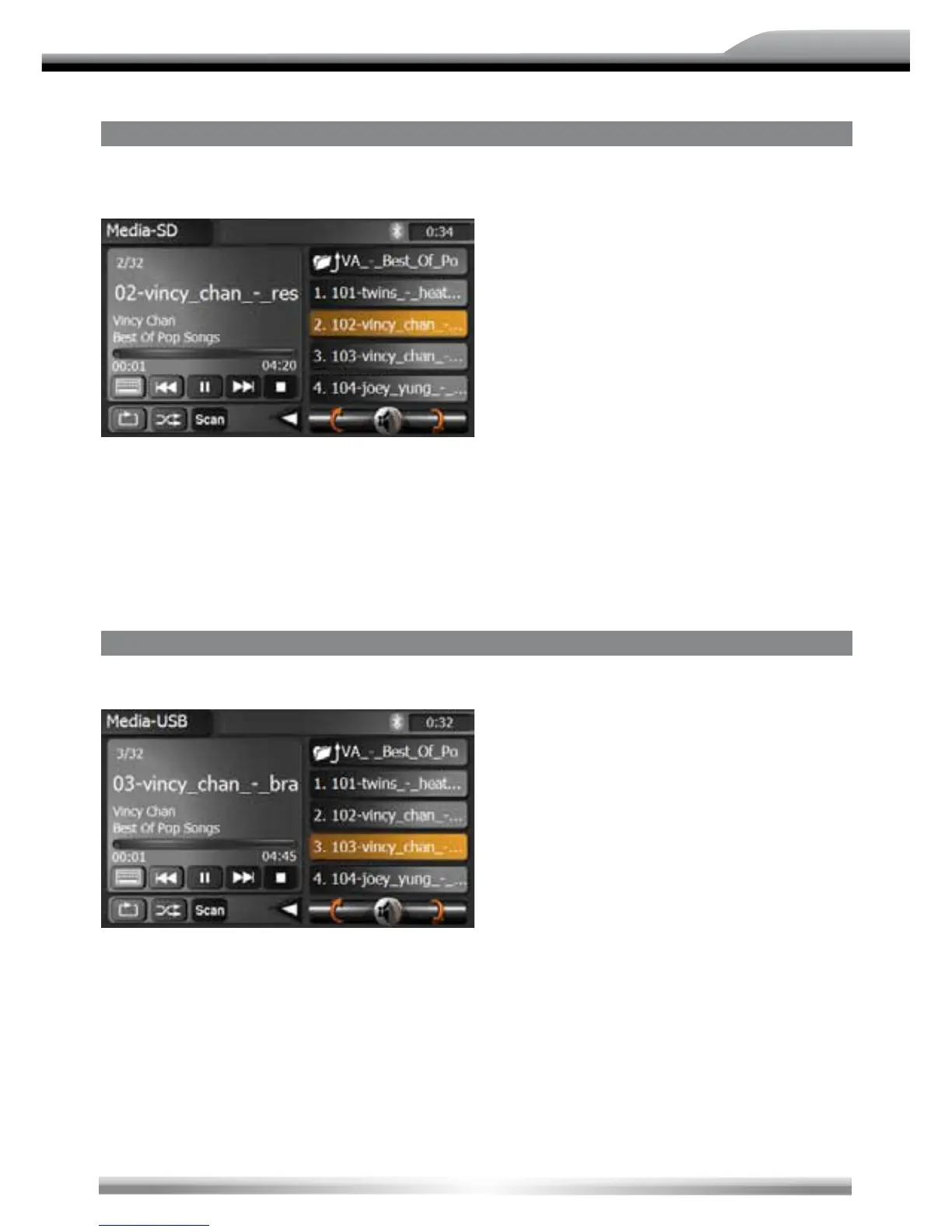
SD-CARD MODE
■ Insert the SD or SDHC card (up to 8 GB) into the SC-card slot and enter the SD card
mode.
NOTE:
■ The interface and the operation of the SD card mode is similar to the CD/MP3/WMA mode.
■ Depending on the folder structure and the content, the number of the available folders is
limited.
■ Please pay attention that the operation is depending on the memory of the SD or SDHC card
and stored data volume.
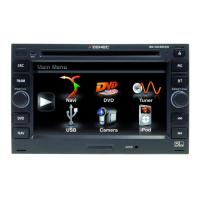
USb MODE
■ Insert the USB stick into the USB slot and enter the USB mode.
NOTE:
■ The interface and the operation of the USB mode is similar to the CD/MP3/WMA mode.
■ Depending on the folder structure and the content, the number of the available folders is
limited.
■ Please pay attention that the operation is depending on the memory of the USB device and
stored data volume.
■ The max. current supply for the connected USB device must be below 400 mA. Otherwise it's
not possible to use it with this unit.



 To Next Page