1
2
3
4
5
1
Clock Set
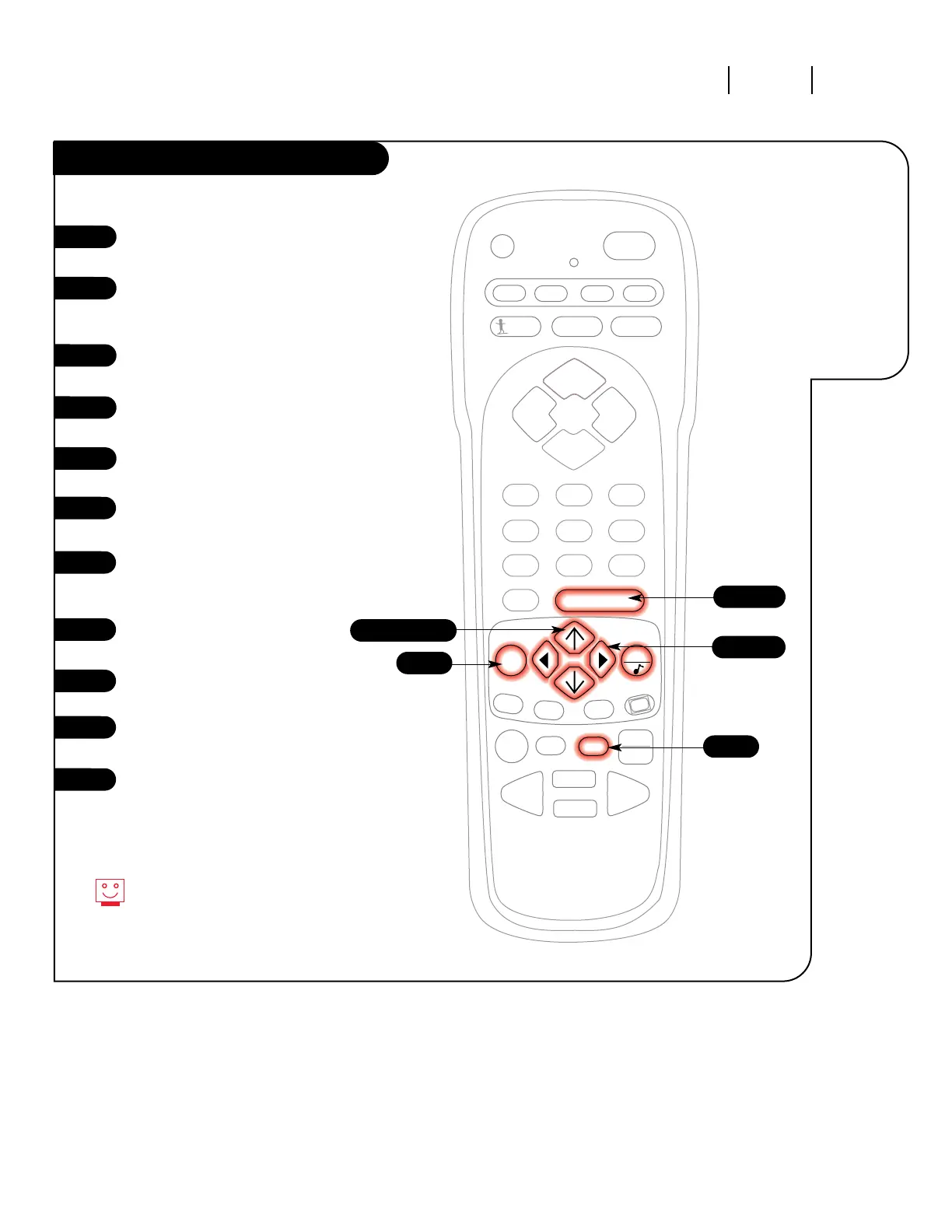
Press the MENU key on the remote
control so the Setup menu appears.
Using the UP/DOWN arrows on
the remote control, select Clock
Set on your screen.
Press a RIGHT or LEFT arrow to
access the Clock Menu.
Using the UP/DOWN arrows,
select Time Set.
Press a RIGHT or LEFT arrow key
to adjust the time.
Press the TIMER button to select
AM or PM.
Once you have set the correct
time, press ENTER exit the Time
Set mode.
Now press an UP/DOWN arrow key
to select Date Set.
Using the LEFT or RIGHT arrows,
SELECT the Month, Date or Year.
Use the UP/DOWN arrow keys to
SET either Month, Date, or Year.
Press ENTER or QUIT to return to
TV viewing.
7/11
3/5/9
6
2/4/8/10
You can use the NUMBER key
pad to simply type in the time
and date (AM and PM are still
selected with the Timer key).
Set the clock
and date on
your Zenith
Entertainment
Machine.
7
8
9
10
6
11




 To Next Page