Language Options
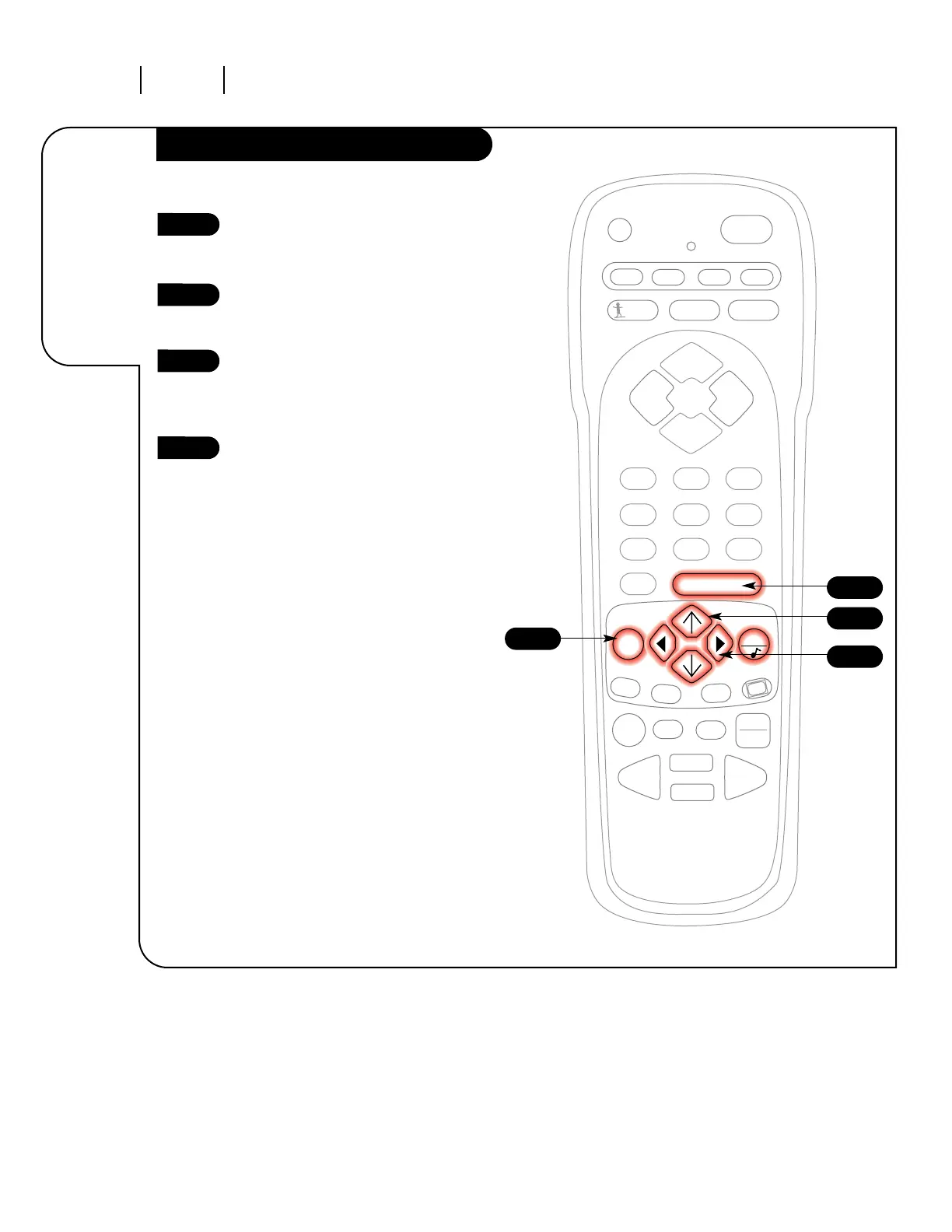
Press the MENU key on the
remote control so the Setup
menu appears.
Using the UP/DOWN arrows on
the remote control, select
Language on your screen.
Press a RIGHT/LEFT arrow to
choose any of the following
options: English, Spanish, or
French.
Press ENTER or QUIT to return to
regular TV viewing.
1
2
3
4
3
1
4
2
Choose the
language you
want all the
menus to
appear in.




 To Next Page