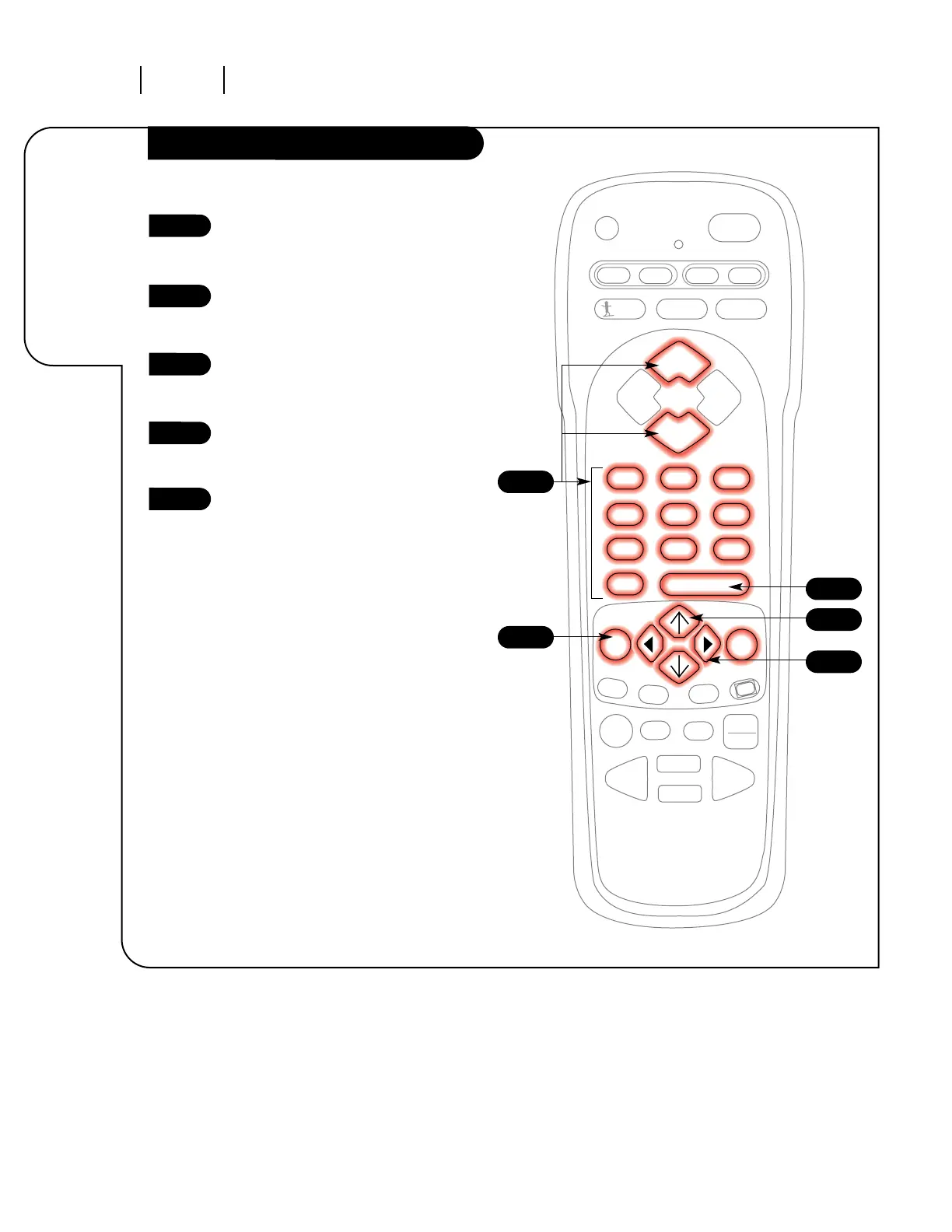
Channel Labels
Using the NUMBER key pad or the
CHANNEL UP/DOWN arrows, select
the channel you wish to label.
Press the MENU key on the
remote control repeatedly so the
Special Features menu appears.
Using the UP/DOWN select arrows
on the remote control, select
Ch. Labels on your screen.
Using the RIGHT/LEFT adjust
arrows, choose the channel label
that best describes that channel.
Choose another channel to label
using the process described in
steps 1 and 4, or press ENTER or
QUIT to return to TV viewing.
1
2
3
4
5
4
1
2
5
3
Label your
television
channels.




 To Next Page