Mini glossary
AMPLIFIER An external machine that amplifies sound from a television, CD player, VCR, or other A/V device.
3373-O
OPERATION REMOTE FUNCTIONS PAGE 29
Control the
volume on
your sound
amplifier
without
leaving TV
mode.
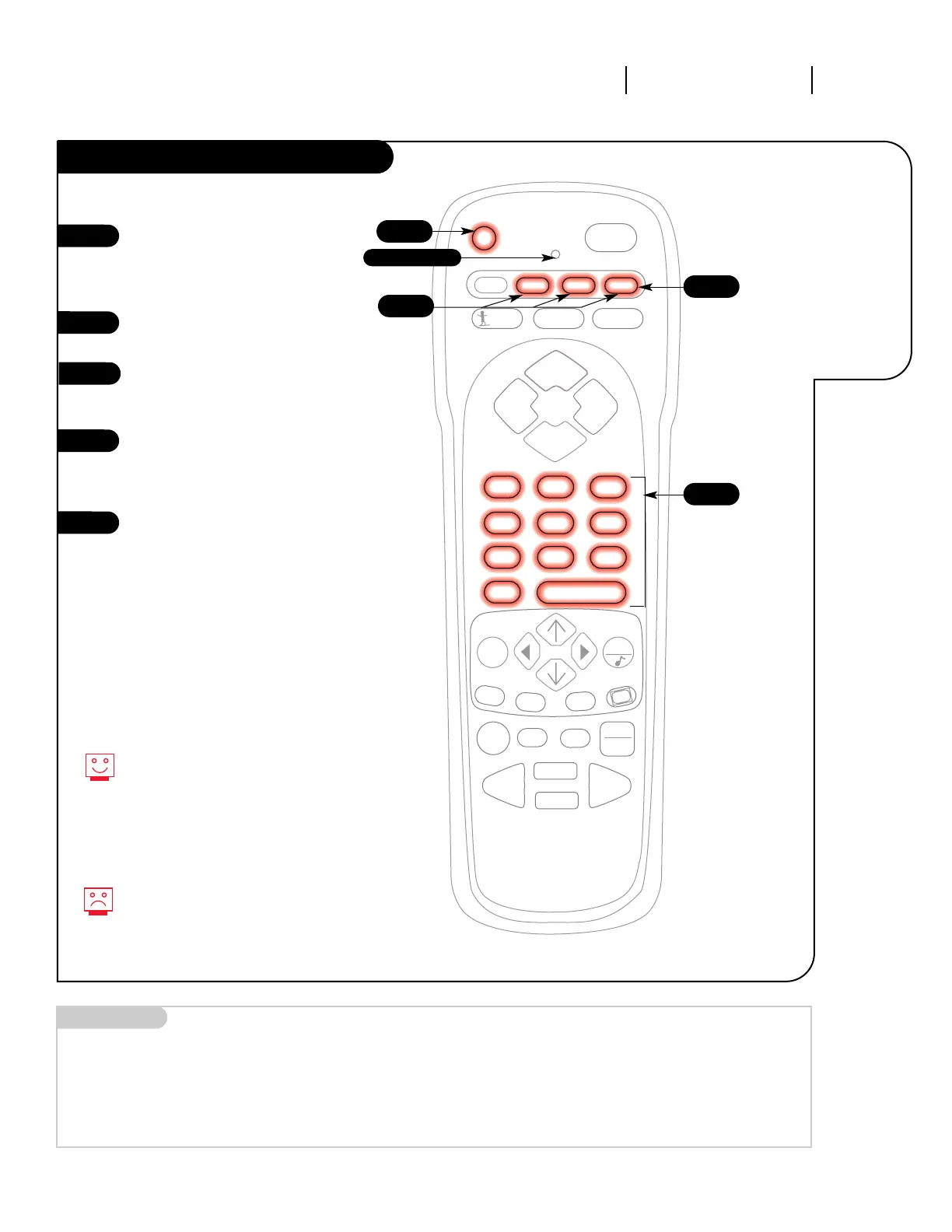
Amplifier Volume Override
1
2
3
4
Your volume and mute keys now con-
trol your amplifier, while all the other
keys still operate the Entertainment
Machine. To put everything back to
normal, reprogram all buttons with
their original codes (see the
“Programming Your Remote” section).
If you can’t find the code for your
amplifier, use the Auto Find feature.
5
5
3
4
2
Indicator Light
Program the code that operates
your amplifier into the CABLE or
AUX mode, as described on the
“Programming Your Remote” page.
Select the mode in which you
want volume to appear (e.g. TV).
Press and hold PRG on your
remote until the indicator light
stays lit.
Press 4-9-9; then ENTER on the
remote. The indicator light will
flash three times if code is
accepted.
Audio system volume/mute now
appears in the mode selected.




 To Next Page