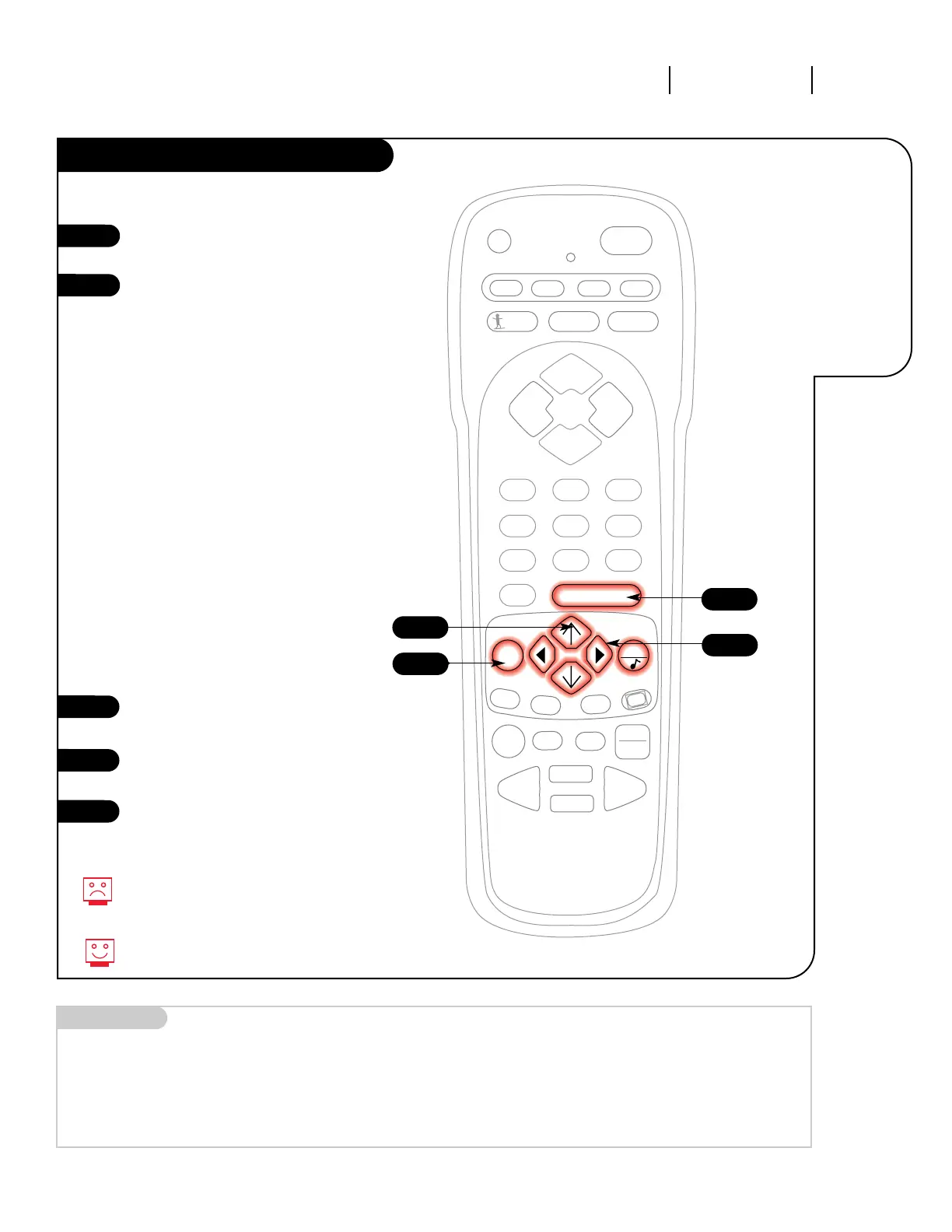
Audio Menu
Press the MENU key on the remote con-
trol so the Audio menu appears.
Using the UP/DOWN arrows on the
remote control, select the setting you
want to change. Choose from:
• Bass: Increases/decreases lower-end
sounds.
• Treble: Increases/decreases higher-end
sounds.
• Balance: Allows you to put the sound
more to the left or right channel.
• Audio Mode: Choose from Stereo
sound, Mono, or 2nd Audio/SAP.
• Front Surr: Turn the front surround
sound speakers on or off.
• Sound Rite: Scans for changes in
sound level during commercials, then
adjusts the sound to match your cur-
rent level.
• Speakers: Turn the regular speakers
on or off.
Press a RIGHT/LEFT arrow to change the
option you have selected.
Use the RIGHT/LEFT arrows to adjust the
sound setting to whatever you prefer.
Press ENTER or QUIT to return to TV
viewing, or press the UP arrow and
return to the Audio Menu to adjust
another option.
1
2
3
4
3/4
5
Not all programming is broadcast in
stereo sound, or Second Audio
Programming/SAP.
QUIT toggles between Audio features.
2
1
Choose
between
stereo sound,
mono sound,
or SAP.
5
Mini glossary
STEREO SOUND Stereo (Stereophonic) sound refers to audio that’s divided into right and left sides.
MONO SOUND Mono (monaural) sound is one channel of sound. On more than one speaker all the speakers play the same audio.
2ND AUDIO/SAP Second Audio Programming (SAP) is another, separate, audio channel available with some programming. Choosing SAP often
refers to listening to audio in another language, such as Spanish or French.




 To Next Page