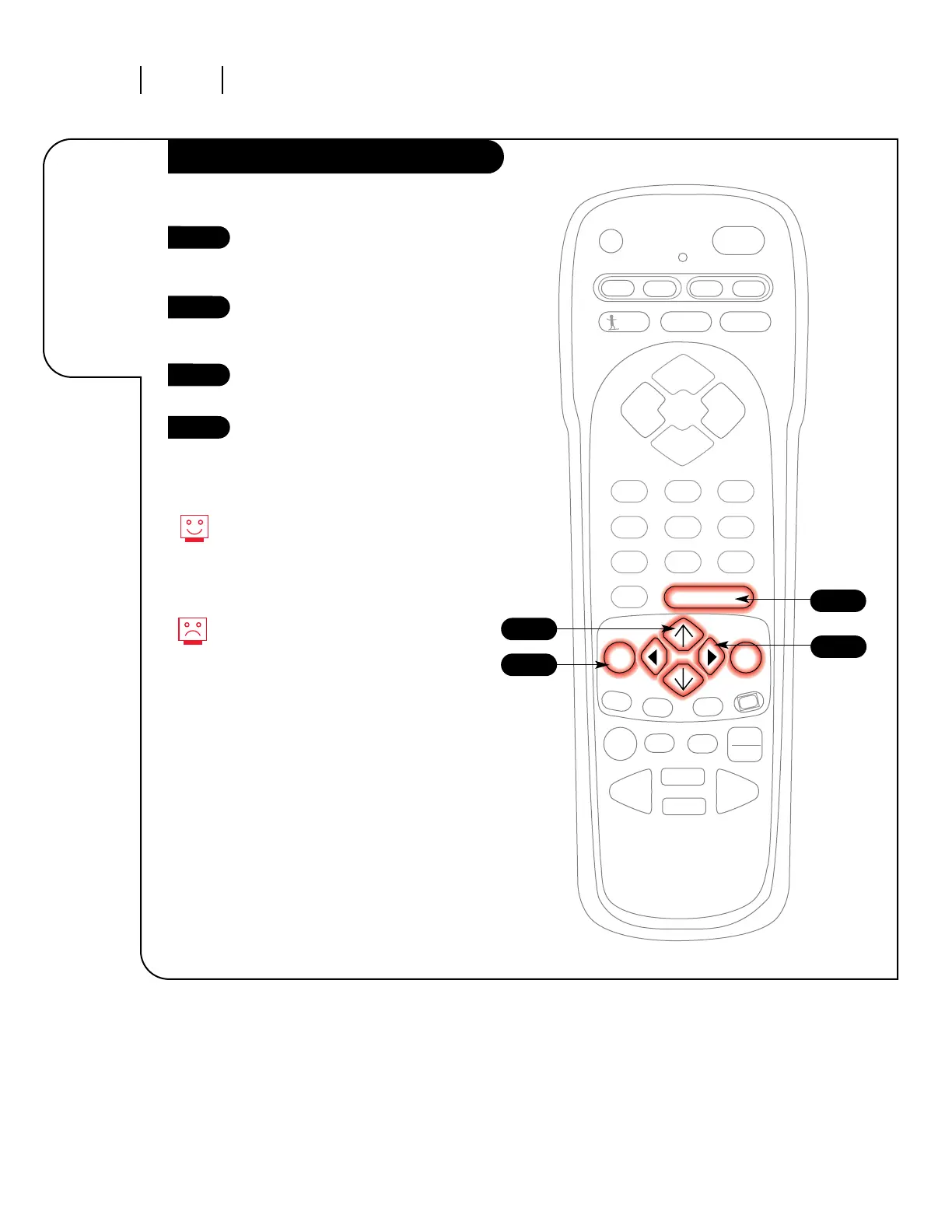
Press the MENU key on the
remote control so the Special
Features menu appears.
Using the UP/DOWN select arrows
on the remote control, select
Auto Demo on your screen.
Turn Auto Demo on or off using
the RIGHT/LEFT adjust arrows.
Press ENTER to return to
TV viewing.
1
2
3
4
3
4
1
Auto Demo will continually show
you every menu and display that
your Zenith Entertainment
Machine has. It will even attempt
to show you what it does.
To turn Auto Demo off, select it in
the Set Up menu and shut it off
with the RIGHT/LEFT adjust
arrows.
2




 To Next Page