Source Menu
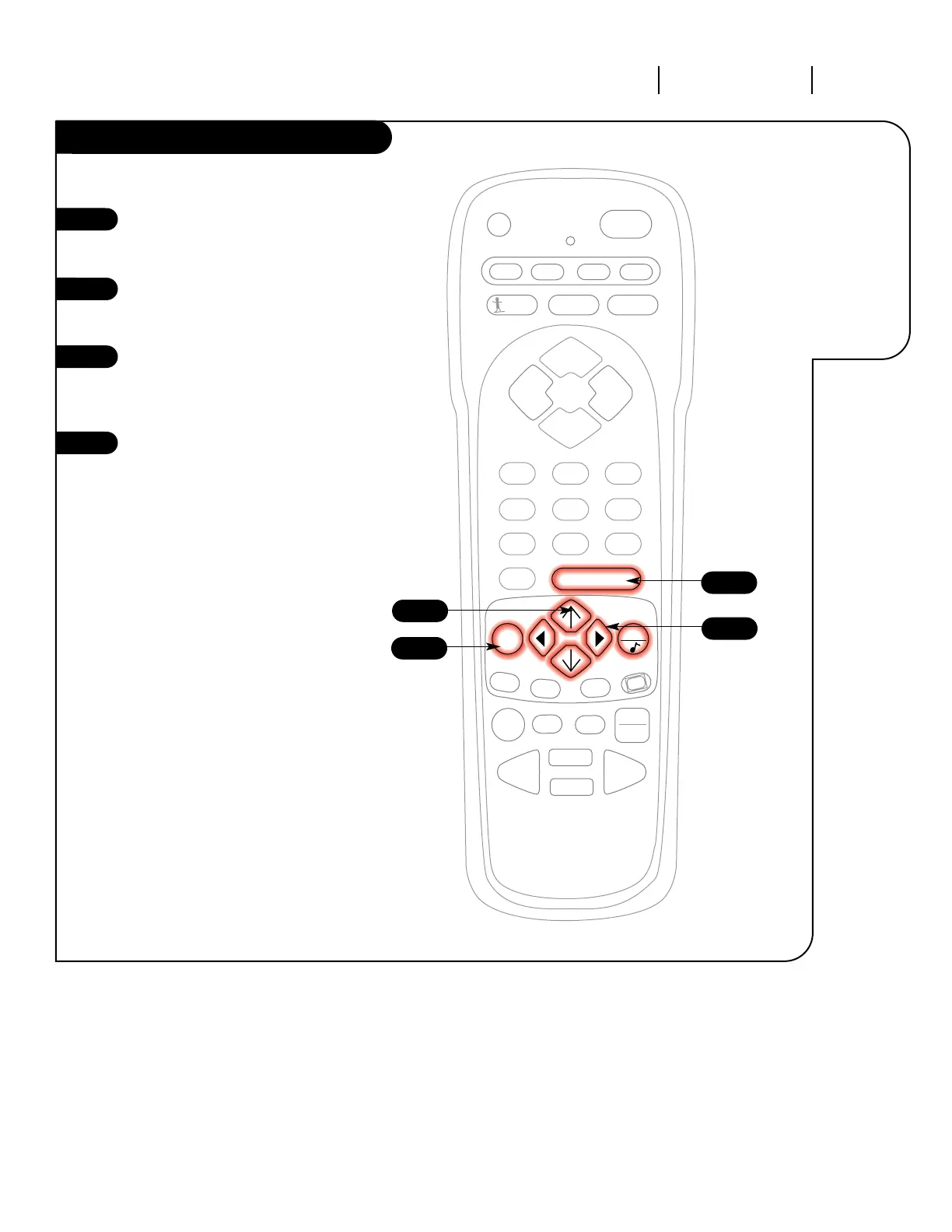
Press the MENU key on the
remote control repeatedly so the
Source menu appears.
Using the UP/DOWN arrows on
the remote control, select Main
Source on your screen.
Press a RIGHT or LEFT arrow to
choose one of the following
options: “Antenna/Cable” or
“Video or S-VHS”.
Press ENTER or QUIT to return to
TV viewing.
1
2
3
4
3
4
2
1
Select the signal
source for your
Entertainment
Machine.




 To Next Page