5
2
4
1
3
PAGE 18
Clock Set
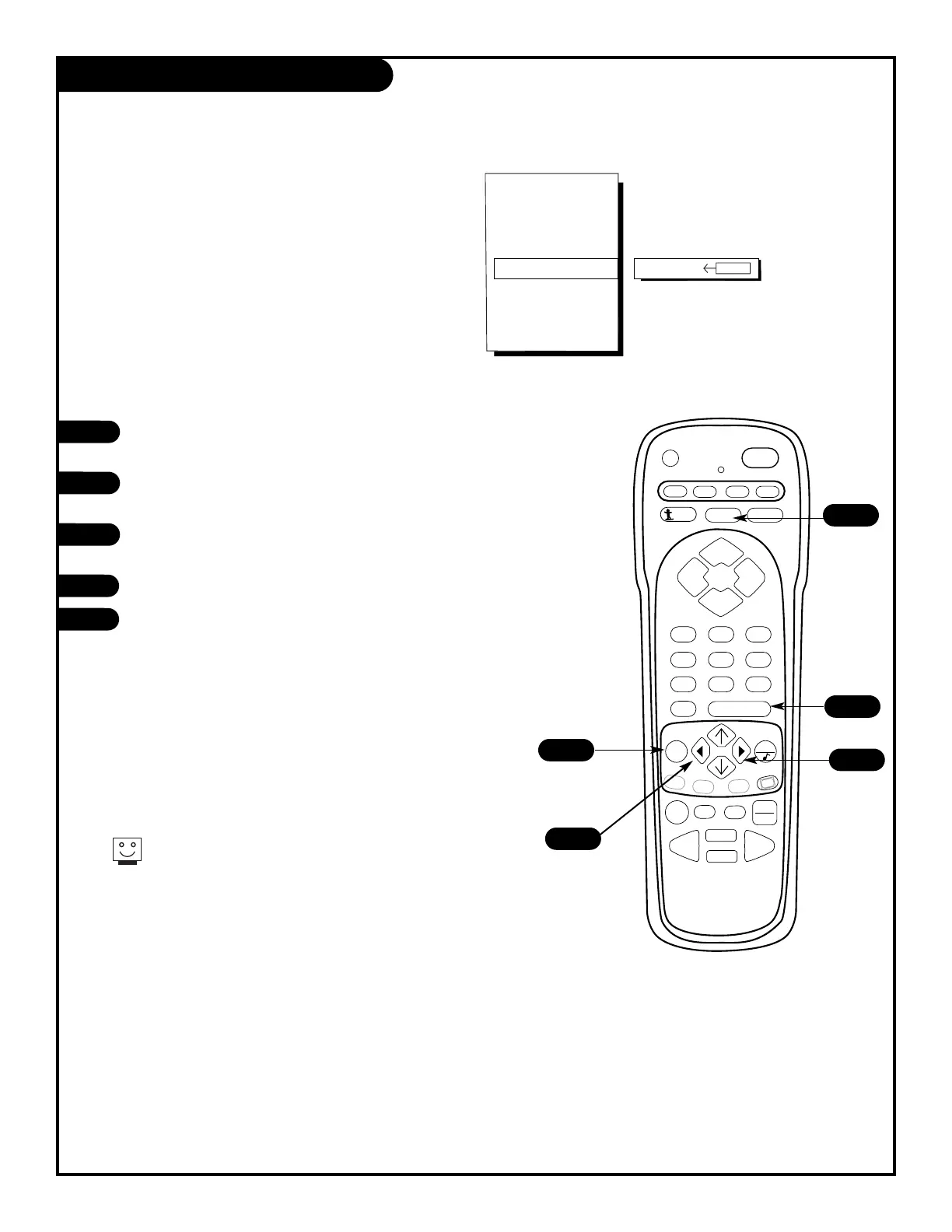
Set the clock on your Entertainment Machine.
Press the MENU key on the remote control so that
the Setup menu appears onscreen.
Using the UP/DOWN arrows on the remote control,
select Clock Set on your screen.
Press a RIGHT or LEFT arrow to adjust the time or enter
the time using the digits on the remote control.
Press the FLASHBK button to select AM or PM.
Press ENTER to return to TV viewing.
You can use the NUMBER key pad to simply insert the time
(AM or PM is selected with the Flashback key).



 To Next Page