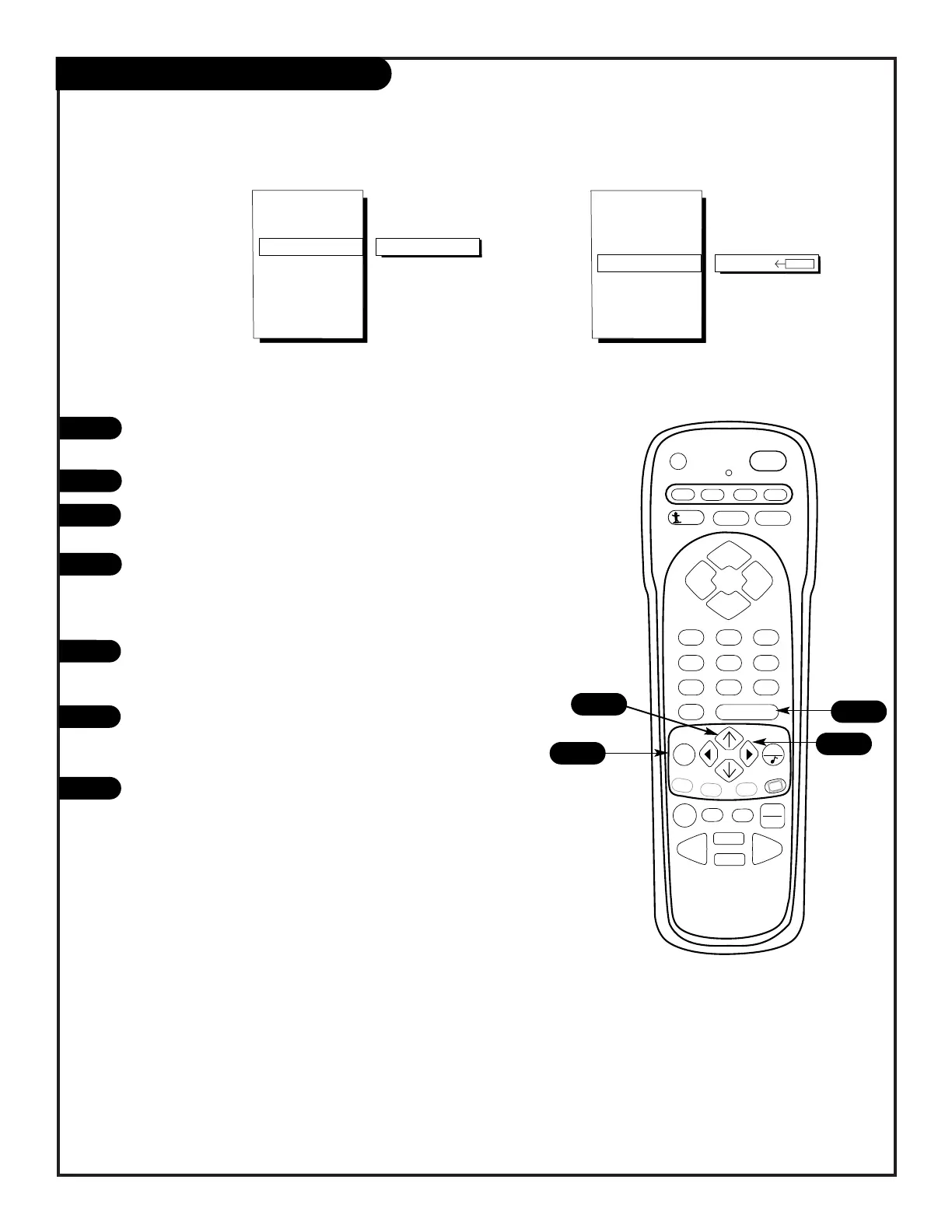
EZ Timer, Sleep Timer Setup
Press the MENU key repeatedly until the Special Features
menu appears on screen.
Select EZ TIMER, using the UP/DOWN arrow keys.
Press a RIGHT/LEFT arrows to choose the time (10 minutes
up to 4 hours) that you want your TV to turn itself off.
If you want the TV to turn on and off automatically every
day use the UP/DOWN arrow keys, select ON TIME and use
the RIGHT/LEFT keys to set the time you want the TV to
turn itself on.
Once again, using the UP/DOWN arrow keys, select OFF
TIME. Use the RIGHT/LEFT keys to set the time you want
the TV to turn itself off.
Using the UP/DOWN arrow keys, select ON/OFF TIMER. Use
the RIGHT/LEFT keys to select ON or OFF. The Timer
feature is now set.
Press ENTER to return to normal viewing.
1
2
3
4
5
6
Set your
Entertainment
Machine to
automatically
turn on and off.



 To Next Page