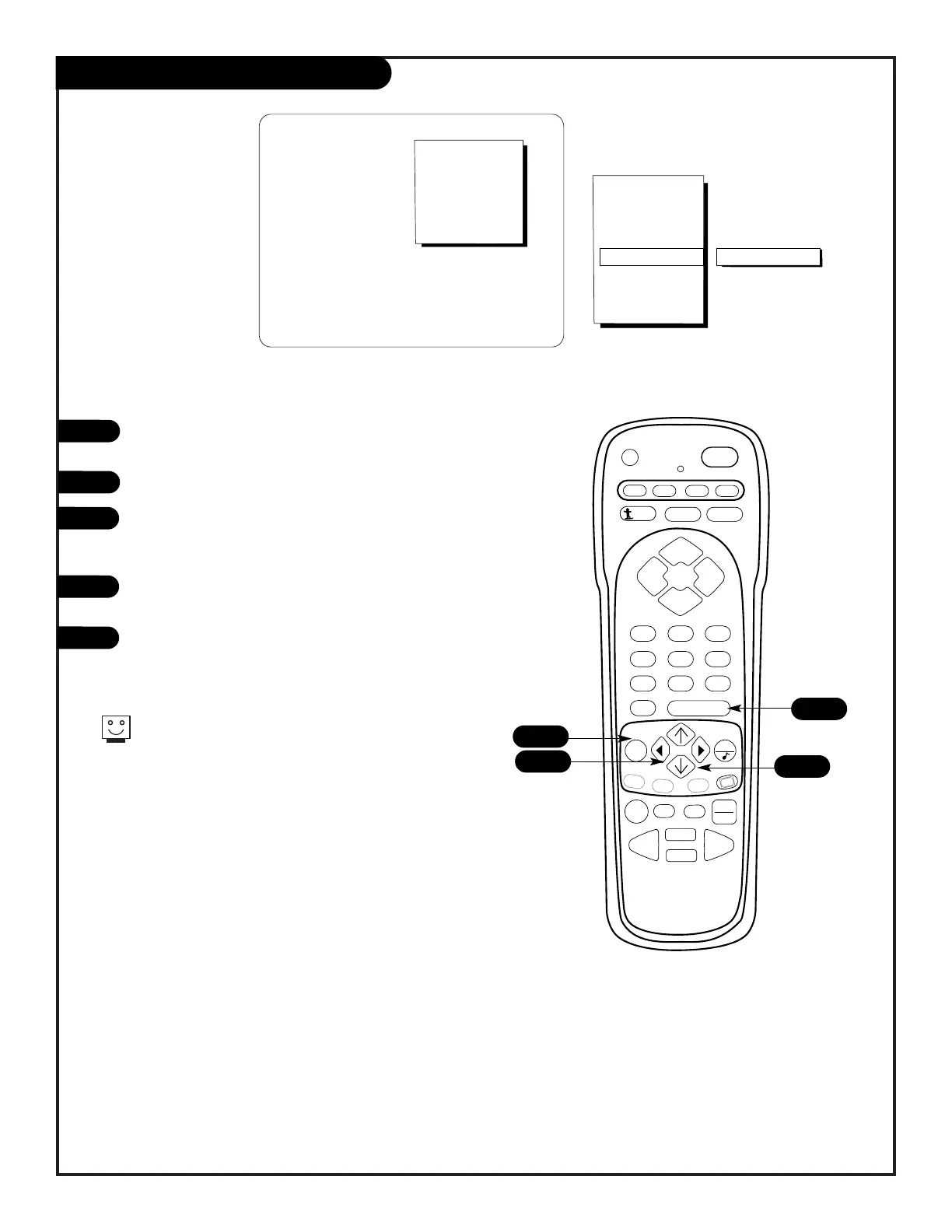
Press the MENU key repeatedly until the Special Features
menu appears on screen.
Select CH LABELS, using the UP/DOWN arrow keys.
Press a RIGHT/LEFT arrows repeatedly to choose the correct
Call Letters or Channel Letters from the 84 selections
included.
Enter the next channel you wish to label and repeat 3 until
all of the channels have a Channel Label.
Press ENTER to return to normal viewing.
Channel Labels
1
2
3
4
5
Choose preset labels
or call letters for
your channels.
2
1
5
3
If your cable service should change your channel lineup at any
time, you can reset all of the labels again.
PAGE 23



 To Next Page