3
2
4
1
PAGE 19
Captions
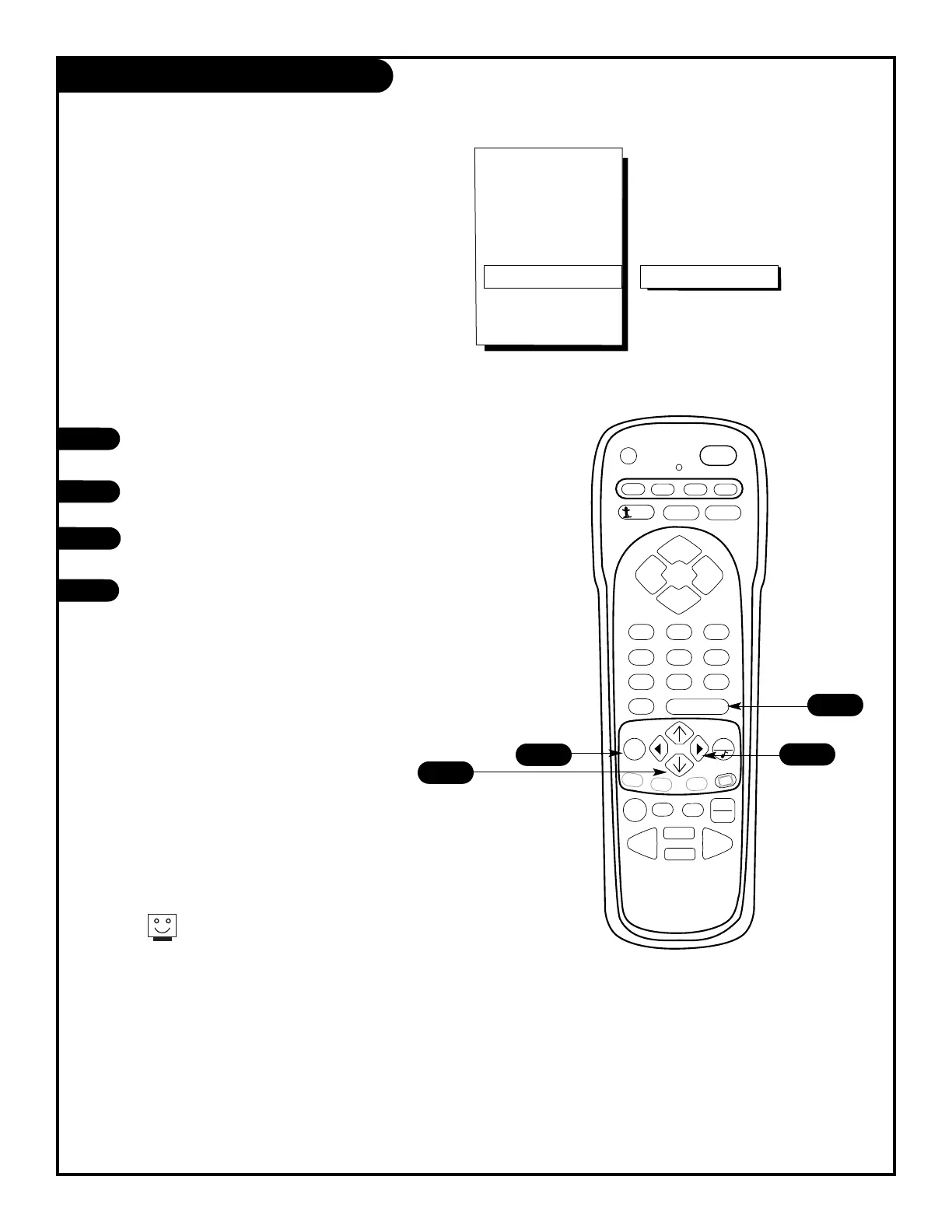
Turn the captions feature on your
Entertainment Machine on or off.
Press the MENU key on the remote control
so that the Setup menu appears.
Using the UP/DOWN arrows on the remote control,
select Captions on your screen.
Press a RIGHT/LEFT arrow to switch the captions
feature on, off or EZ Mute.
Press ENTER to continue.
4
Use the captions feature when you have to listen
to a phone call and still want to follow what’s
happening on your favorite show.
206-3588



 To Next Page