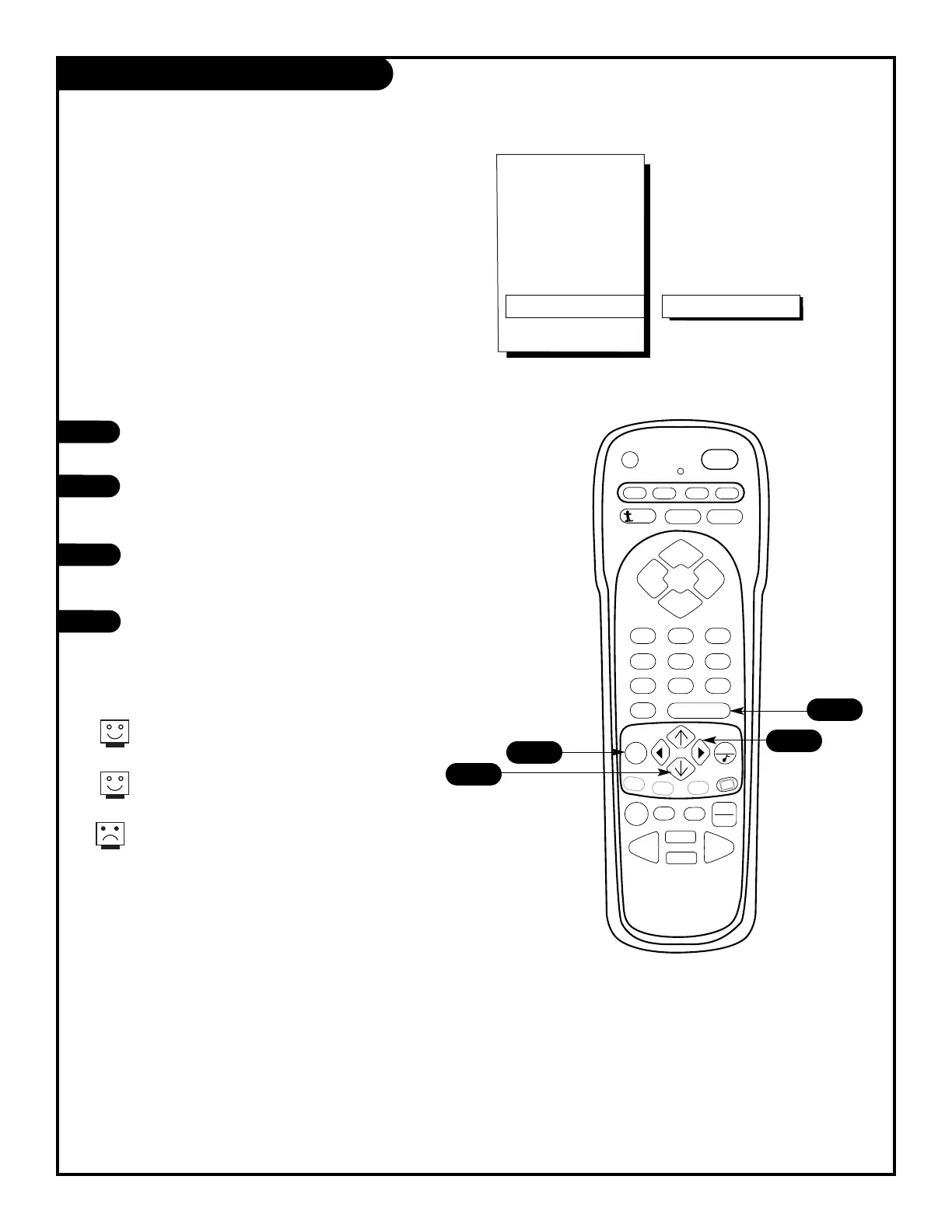
Press the MENU key on the remote control so that the Setup
menu appears.
Using the UP/DOWN arrows on the remote control,
select Captions/Text on your screen.
Press a RIGHT/LEFT arrow to choose any of the following
options: Caption 1, Caption 2, Caption 3, Caption 4,
Text 1, Text 2, Text 3 or Text 4.
Press ENTER to return to TV viewing.
1
2
3
4
4
1
2
3
PAGE 20
Select closed captioning or text that
appears at the bottom of your screen.
Captions / Text
Captions come in handy when the television
is on mute.
Standard Closed Captioning is
available using the Caption 1 option.
Not all programming has closed captioning
or text available.
206-3588



 To Next Page