EasyManua.ls Logo

Zenith C27A24T - Ch Labels; EZ Demo; EZ Timer; Special Features

Zenith C27A24T
43 pages
Print Icon
To Next Page IconTo Next Page
To Previous Page IconTo Previous Page
Loading...
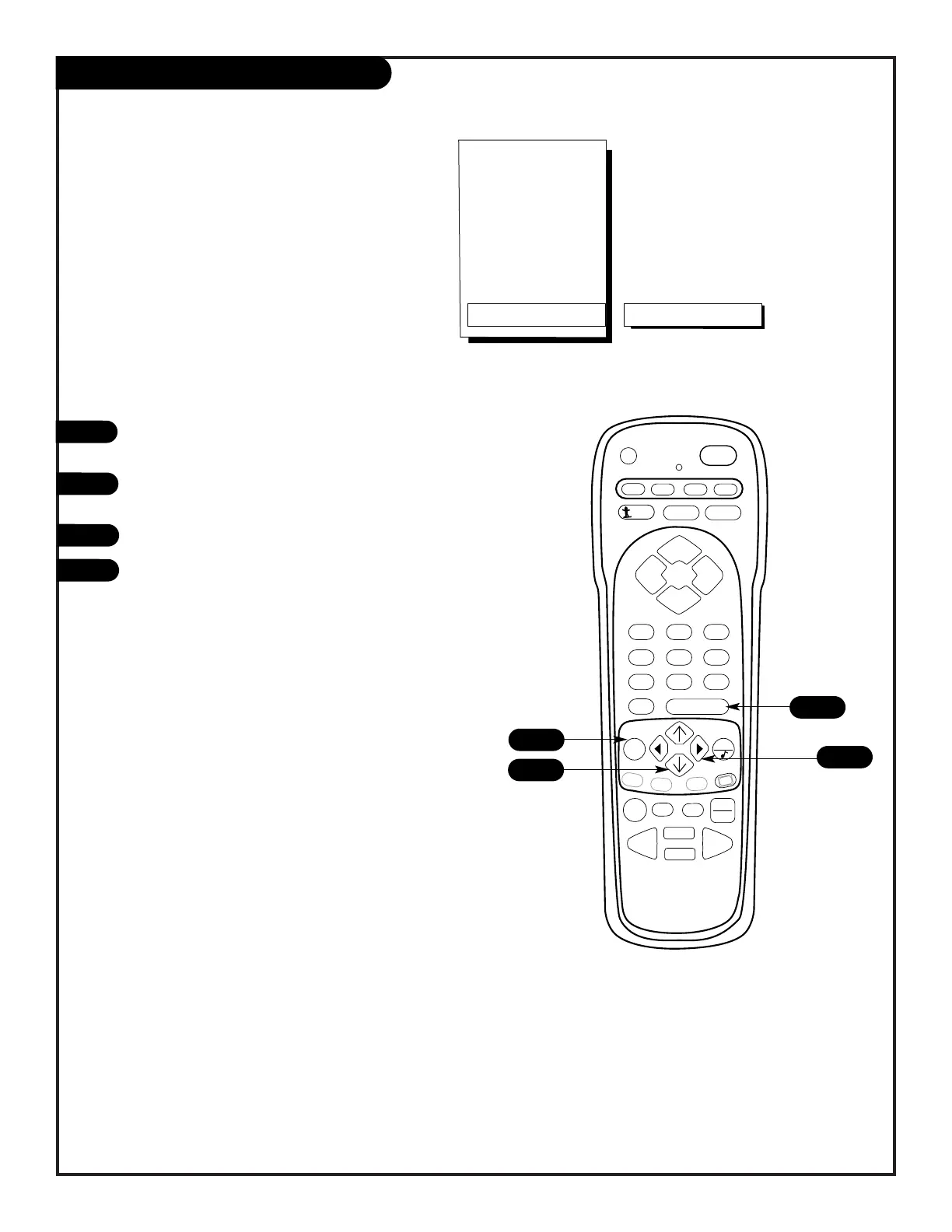
EZ Demo Menu
1
2
3
4
Your Entertainment Machine
will show you all of your
Menu options.
PRG
POWER
CABLE
VCR
AUX TV
ENTER
FLASHBK MUTE
CHANNEL
CHANNEL
VOLUME VOLUME
123
456
7
0
89
MENU
REWIND FFWD
RECORD
QUIT
A
B
C
CC
TV/VCR
SOURCE
PAUSE TIMER
PLAY
STOP
SURF
Special
Features
EZ Timer
Ch Labels
XDS Display
Parental Ctrl
EZ Demo
On
1
4
3
206-3588
PAGE 27
Press the MENU key on the remote control repeatedly
until the Special Featuresmenu appears.
Using the UP/DOWN arrows on the remote control,
select EZ Demo on your screen.
Press a RIGHT/LEFT arrow to turn the EZ DEMO on or off.
Press ENTER to continue.
2

Related product manuals