SOURCE MENU
:_ Source
Menu
IMain Source I IAntenna/Cable
MENU OPERATION
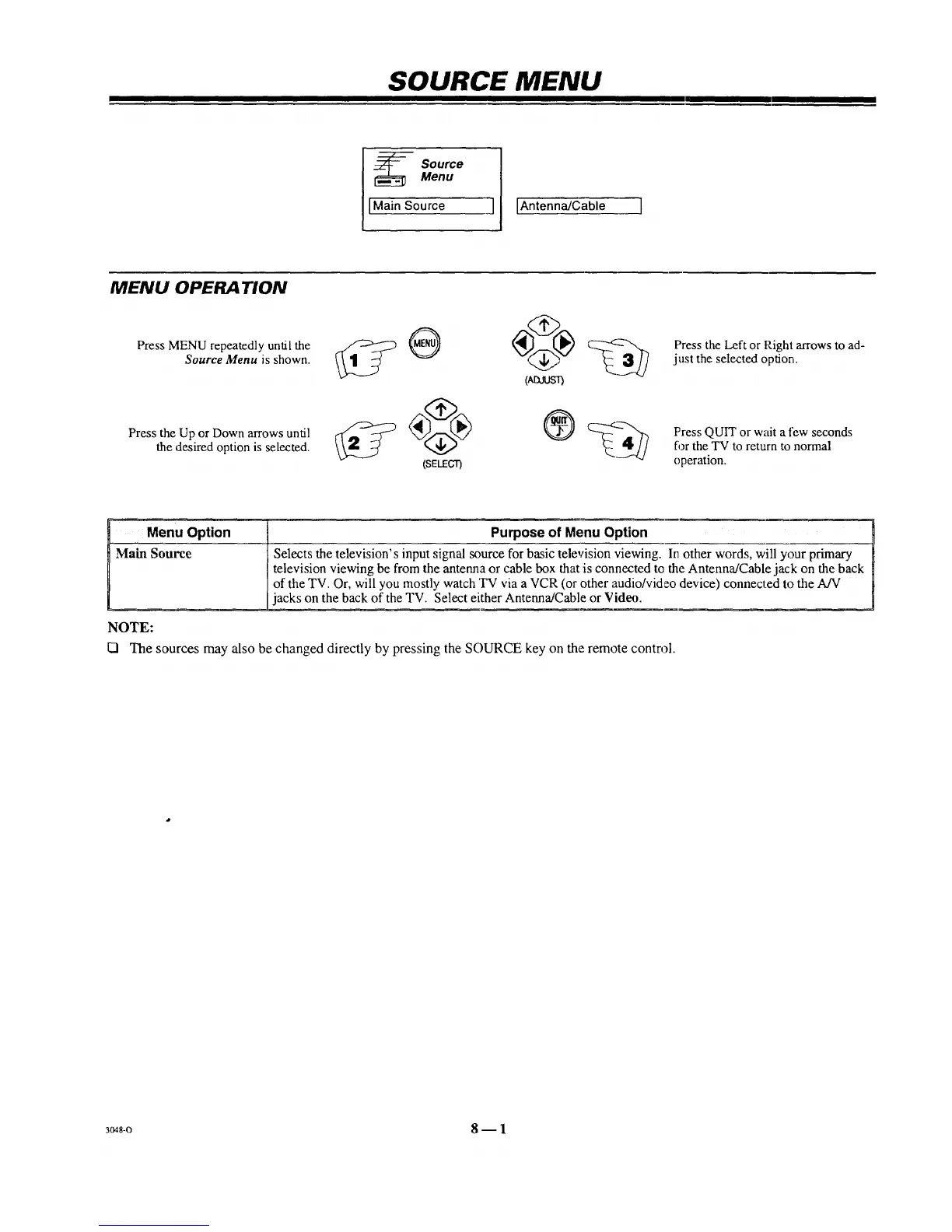
Press MENU repeatedly until the
Source Menu is shown.
Press the Up or Down arrows until
the desired option is selected.
(Atxlusr)
®
(SELECT)
Press the Left or Right arrows to ad-
just the selected option.
Press QUIT or wait a few seconds
for the TV to return to normal
operation.
Menu Option Purpose of Menu Option
Main Source Selects the television's input signal source for basic television viewing. In other words, wiU your primary
television viewing be from the antenna or cable box that is connected to the Antenna/Cable jack on the back
of the TV. Or, will you mostly watch TV via a VCR (or other audio/video device) connected to the A/V
jacks on the back of the TV. Select either Antenna/Cable or Video.
NOTE:
[] The sources may also be changed directly by pressing the SOURCE key on the remote control.
3048-0 8 -- 1



 To Next Page