7
INTRODUCTION
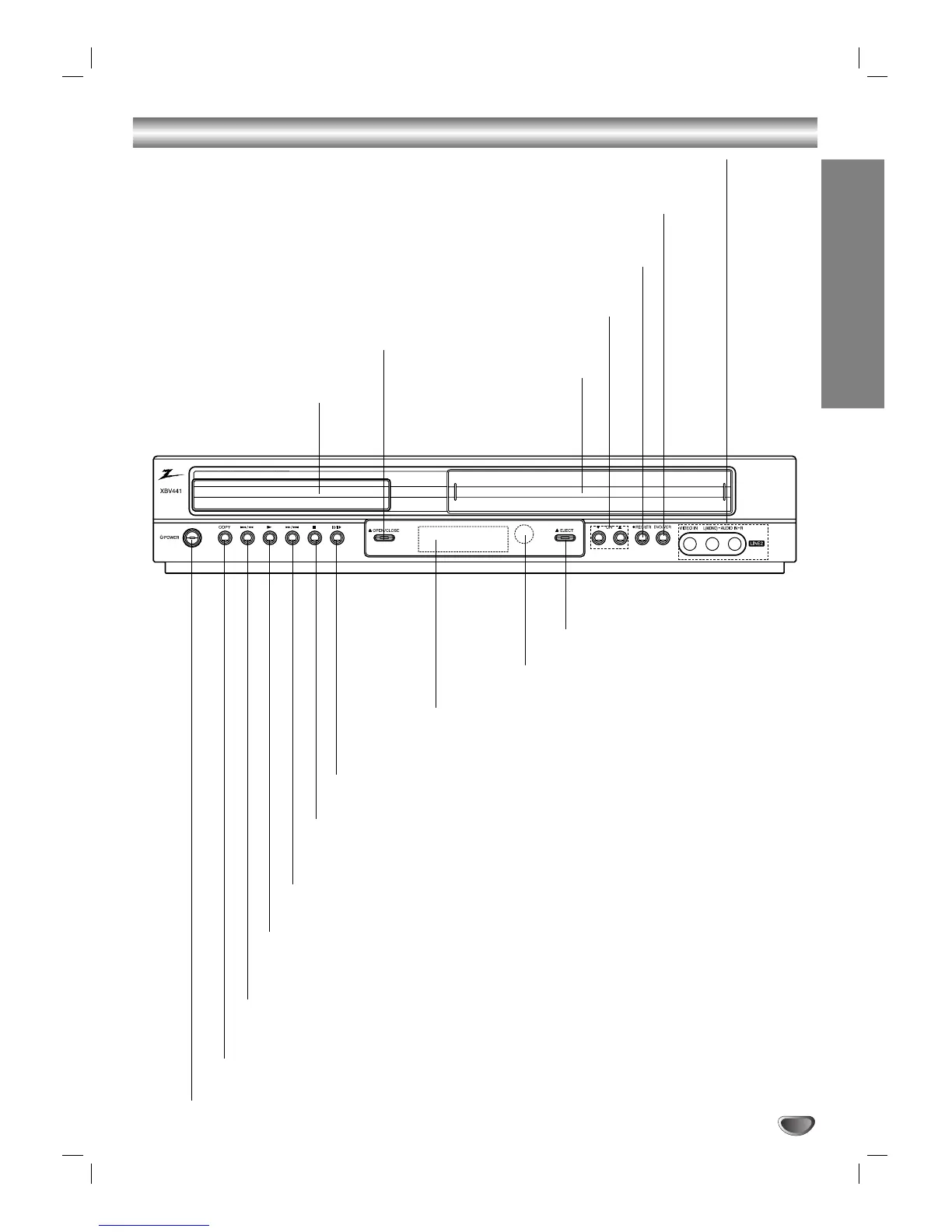
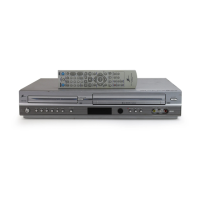
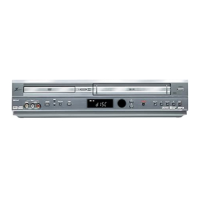
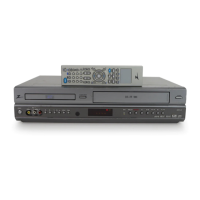
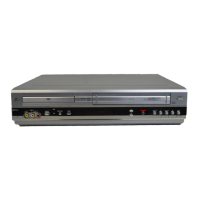
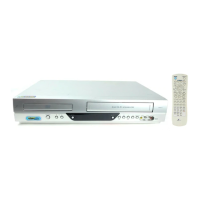
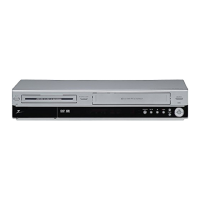
Front Panel Controls
OPEN/CLOSE (
ZZ
)
Opens or closes the disc tray.
Remote Sensor
Point the DVD+VCR Remote Control here.
Disc Tray (DVD deck)
Insert a disc here.
POWER
Switches the DVD+VCR ON and OFF.
DVD/VCR (output select)
Select the DVD or VCR output source to
view on the TV screen.
LINE 2 (VIDEO IN/AUDIO IN (Left/Right))
Connect the audio/video output of an external source
(Audio system, TV/Monitor, another VCR).
Cassette Compartment
(VCR deck)
Insert a video cassette here.
B (PLAY)
To play back a recorded tape or disc.
RR
/
TT
(Forward SKIP/SCAN)
DVD: Go to NEXT chapter/track. Press and hold for a fast forward search.
VCR: Advances the tape while in STOP mode or for fast forward picture search.
SS
/
QQ
(Reverse SKIP/SCAN )
DVD: Go to beginning of current chapter/track or to previous chapter/track.
Press and hold for a fast reverse search.
VCR: Rewinds the tape while in STOP mode or for fast reverse picture search.
COPY
Press to copy a DVD in the DVD deck to a
VHS tape in the VCR deck.
EJECT(
ZZ
)
Ejects the tape in the VCR deck.
Display window
Shows the current status of the DVD+VCR.
XX
/
CC
(PAUSE/STEP)
Pause playback of a tape or a disc in the DVD or VCR deck
temporarily/press repeatedly for frame-by-frame playback.
xx
(STOP)
Stops playback of a disc or tape.
REC/ITR (
zz
)
To record normally or to activate
Instant Timer Recording.
CH (
vv
/
VV
)
To scan up or down through
memorized channels.



 To Next Page