3-59
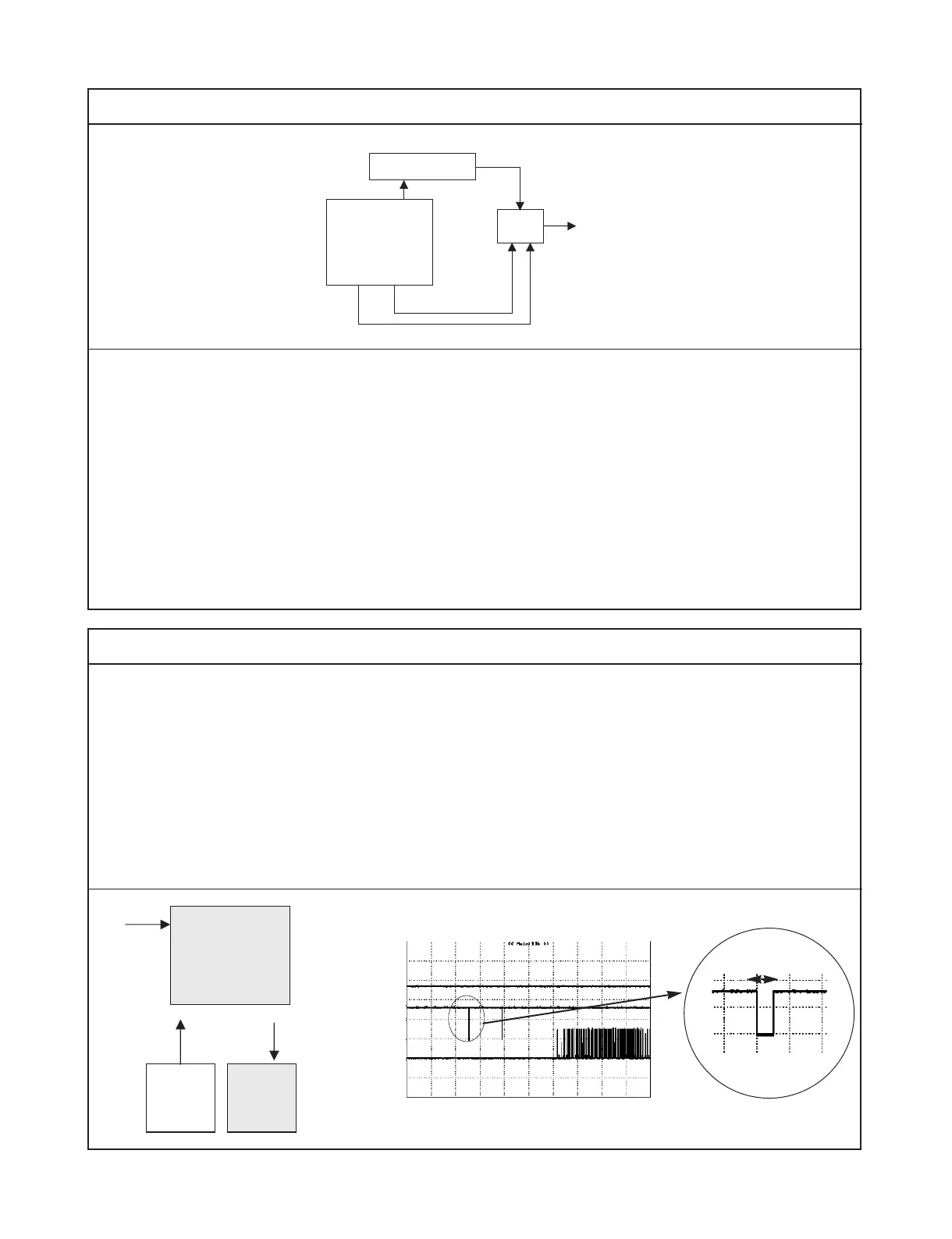
Check the followings
1) Check the video output mode. if the output mdoe is progressive - on, there is no composite signal.
the output mode should be changed to progressive - off
2) Check the buffer IC and MPEG, and then replace.
Let’s look over the initial step of DSP
1) First. DSP IC receive the DSP - Reset from
MPEG
2) This reset signal get DSP initialized and DSP is
ready to do first step for servo
3) PC[o] from DSP is the test signal for checking
the PLL- loop
4) after checking the PLL-loop, the second step is
followed. the second step will be explained on
next page…..
if PC[o] doesn’t appear, check DSP and
replace.
/DSP-Reset
Vcc(3.3V)
50ms
DSP Reset period
PC[o]
8. Checking the first step of servo (1)



 To Next Page