10
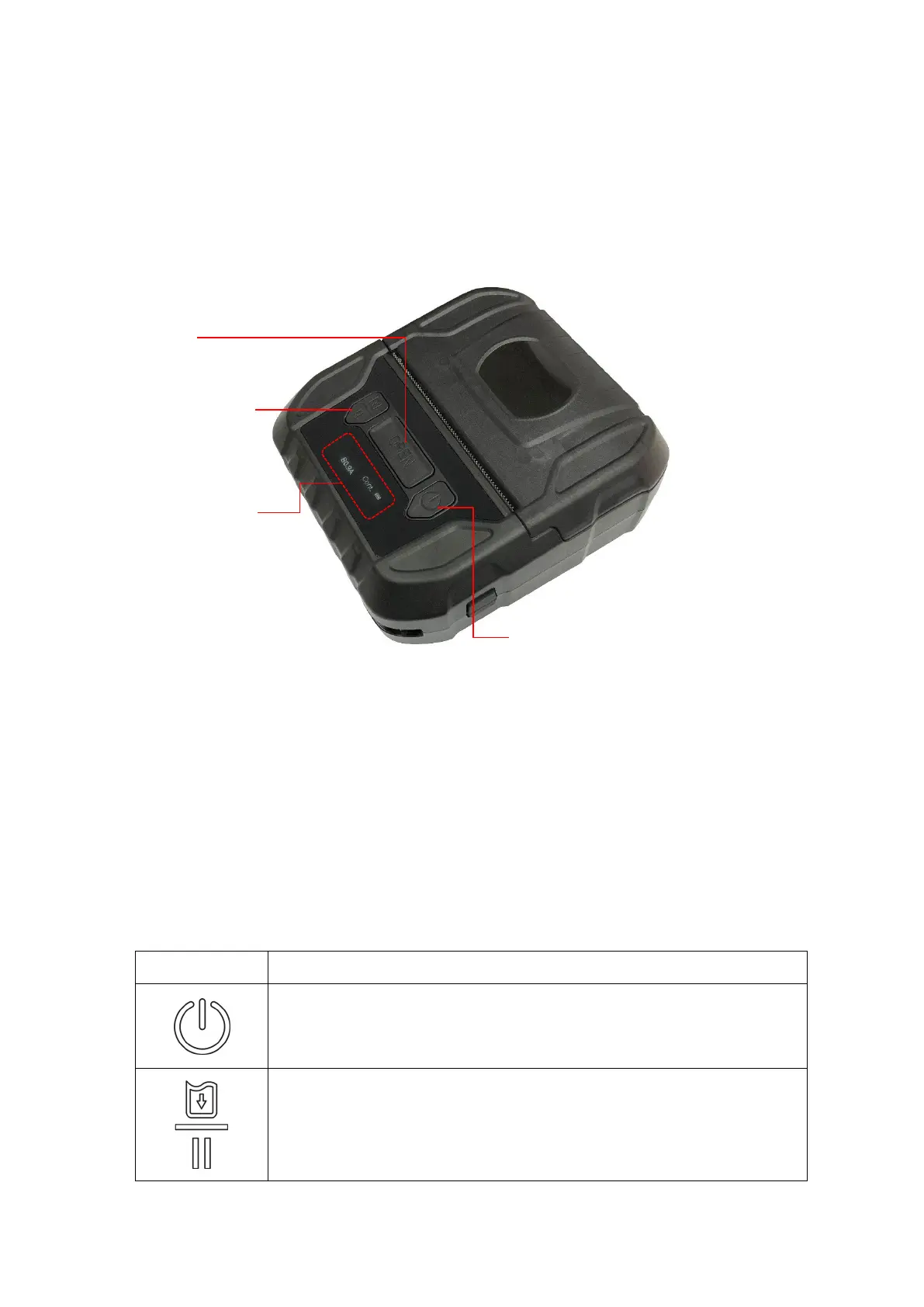
2.3 Operator control
2.3.1 LCD Indication and Keys
1. Power on/ off button
2. Media cover release button
3. Feed/ Pause button
4. LCD screen (indicates battery status/ media type/ firmware version/ BT
MAC address/ error messages)
1. Press and hold for 2-3 seconds to turn on the printer.
2. Press and hold for 2-3 seconds to turn off the printer.
1. Ready status: Feed one label
2. Printing status: Pause the print job
4
3
2
1



 To Next Page