12
2.3.2 Battery Charging Cycle
1. Charging the battery when the printer turns on.
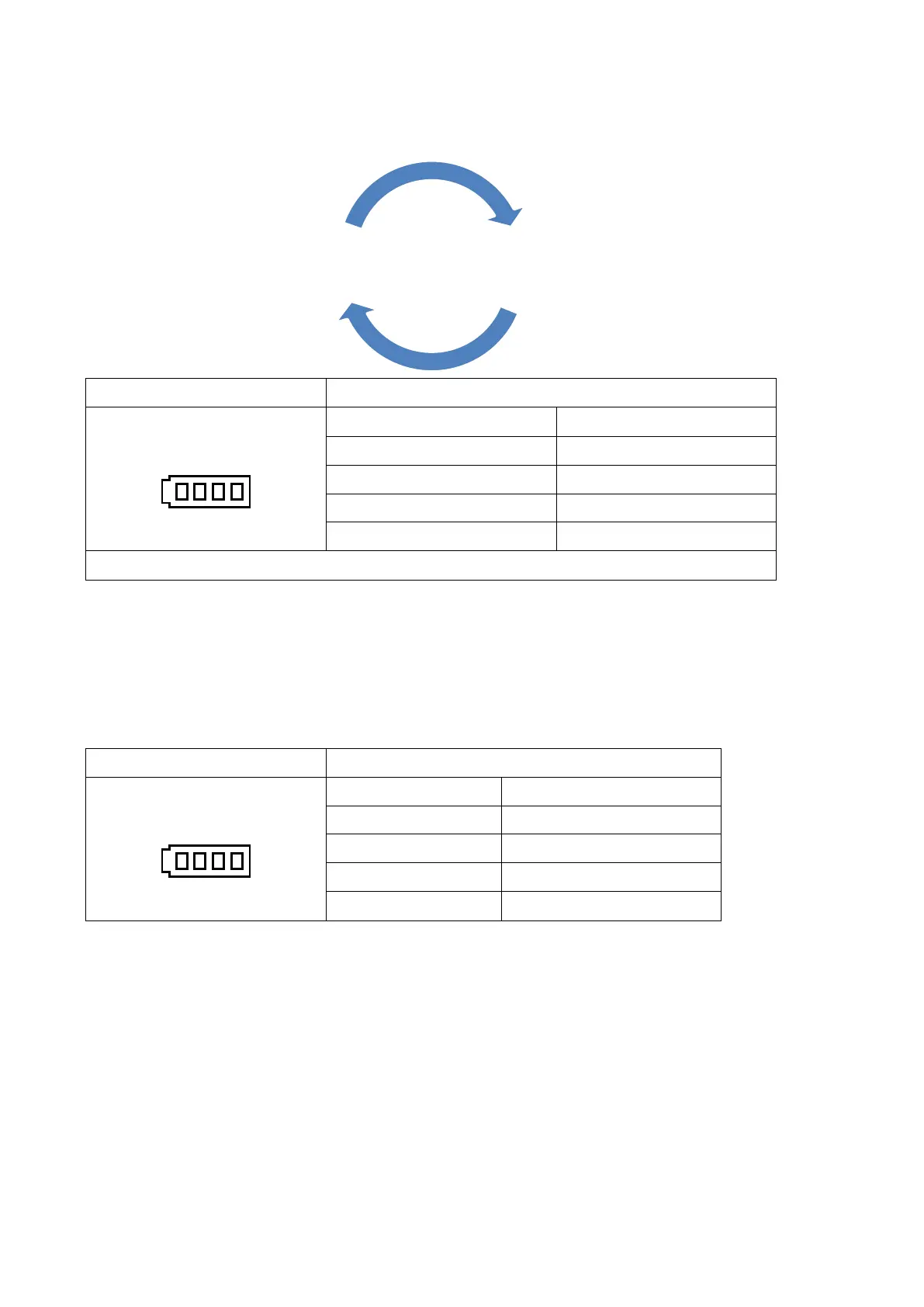
Charging cycle LCD version
1. Charging the battery when
the printer turns on.
1 block blinking Charging level: 0~25%
2 blocks blinking Charging level: 25~50%
3 blocks blinking Charging level: 50~75%
4 blocks blinking Charging level: 75~100%
Solid 4 blocks Charging level: 100%
2. Fully charged then turn off the printer automatically.
Note:
After the battery was fully charged and stopped print job for a while, the printer will automatically
turn-off.
2. Charging the battery when the printer turns off.
Charging cycle LCD version
Charging the battery when
the printer turns off.
1 block blinking Charging level: 0~25%
2 blocks blinking Charging level: 25~50%
3 blocks blinking Charging level: 50~75%
4 blocks blinking Charging level: 75~100%
Solid 4 blocks Charging level: 100%
Note:
After the battery was fully charged and stopped print job for a while, the printer will
automatically turn-off.
Charging mode
Fully charged then turn off
the printer automatically.



 To Next Page