25
5.3 Printer Initialization
Printer initialization is used to clear DRAM and restore printer settings to defaults.
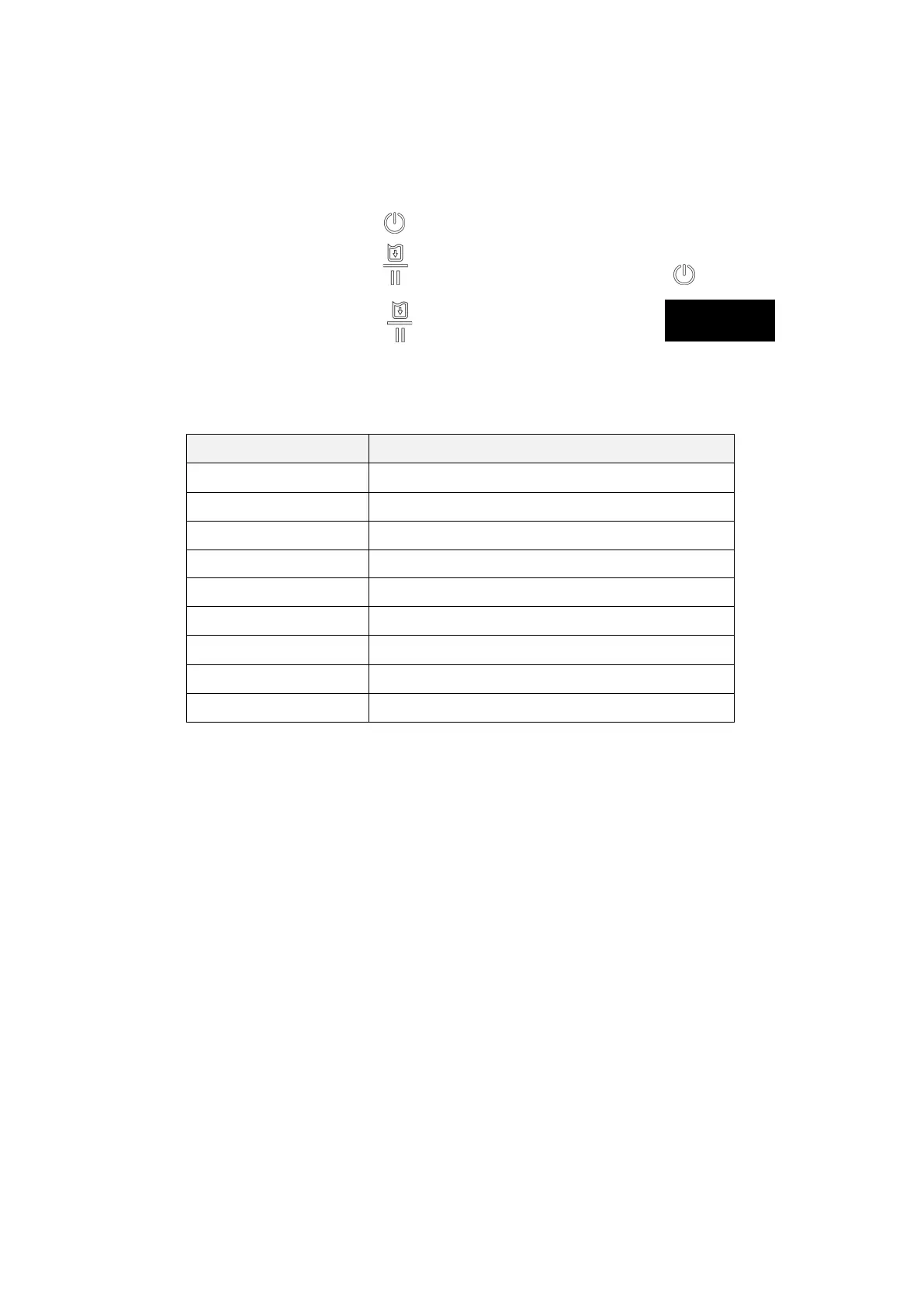
Printer initialization is activated by the following procedures.
1. Turn off the power switch ( ).
2. Hold on the FEED button ( ) then turn on the power switch ( ).
3. Release the FEED button ( ) when the indicator becomes and
blinking. (Any blink will do during the 5 blinks).
Printer configuration will be restored to defaults as below after initialization.
Parameter Default setting
Speed 50.8 mm/sec (2 ips)
Density 8
Media Width 2.84” (72 mm)
Media Height 4” (101.5 mm)
Print Direction 0
Reference Point 0,0 (upper left corner)
Offset 0
Code Page 850
Clear Flash Memory No



 To Next Page