21
5. Power-on Utilities
There are three power-on utilities to set up and test printer hardware. These utilities are
activated by pressing FEED button ( ) then turning on the printer power
simultaneously and release the button at different positions of LCD indicator.
Please follow the steps below for different power-on utilities.
1. Turn off the printer power switch ( ).
2. Hold on the FEED button ( ) then turn on the power switch ( ).
3. Release the button ( ) when LCD indicates with different positions for different
functions.
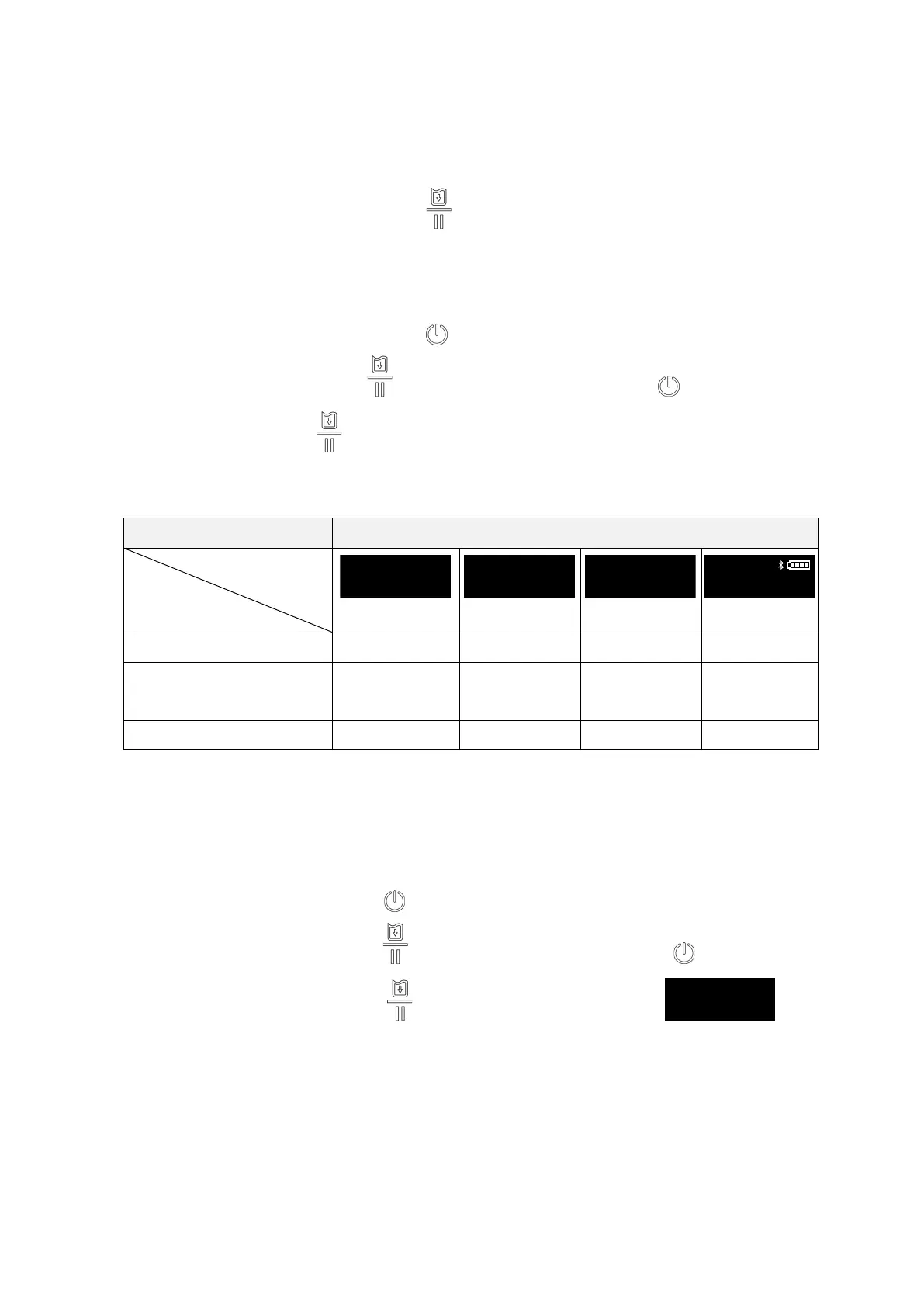
Power on utilities The LCD monitor will be changed as following pattern:
LCD monitor
Functions
(5 blinks)
(5 blinks)
(5 blinks)
(Ready)
1. Media sensor calibration
Release
2. Self-test and enter dump
mode
Release
3. Printer initialization
Release
5.1 Media Sensor Calibration
Please follow the steps below to calibrate the media sensor.
1. Turn off the power switch ( ).
2. Hold on the FEED button ( ) then turn on the power switch ( ).
3. Release the FEED button ( ) when the indicator becomes and
blinking five times (Any blink will do during the 5 blinks).
4. It will calibrate the media sensor sensitivity.



 To Next Page