42
零度智控(北京)智能科技有限公司
TakingPhotos/VideoRecording
Photos
Insingleshotmode,everytimeyouclickthe
“Shutter”icon,DOBBYwilltakeonephoto.
Inburstshotmode,everytimeyouclickthe
“Shutter”icon,DOBBYwilltakeaseriesofphotos.
Youcantakephotosusingthevolumecontrol(+/‐)onyourmobiledeviceorearphones. Itisthesamemethodas
usingthe
“Shutter”icon.
Thedefaultphotoshootingmodeissettosinglesh ot.Youcanswitchbetweensingle
shot/burstshotmodeandsettheamountofphotostakeninburstshot(thedefaultamountis
3photos)in“Mode/Parameters/Settings”–“Mode”.Pleaserefertothe
“Mode/Parameters/Settings”sectiononpage14.
Timedphotosareturnedoffbydefault.Youcanswitchthisfunctiononin“TimedPhotos”andset
thedelayti me. Pleaserefertothe“TimedPhotos”sectiononpage14.
VideoRecording
Holdthe
“Record”icontobeginrecordingontherecordinginterface.Clickthe “StopRecording”iconto
stoprecordingandreturntothemainuserinterface.
Thereisnotimelimitforvideorecording.Thevideolengthwillappearonthe
bottomofthescreen.
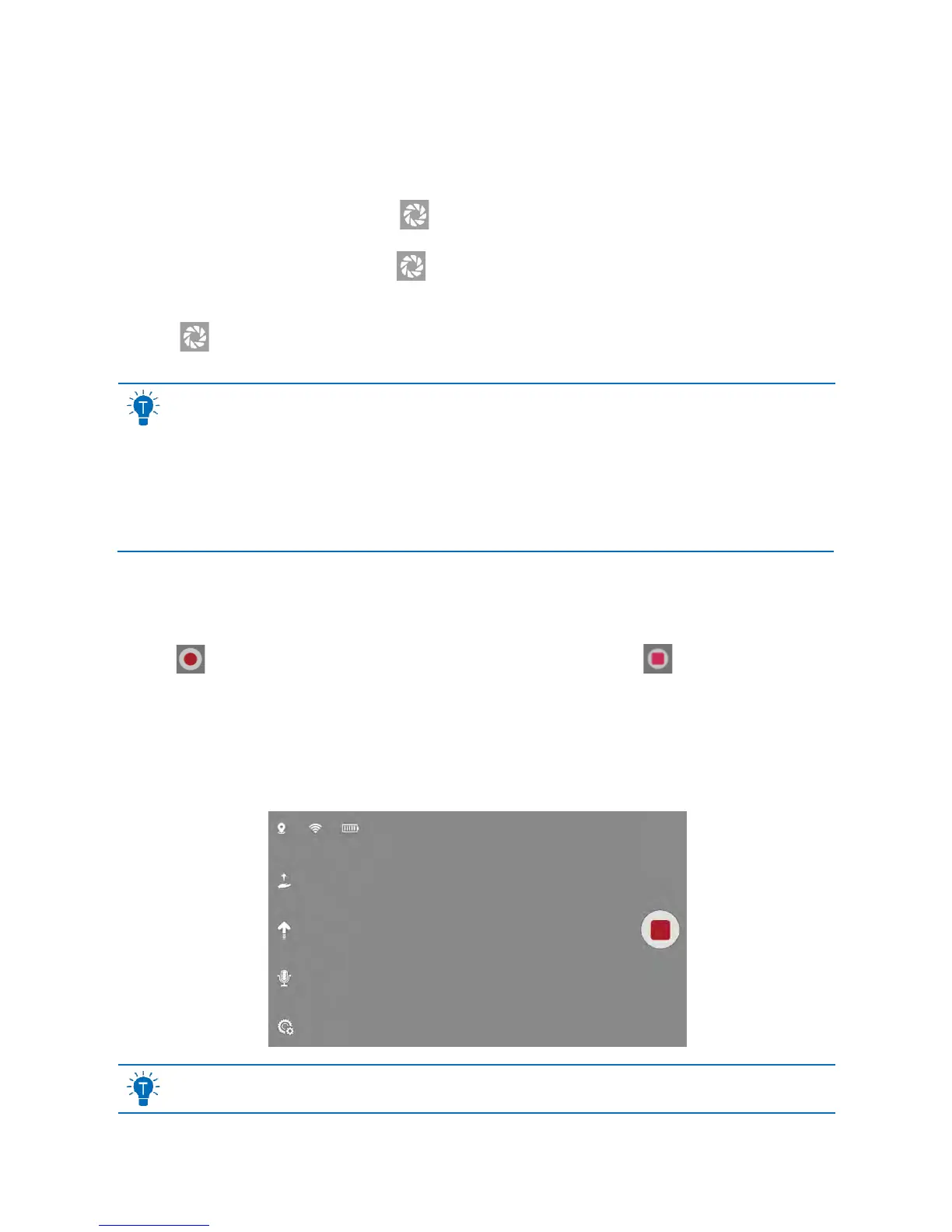
Thevideorecordingscreenlookslikethepicturebelow:
Youcanusethemotioncontrollerandswipecontrolforflightwhilerecording.



 To Next Page