44
零度智控(北京)智能科技有限公司
Ontheshortvideointerfaceclickthe “Rec or d” icontorecordavideo.
DOBBYwillflyinthedirectionofthesetflightpathanglelens.Removingyourhandfromthescreenwill
stoprecordingandDOBBYwillautomaticallyflybacktowardsyou.Youcanalsorecordshortvideos
duringDOBBY’sreturnflight.
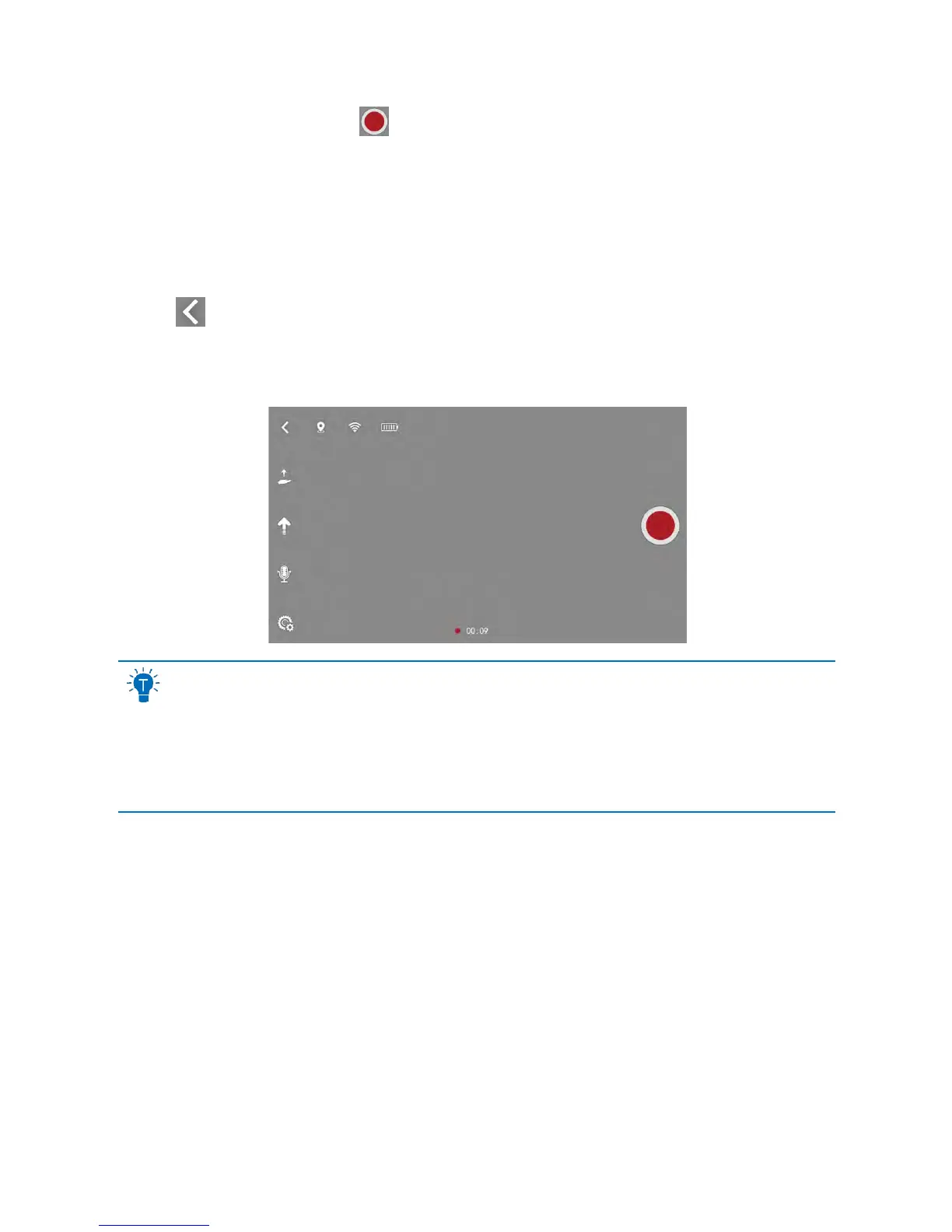
Shortvideoscanonlybe10slong,therecordingtimewillappearonthe
bottomofthescreen.
Clickthe
icononthetoplefthandcornertoreturntothemainuser
interface.
Theshortvideoscreenlookslikethis:
Youcanselecttheflightpathanglelensin“Settings”–“Mode/Parameters/Settings”.Pleaserefer
tothe“Mode/Parameters/Settings”sectiononpage14.
Theflightpathanglelensneedstocorrespondtothecamera’spitchangle.Thecamera’spitch
anglecanbeadjustedbyhand.Pleaserefertothe“Camera”sectiononpage10.
YoucanonlyusetheshortvideofunctionwhileusingtheGPSpositioningsystem.
Usingthemotioncontrollerorswipemethodwillexitshortvideorecordingmode.
ImageStabilization
Theimagestabilizationfunctionstabilizesvideopicturewhilstyouarerecordingtominimizeshakiness.We
suggestyouuseitduringbothvideorecording andthe10auto‐trackvideoshooting.
Openingtheimagestabilizationfunction:Goto“Mode/Parameters/Settings”‐“Settings”.Selecttheflightpath
anglelensin10sauto‐trackvideoshootingandturnontheimagestabilizer.Everytime youopentheappyouwill
needtoturnontheimagestabilizerag ain.
Closingtheimagestabilizer:Whentheaircraft’stemperaturereaches70°Corifyouexittheapp,theimage
stabilizerwillturnoffautomatically.
VoiceControl



 To Next Page