65xx-A1 Family Router Users Guide 85
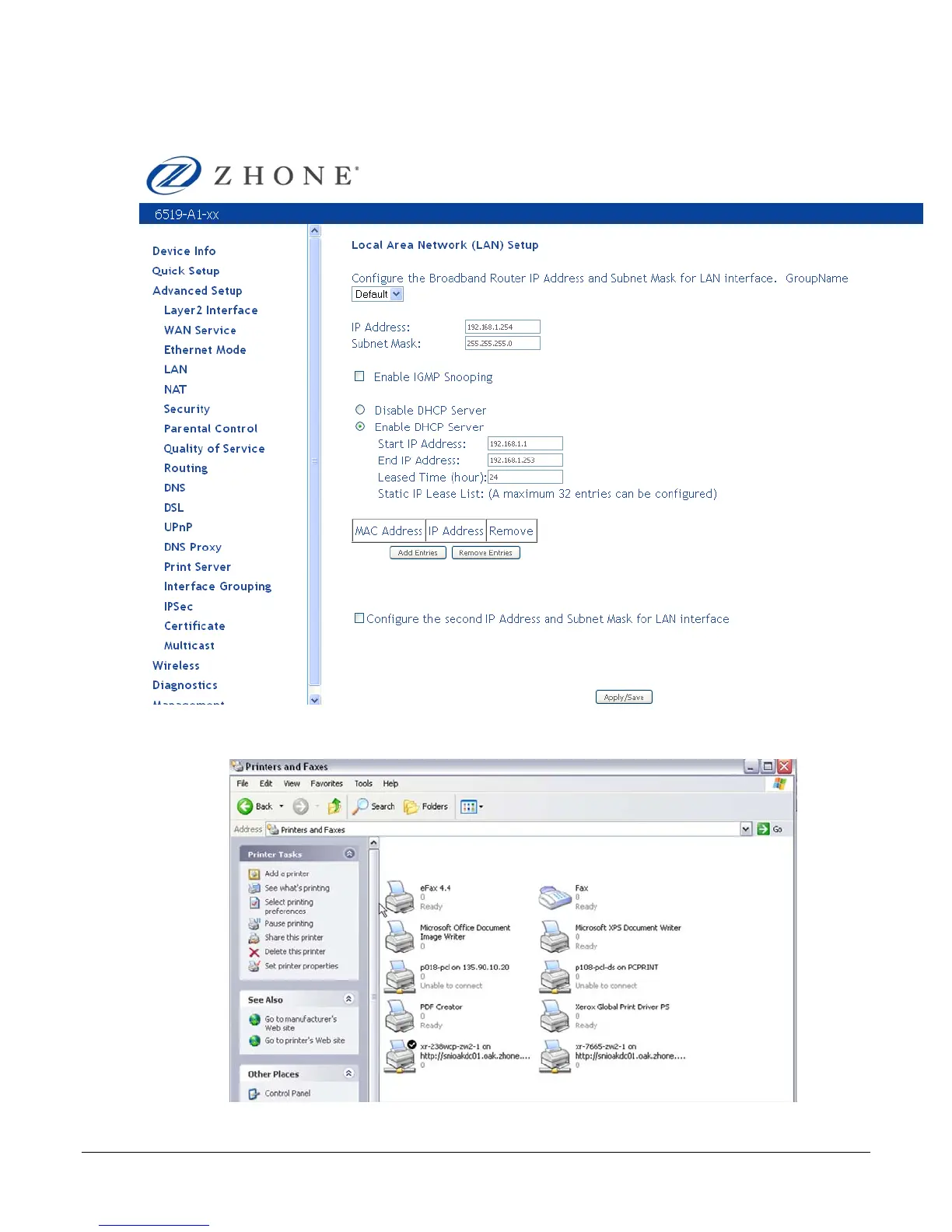
The following example uses a router IP Address as 192.168.1.254, as shown in the LAN Setup
page. Normally, the router default IP address is 192.168.1.1.
2. Click Add a Printer from the Printers and Faxes Control Panel computer, then click Next.
3. Select Network Printer and click Next.


 To Next Page
 Loading...




