65xx-A1 Family Router Users Guide 86
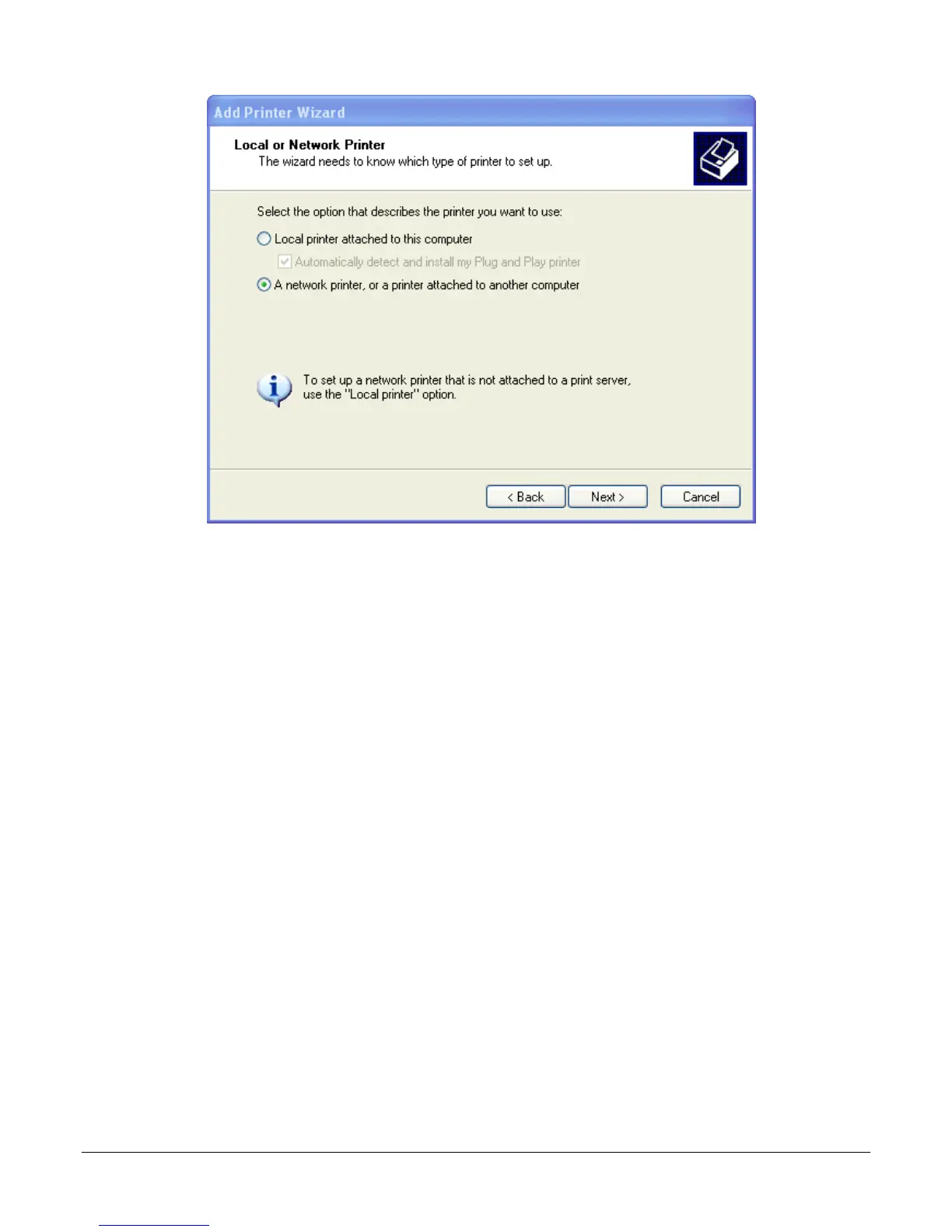
4. Select Connect to a printer on the Internet and enter the IP address of the printer.
For example: http://192.168.1.254:631/printers/CanonMP250 and click Next.
The syntax is
http://<modem_IP_Address>:<Port ID>/printers/<Printer_Name>
Where
<modem_IP_Address> is the Modem LAN IP Address, the default IP Address is 192.168.1.1
<Port_ID>: fixed at 631
<Printer_Name> must be the same name entered in the modem Printer Server Setting as
described in Step 1.


 To Next Page
 Loading...




