Handleiding Internet van Ziggo 75
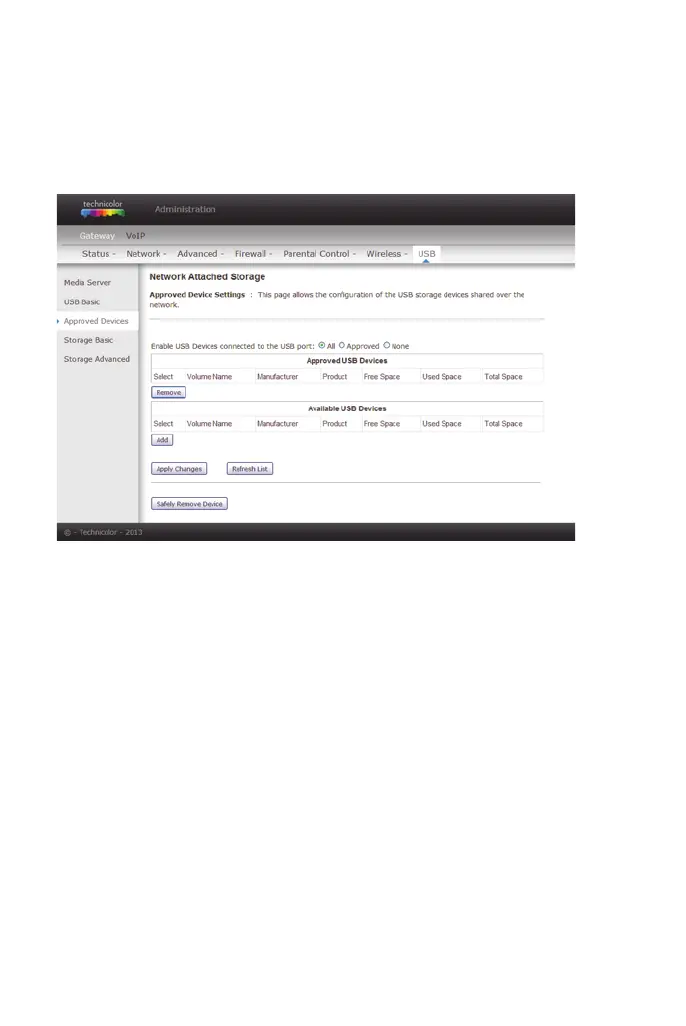
4.8.3 Approved Devices settings
This page allows the configuration of the USB storage device(s) shared over the
network.
Add Available USB Devices as Approved USB Devices then apply changes. If
you want to remove USB devices, propose you press Safely Remove Device
button first.
figure 59: Gateway/USB/Approved Devices


 To Next Page