28
8010001002
X Series User’s Manual Chapter 2 Installation & Operation
Operation
Power Switch
The power switch is on the rear of the printer. The symbols on the switch are defined as follows:
“━” —— ON position.
“〇” —— OFF position.
Front Panel
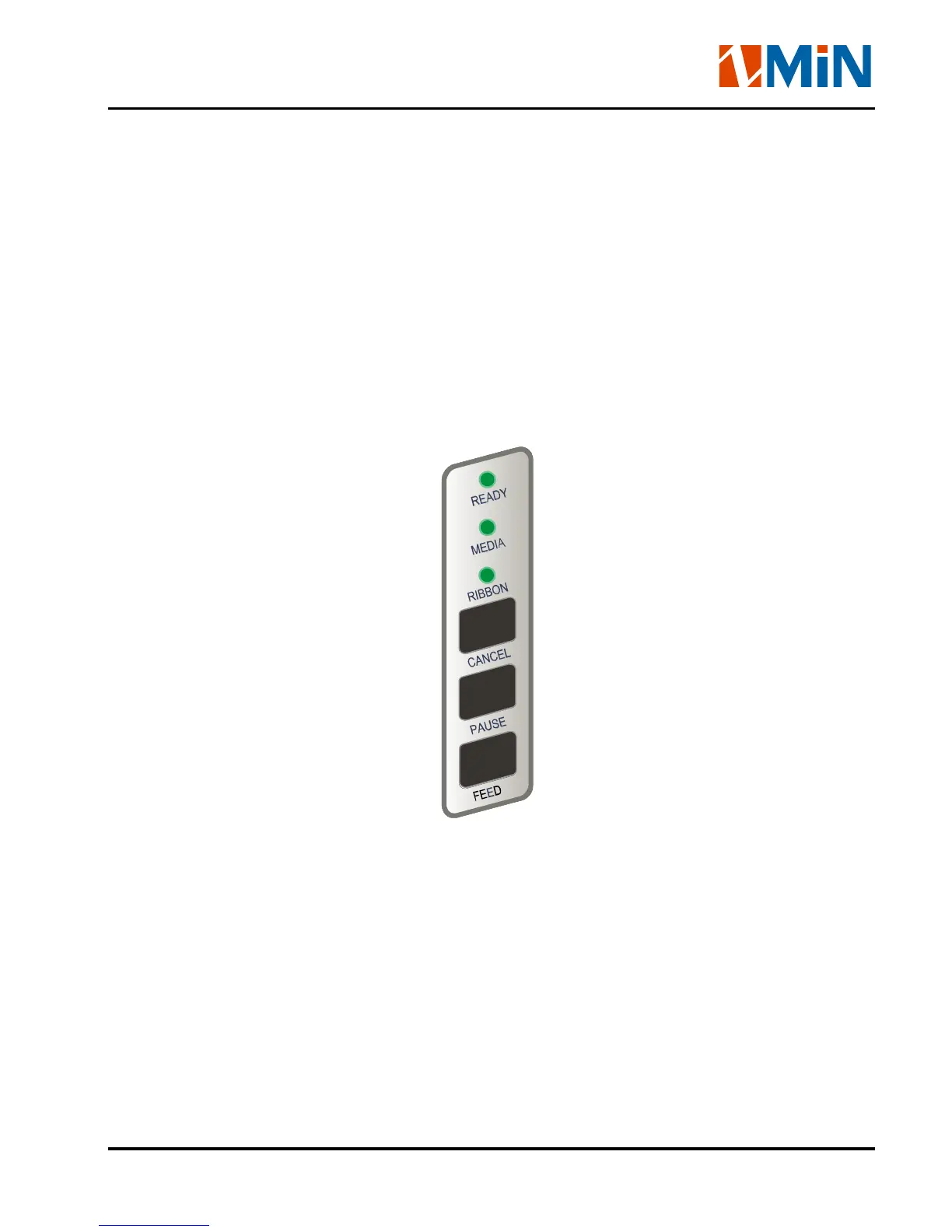
The Front Panel of the printer consists of:
- Three Indicator Lights: MEDIA, READY and RIBBON
- Three function Keys: PAUSE, FEED and CANCEL


 To Next Page