36
8010001002
X Series User’s Manual Chapter 4 Troubleshooting
Chapter 4 Troubleshooting
Occasionally situations occur that require some troubleshooting. Possible issues and potential
solutions are listed in this section. While not every situation is addressed, you may find some of
these tips useful.
Error Indications
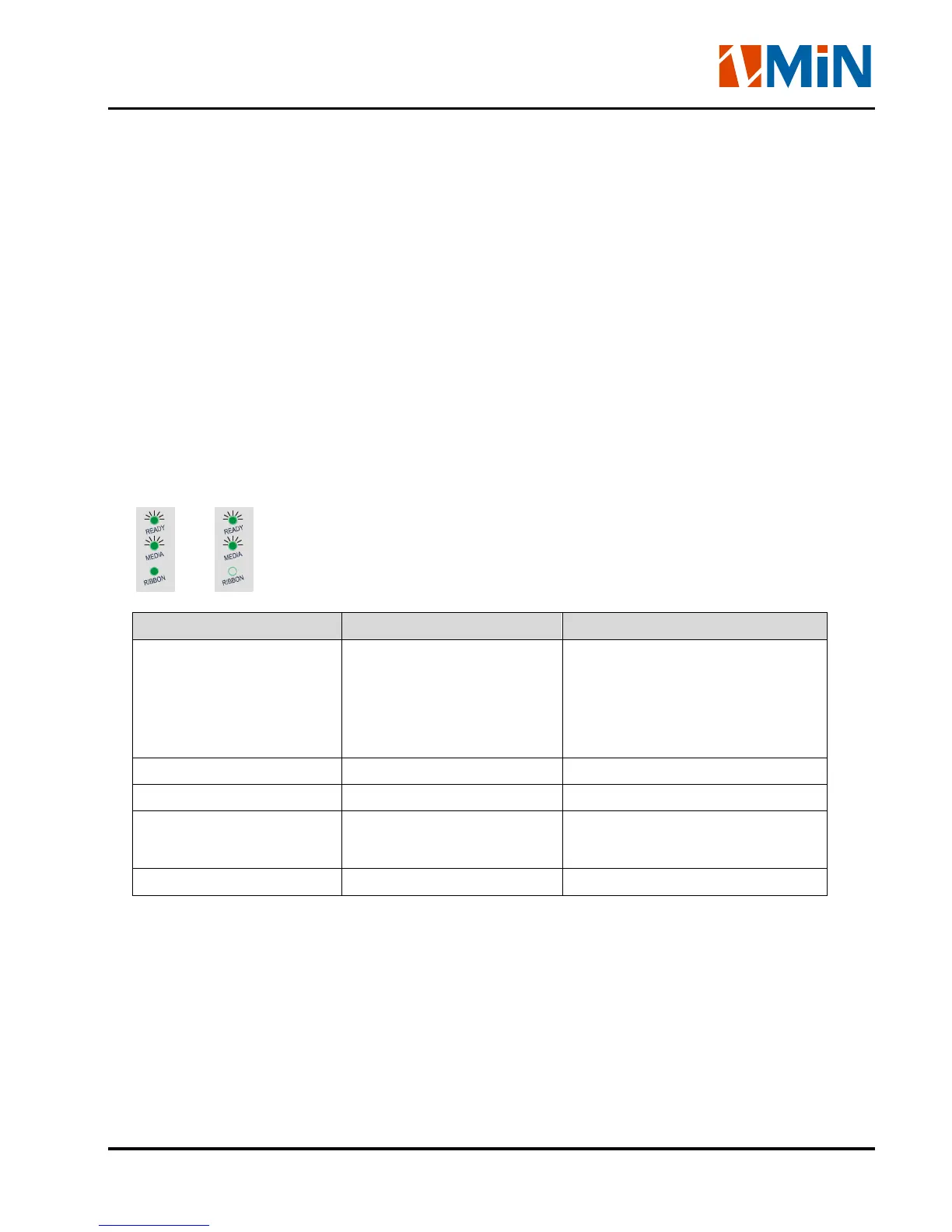
Typically, when the printer is not functioning, one or two of the three indicator lights will begin flashing.
The possible situations addressed by the status of the three indicator lights are listed below.
READY and MEDIA lights flash simultaneously
or
Possible Cause Recommended Solutions Remarks
Cannot detect the media
gap or black line
(1) Check the media path
(2) Check the position of
the media sensor
(3) Perform media sensor
calibration
If you are using continuous media,
be sure you have the correct
settings in your software
Media run out Load a roll of media
Media jam Clear the jam
The Media Roll Guides are
not firmly positioned
against the media
Adjust the Media Roll
Guides to firmly press
against the media
Media sensor error Service media sensor


 To Next Page