9
SECTION 1 – INSTALLATION
CHECK CLEANER FLOW
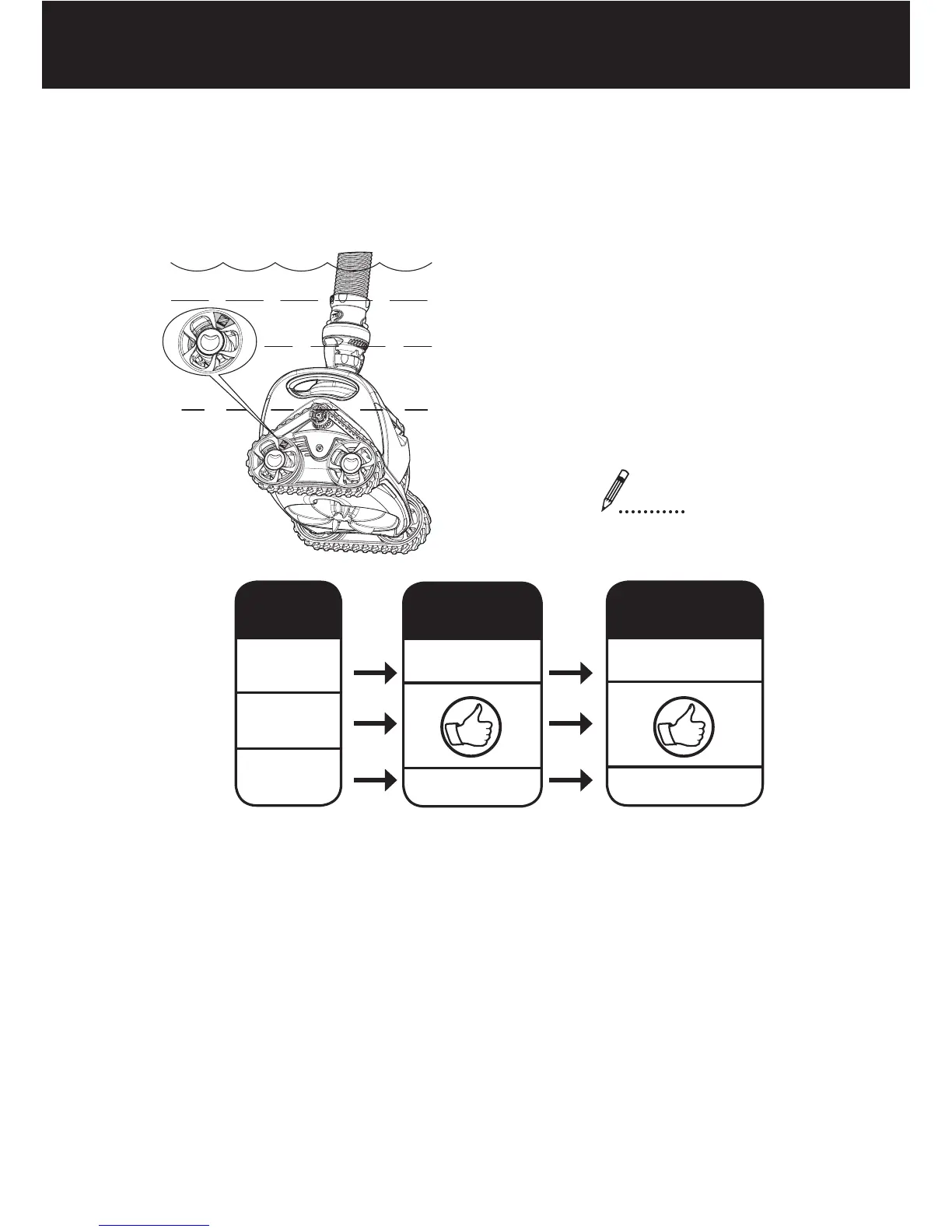
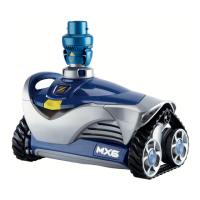
When holding the MX
™
6 head under water, watch the yellow wheel
marker, use a stopwatch to time 10 wheel rotations.
Wait for wheels to change
direction, then begin
counting. If wheel reverses
during timing, start over.
10 rotations
seconds
IF
+
_
.
...
.
Time is...
26-50
20-25
10-19
Result...
Poor Performance
Possible Damage
Adjust Flow...
Increase Flow
Decrease Flow
Adjust flow as described on the next page


 To Next Page