EasyManua.ls Logo

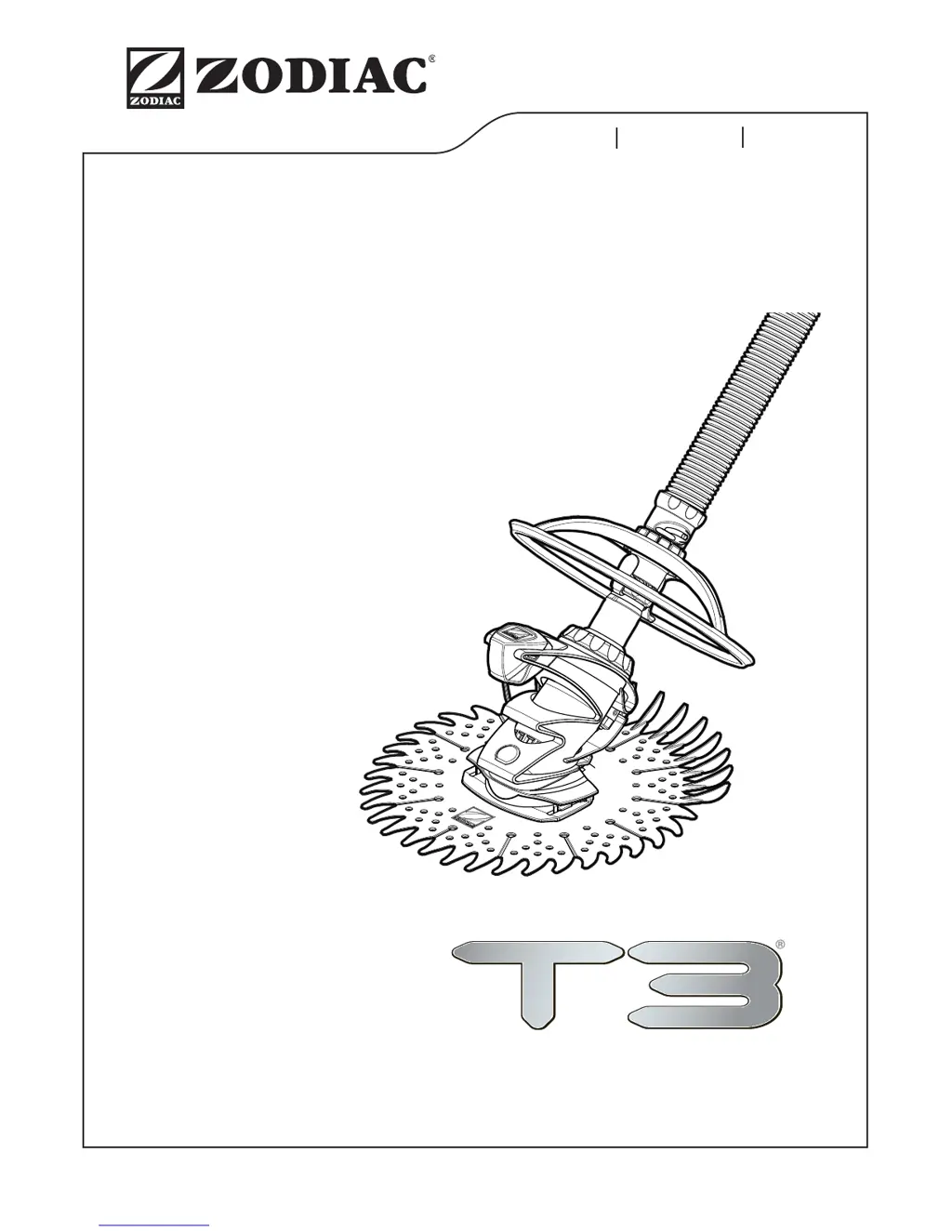
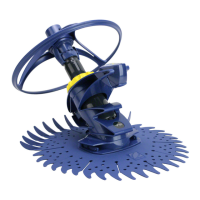
Zodiac T3 - User Manual

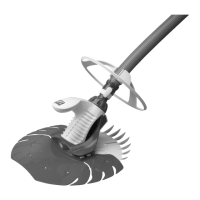
Zodiac T3
38 pages
Print Icon
To Next Page IconTo Next Page
Loading...
OWNER'S MANUAL
ENGLISH FRANÇAIS ESPAÑOL
H0370000 Rev B
T3 MANUAL COVER

Other manuals for Zodiac T3

Questions and Answers

  • V
    victoria60Jul 26, 2025
    Why my Zodiac T3 Swimming Pool Vacuum does not move?
    • S
      Sophia SmithJul 26, 2025
      To address slow or absent movement in your Zodiac Swimming Pool Vacuum, consider these points: * Adjust the flow rate using the flow switch. * Ensure the bottom plug hole is properly closed. * Inspect the diaphragm for blockages, damage, or wear. * Clean the filter and empty the pump strainer. * Eliminate air from the system by checking hose connections, tightening pump connections, and verifying the pump strainer's O-ring condition.
  • B
    bellstevenJul 30, 2025
    What to do if my Zodiac T3 Swimming Pool Vacuum remains on the walls?
    • D
      Dawn MyersJul 30, 2025
      To prevent your Zodiac Swimming Pool Vacuum from remaining on the walls or edges of the pool: * Adjust the flow rate using the flow switch, setting it to position 2. * Ensure the counterweights are positioned correctly, 1 meter from the cleaner.
  • J
    jonathan31Aug 3, 2025
    Why my Zodiac T3 T5 Duo does not climb the walls?
    • L
      Lisa ParkerAug 4, 2025
      To improve wall climbing with your T5 Duo Zodiac Swimming Pool Vacuum: * Check the flow rate corresponds to setting 3 using the flow switch. * Verify the counterweights are positioned 1 meter from the cleaner.
  • S
    Stanley RayAug 8, 2025
    How to improve the coverage of my Zodiac T3?
    • J
      John MartinezAug 8, 2025
      If your Zodiac Swimming Pool Vacuum isn't covering the entire pool surface, try these adjustments: * Adjust the flow rate using the flow switch. * Reduce the flow rate to keep the cleaner away from the walls. * Make sure the discharge nozzles are facing downwards. * Check for tangled or coiled hoses; straighten them in the sun if needed. * Position the counterweights correctly, 1 meter from the cleaner. * Confirm the motor rotates freely within the cleaner's body. * Verify the hose length is correct.
  • S
    Sandra RiceAug 13, 2025
    Why my Zodiac T3 does not stay on the bottom?
    • G
      Gary ButlerAug 13, 2025
      To help your Zodiac Swimming Pool Vacuum stay on the pool bottom: * Check the position of the counterweights on the hose. * Test and increase the flow rate if needed.
  • V
    Victoria SmallAug 17, 2025
    How to prevent my Zodiac T3 Swimming Pool Vacuum from getting stuck at the steps?
    • J
      Jeffrey SmithAug 17, 2025
      To resolve your Zodiac Swimming Pool Vacuum getting stuck at the steps: * Adjust the flow rate using the flow switch. * Check and shorten the hose length if necessary. * Use the discharge nozzles to guide the cleaner. * Reposition the wheel deflector on the hose for better contact.
  • S
    scott94Aug 21, 2025
    What to do if my Zodiac Swimming Pool Vacuum T5 Duo goes beyond the water line?
    • I
      iramirezAug 21, 2025
      To stop your T5 Duo Zodiac Swimming Pool Vacuum from going beyond the waterline, reduce the flow rate.

Summary

Important Information and Safety Warnings

Suction Entrapment Hazard Warning

Critical safety warning about suction entrapment risks during installation and operation.

Vinyl Liner Pool Installation Precautions

Guidance on inspecting vinyl liners before cleaner installation to prevent damage.

Customer Service and Support Contact

Introduction to the Zodiac T3 Pool Cleaner

Pool Cleaner Installation Guide

Pool Preparation for Installation

Steps to prepare the pool, including vacuuming, closing the drain, and adjusting return lines.

Hose Assembly and Weight Placement

Instructions for connecting hose sections and positioning the hose weight for optimal performance.

Connecting the Cleaner Hose

Hose Connection Safety Warning

Reiteration of suction entrapment hazard warning specific to hose connection procedures.

Connecting to Dedicated Suction Line

Procedure for connecting the cleaner hose to a dedicated suction line fitting.

Connecting to Pool Skimmer

Instructions for connecting the cleaner hose to a pool skimmer, including FlowKeeper valve use.

Testing and Adjusting Cleaner Flow

Connect the Wheel Deflector Ring

Connect the Cleaner

Cleaner Connection Safety Warning

Warning to turn off the pump before submerging and connecting the cleaner.

Operation and Maintenance

Fine Tuning Cleaner Performance

Optimize cleaning coverage by adjusting hose balance and return line direction.

Routine Maintenance Procedures

Steps for maintaining performance, including hose care, part inspection, and filter cleaning.

Clearing the Diaphragm

Diaphragm Maintenance Warning

Warning to turn off the pump before checking or removing the diaphragm for blockage.

Inspect and Clear Diaphragm Blockage

Procedure for inspecting and clearing debris from the cleaner's diaphragm.

Diaphragm Removal and Reinstallation

Detailed steps for removing the diaphragm and reinstalling it correctly.

Storage and Winterizing

T3 Parts Diagram and List

Troubleshooting Common Issues

Cleaner Movement Issues

Solutions for when the cleaner does not move or moves slowly.

Cleaning Pattern Issues

Addressing issues with coverage, walls, or edges of the pool.

Cleaner Stuck at Steps

Guidance on resolving when the cleaner gets stuck at pool steps.

Cleaner Not Climbing Walls

Troubleshooting steps for when the cleaner fails to climb pool walls.

Zodiac T3 Specifications

General IconGeneral
Pool TypeIn-ground
Warranty2 years
Pool SurfaceConcrete, tile, vinyl, fiberglass
Cleaning CoverageFloor and walls
Power SourcePool Filtration System
Weight18.5 lbs
TypeSuction-side pool cleaner

Related product manuals