ECG MONITORING 740 SELECT
21-22-0335 Rev D Page 12 of 40
GETTING STARTED WITH ECG
To begin monitoring ECG, use the following procedure:
1. Connect the ECG Patient Cable to the Monitor
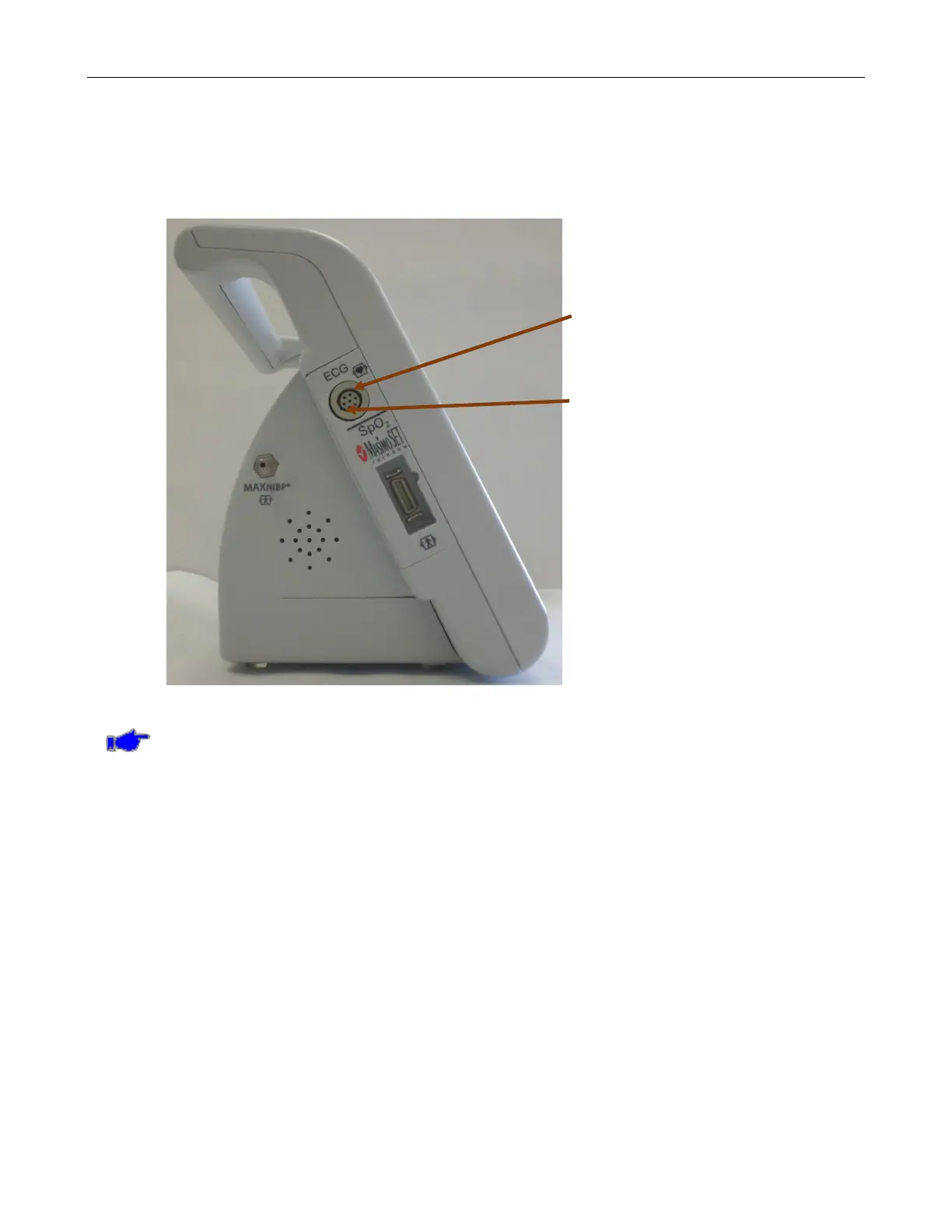
Locate the ECG Patient Cable Receptacle on the side of the Monitor. Refer to Figure 1.
ECG Patient Receptacle on Monitor
Receptacle key
Figure 1: ECG Patient Cable Receptacle on left side of Monitor
Note: The ECG Receptacle is keyed so that the ECG Patient Cable can only be inserted
into the monitor in one orientation. The key on the Receptacle is located towards rear of
monitor.



 To Next Page